Summary
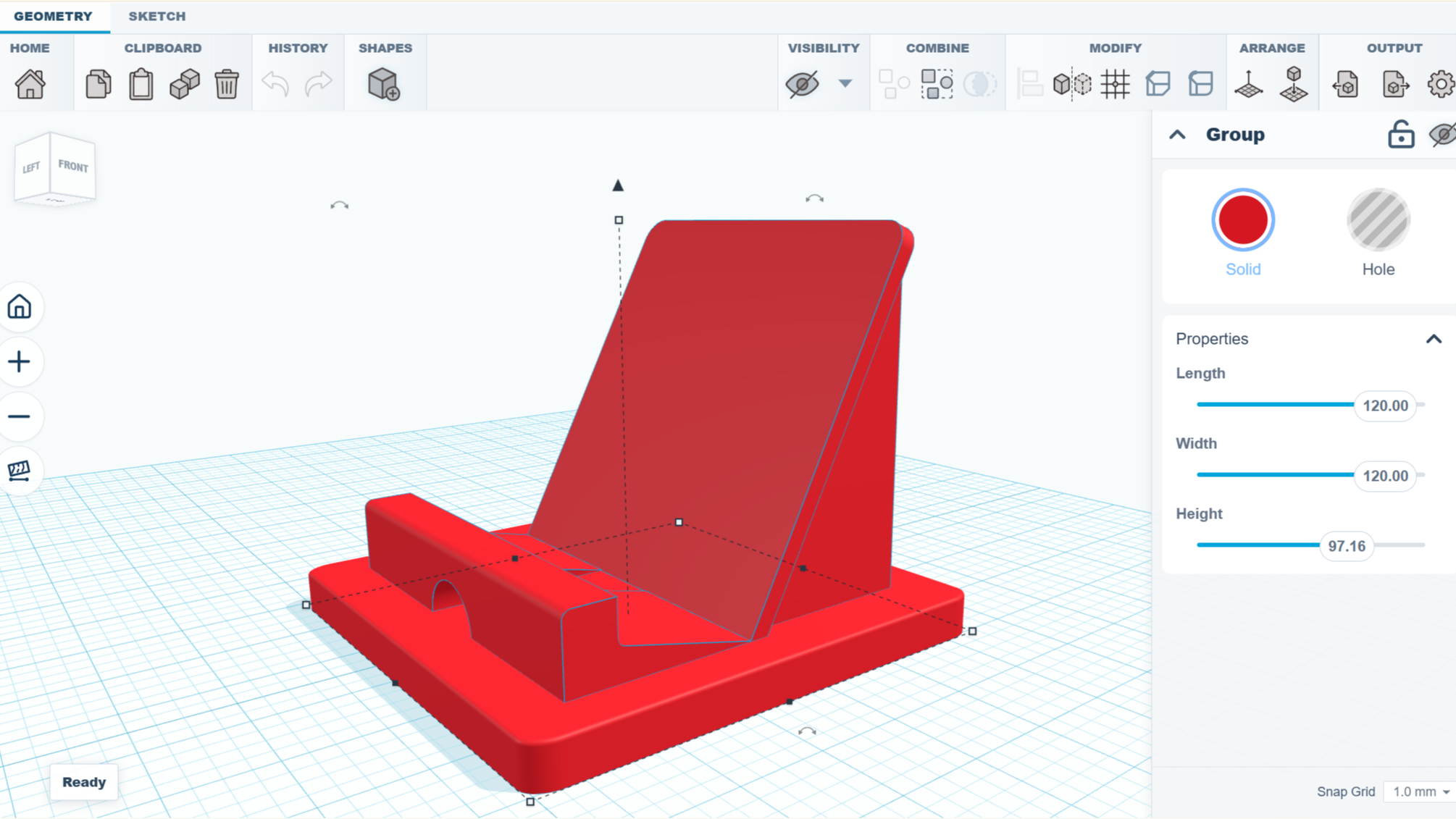
Got an idea and want to make a simple 3D model, but don’t want to install a full-fledged CAD modeling suite and queue up a few hours of tutorial videos? Check out SketchForge, a 3D modeling program that runs locally in one’s browser without any need for an account, or external services. SketchForge takes a more WYSIWYG approach to 3D modeling by making it easy to put an object together with primitive shapes, and making it extra easy to specify dimensions and align parts with one another. There’s also a sketch feature that makes it easier to create more complex shapes by making a 2D drawing, then extruding or revolving it into a solid. We like that it has STEP format export as an option, making it easy to import your creation into another CAD program of your choice later. Most 3D printer slicers natively support the STEP format nowadays, too. It’s a bit reminiscent of Tinkercad in concept, but entirely local. It’s still new, but there’s a demo online that gives a good idea of its capabilities if you’d like to give it a spin. We’re reminded of CaDoodle, another project that takes the “Tinkercad, but local” approach but as a standalone executable, instead of browser-based. Slick – i like it. ++ for Local Local, no installation: a win by any other name… not for me shrug but anecdotally, when i wanted to print a phone/tablet stand like in the cover photo (for video conferencing during rona), i decided that its complication (low) : amount of material (high) ratio was all wrong for 3d printing and i used a bit of plywood instead :) I’ll stick with SketchUp2017 while Materializr develops.