Summary
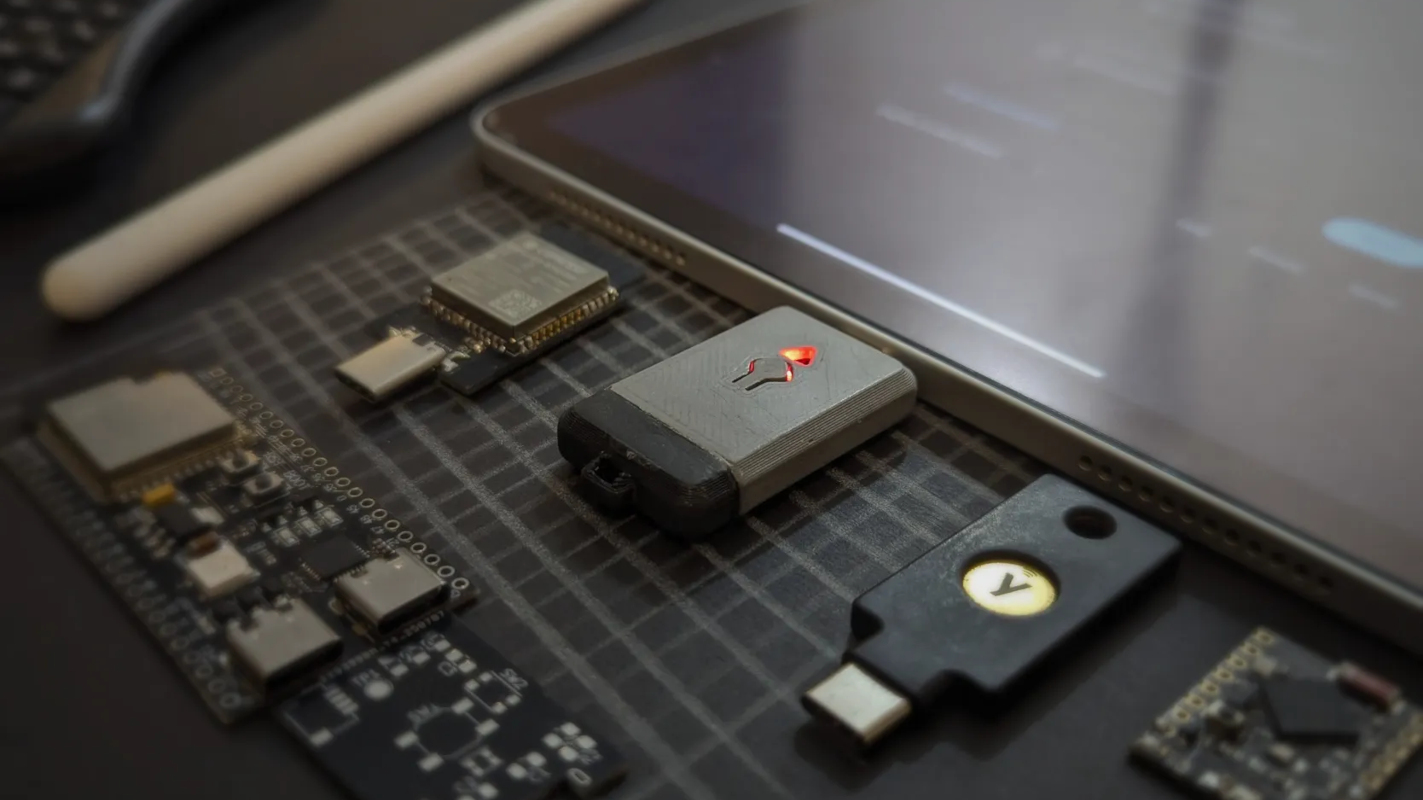
One of the easiest ways of improving security and privacy when using the Internet, and computers in general, is to use strong passwords unique to each site or service. A password manager makes this easy on your phone or computer, but what if you’re in a situation where you can’t install any software on the device you’re logging into? In that case, maybe it’s time to get out the Toothpaste. The way this creation from [brisk4t] works is that an ESP32-S3 is programmed to act as a keyboard and mouse for any computer it’s plugged into. From there, it connects over an encrypted WEB-BLE connection to another device like a laptop or smartphone. This second device can send text to the ESP32 acting using an extension for Chromium-based browsers, and the ESP32 sends it over the USB connection as if it were nothing more than a standard keyboard. This is all done without having to install any apps or drivers on the target machine, since any machine in the last two or three decades can recognize a USB keyboard and mouse with no problem. Not only does this allow for easy password input for awkward situations, this can also be used for BIOS where an app couldn’t be installed anyway, for air-gapped systems with no networking, or insecure systems the user doesn’t trust. If you don’t need quite as many bells and whistles, we’ve seen a similar technique pulled off with an ATtiny85. I don’t follow at all. What prevents the really shady computer from logging your keystrokes? I think the idea is just to bring the password manager to a PC/device you cannot install it onto not to be perfectly secure. You could wind up with a keylogger or clipboard sniffer on your phone or any other device you use your password manager on too. The keystroke logger only steals one password, not the password securing your entire password database, which is what I face when I install 1Password browser extension (granting access to thousands of passwords) on my work computer so I can do some of my personal stuff like amazon password when my mother calls. It would work well for IT, where they go to work on a random person’s PC. They don’t necessarily want to or even have the ability to log in as themselves fully. I can see uses for it, but nothing is a cure-all; there is no absolute fix for every situation. I have a workflow for this that doesn’t involve any custom hardware. You just need a barcode scanner and a local QR code generator. Most USB 2D barcode scanners just emulate a keyboard and type what they see so:
- Plug barcode scanner into locked down machine.
- Copy/paste the password you want to type into the QR generator.
- Scan the temporary QR code. I don’t love that passwords are being sent over insecure bluetooth, but I guess that’s par for the course these days with most keyboards. BLE is just a transport in this case, each packet is signed with AES-256-GCM. It does add latency but it certainly isn’t insecure. The ECDH keys are on a secure element on the hardware side and locked with a password on the WEB-BLE transmitter side. You can do the same with a 12$ LilyGO S3 dongle and Blue Keyboard: https://github.com/larrylart/blue_keyboard It even has a plugin for Keepass, so you can send (encrypted, I think) passwords directly from the app. so many emojis… jeez The locations that I can’t install my password manager have also disabled plugging in USB devices.