Summary
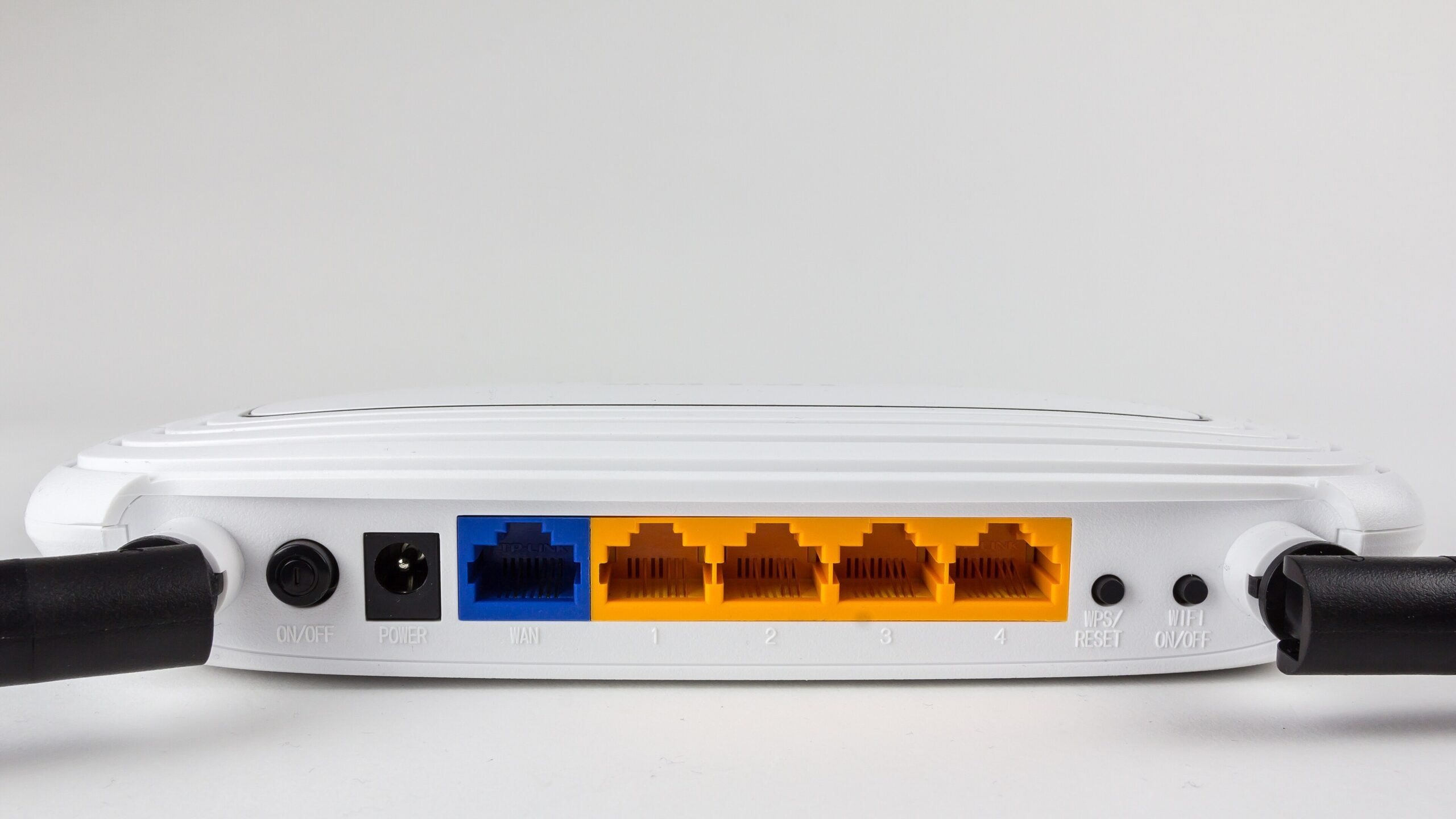
The button on the back of a NETGEAR router that has to be pressed with a paper clip is the factory reset control, and NETGEAR’s support page says holding it for seven seconds deletes the WiFi network name, the password and the other settings an owner entered. The page is article 9665 in the company’s knowledge base, last updated on 7 July 2025. NETGEAR calls the control the Restore Factory Settings or Reset button and places it on the back of the unit. Before it is used, the instructions say to check that the router’s Power light is on. The button is then pressed with a paper clip or similar object and held. What the seven seconds erase The wording on the page is direct. A factory reset “deletes all personalized settings including your user name, password, WiFi network name (SSID), and security settings,” NETGEAR says. That takes in the credentials used to reach the router’s administration pages as well as the network details every phone, laptop and television in the house was given when it first connected. NETGEAR glosses the SSID on the same line as the WiFi network name. With the name and the security settings among the items removed, saved connections no longer match what the router offers until the network has been set up again. The page also sets out when the step is called for: a factory reset “is necessary when you cannot recover your password.” Owners who switched on the router’s password recovery feature beforehand are sent instead to a separate NETGEAR article, “How do I recover my NETGEAR admin password using the password recovery feature?” The steps NETGEAR publishes The procedure on the page runs to five steps.
- Check that the router’s Power light is on.
- Locate the Restore Factory Settings or Reset button on the back of the router.
- Use a paper clip or similar object to press and hold that button for seven seconds.
- Release the button. The router resets.
- Log in again with the default credentials: User Name admin, Password password. A video clip demonstrating the same sequence is linked from the page and hosted on YouTube. Those defaults are the state the router comes back to, so the administration login used before the reset no longer applies. Setting a new user name and password, a new network name and new security settings is the work that follows, and NETGEAR links its own setup and installation articles for it. Seven seconds is NETGEAR’s figure, published for NETGEAR hardware. Other manufacturers set their own hold times and their own default login details, and the button carries different labels across brands. The number on this page does not transfer to another maker’s router; the figure that applies is the one in that manufacturer’s documentation for the model in hand. What has to be set up again Subscription services do not return on their own. Where a router has an active NETGEAR Armor or NETGEAR Smart Parental Controls subscription, NETGEAR says those services must be manually reactivated after a factory reset. The route given is the Nighthawk app: launch it, tap the Armor or Smart Parental Controls tile, then follow the prompts. For the rest of the rebuild the support page points to neighbouring articles: how to set up and install a NETGEAR router, how to install one using the router web interface, how to change the WiFi password or network name, how to log in to a NETGEAR home router, and a troubleshooting guide for wireless networks. The same seven-second instruction covers most of the company’s home range. NETGEAR lists the article as applying to 11 cable modems, 44 WiFi 5 routers, 46 WiFi 6 models, four WiFi 6E models, 19 WiFi 7 units, 11 gaming routers and 17 mobile routers, from the CM400 and the R6200 to the RAXE500 and the RS700. The instruction, the hold time and the default credentials are the same across all of them as published. The page keeps the reset in one narrow role. Where the password recovery feature was never enabled and the administration password cannot be recovered, the seven-second hold with a paper clip is the route NETGEAR documents, and the router restarts life on admin and password.