Summary
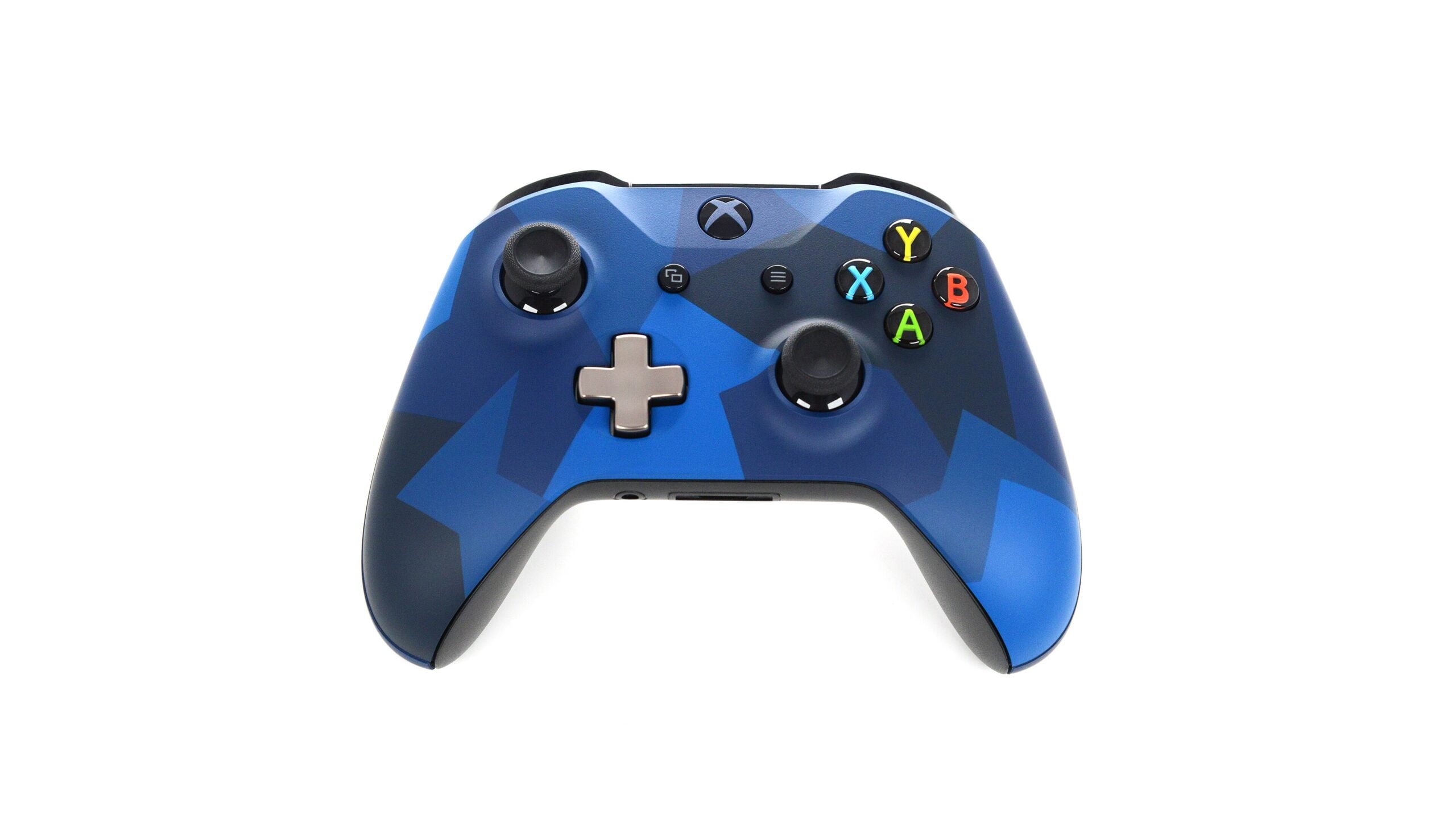
Alpha Skip-Ahead members of the Xbox Insider Program can now set the console Guide to open on the right side of the screen, one of three personalization options Microsoft described in an Xbox Wire post published on 12 November. The post, credited to Eden Marie, principal software engineering lead, and Judy Chen, senior product manager, also sets out a separate library category for disc-based games whose owners have claimed a digital license, and a way to save favorite dynamic backgrounds and have the console shuffle through them automatically. Access is limited for now. “Alpha Skip-Ahead members can try them first. We’ll bring them to more Xbox Insiders and players over time,” the post says. No date has been given for a wider release. The post runs under the headline “Available for Xbox Insiders: More Ways to Personalize Your Home, Library, and Guide” and frames the set in one line: “Keep your console Home fresh with rotating backgrounds, find games in your library more easily, or move the Guide to the other side of the screen.” The changes arrive with build 2702.261110-2200, listed in the Xbox Support Alpha Skip-Ahead release notes under OS version XB_FLT_2702GE\26100.10461.261110-2200. Those notes put availability at 3:00 p.m. PT on 12 November, with the update becoming mandatory at 3:00 a.m. PT on 13 November. The ring browse page lists it as “November 12, 2026 – Xbox Update Preview – Alpha Skip-Ahead (2702.261110-2200)”. The Guide gets a side setting The Guide opens on the left of the screen on Xbox consoles, and the test build adds the right as an option. “Prefer the guide on the right? Now you can put it there,” the Xbox Wire post says. The setting sits in Settings > General > Personalization > Guide, which is also where a player can switch sides again. The post closes the section with a request: “Tell us if you’re team left or team right.” The Xbox Support release notes carry the same description and the same settings path, grouping the three changes under the headings “Home – Backgrounds”, “Guide” and “My Games and Apps – Disc to Digital”. Disc games claimed as digital get their own category “Since August, Xbox players have been able to claim digital licenses for their disc-based games,” the post says. The new options change where those titles appear. Insiders who have claimed a digital license for a disc-based game “will see those games in a separate category in their full library.” Players who would rather keep them alongside their other owned games can switch back in Settings > General > Personalization > Games & apps. The same page carries a second control, which hides the digital license icon on game tiles. Microsoft ties both options to player feedback: “You’ve told us you want more control over how those games appear in your library.” Backgrounds can shuffle hourly, daily or weekly The third change applies to the console Home screen. Insiders can mark dynamic backgrounds as favorites and have the system shuffle through them automatically, rather than picking a new one by hand each time. To save one, the post directs players to Settings > General > Personalization > My background > Dynamic backgrounds > Dynamic backgrounds, then to choose a background and press X. Saved items appear in a new Favorites category. A Shuffle entry sits at the start of any background category. From there the background can change each time a player signs in, or hourly, daily or weekly. The rotation can run across saved favorites or a whole category. Saving a favorite also removes a hardware condition. Some dynamic backgrounds come with a specific controller, and the post gives the Xbox Wireless Controller X25 Special Edition as its example: saving that background as a favorite “lets you use it even when the controller isn’t connected.” The same X25 branding appears on a numbered Xbox Series X console. The Xbox Support release notes describe the change in one line: “You can now save favorite dynamic backgrounds and shuffle through them automatically.” Microsoft’s other recent console and handheld work includes Xbox Cloud Gaming with phone controllers and Auto SR on the ROG Xbox Ally handheld. Players outside the Insider Program can sign up by downloading the Xbox Insider Hub for Xbox Series X|S and Xbox One, or for Windows PC. The Xbox Wire post points Insiders to aka.ms/Xboxplayervoice for feedback and to the Xbox Insider subreddit for support, where “official Xbox staff, moderators, and fellow Xbox Insiders are there to help”. It advises adding to existing threads on the same topic before starting a new one. Feedback is the stated purpose of the test. “Give these updates a try and tell us what you think and what we could make better,” the post says.