Summary
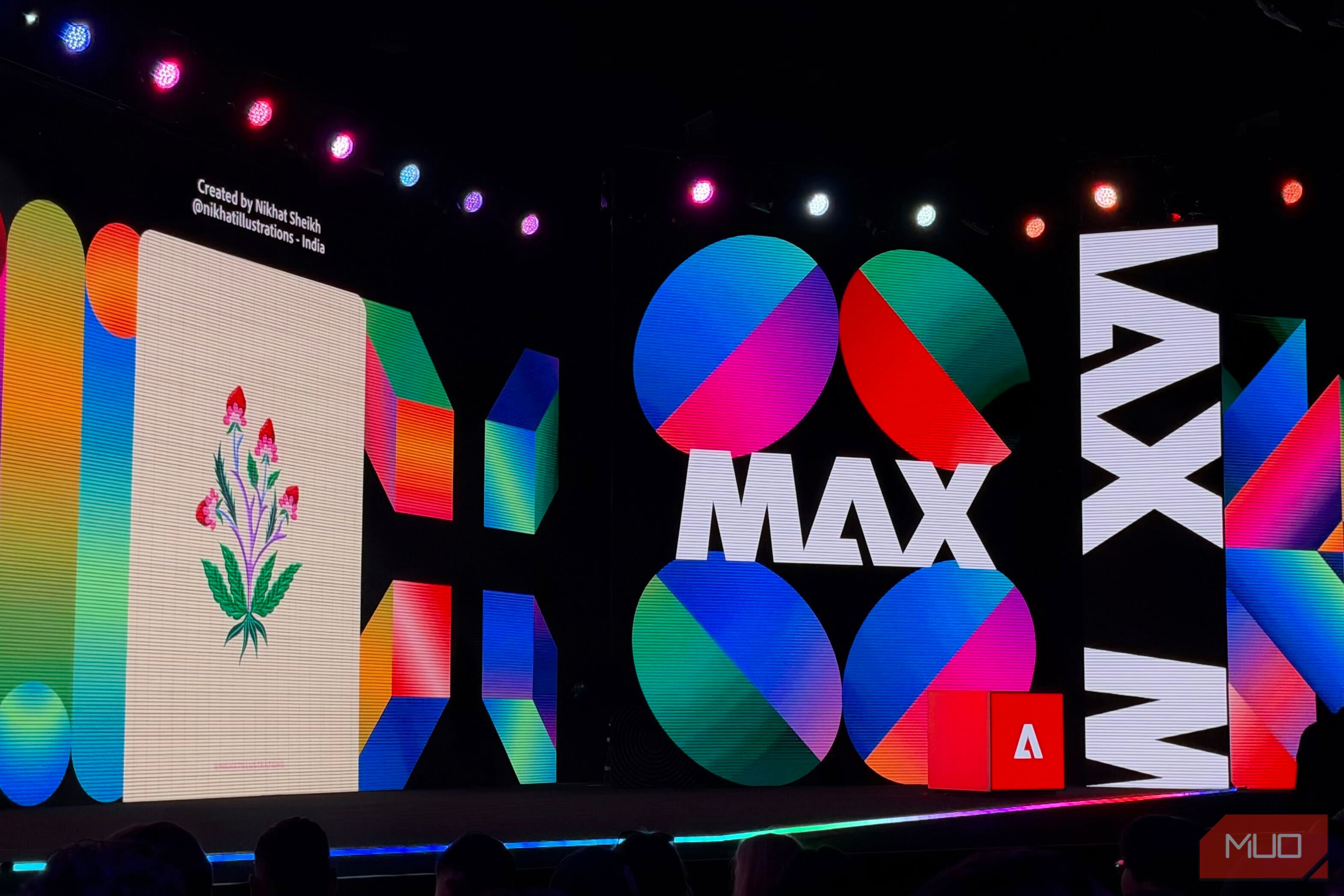
Coder or not, you’ve surely heard of (and probably even attempted) vibe coding by now. The idea is simple: instead of writing lines and lines of code yourself, you describe what you want to build in plain English and let AI work its magic. Your vibes guide the process, while AI handles all the technical implementation. But who said vibe coding has to be limited to building apps and websites? What if you could take the same approach to editing photos, designing graphics, or putting together videos? Well, Adobe seems to have had the same thought. At MAX 2026, the company announced a series of AI-powered tools and features that bring the idea of vibe coding to creative workflows. Adobe is opening up its creative apps to third-party AI agents Let your favorite AI do the editing Adobe’s been going all-in on making editing through natural-language prompts easier for a while now. At MAX 2025, the company introduced AI assistants for its creative apps, and a few months later, it brought Photoshop, Express, and Acrobat directly into ChatGPT. You could simply describe the edits you wanted to make and even fine-tune the results using interactive sliders, without leaving your conversation. Now, Adobe is taking things a step further. At MAX 2026, the company announced local Model Context Protocol (MCP) integrations for Photoshop, Illustrator, Premiere, and After Effects. This means you’ll eventually be able to use compatible third-party AI agents to work directly with Adobe’s professional tools, rather than relying solely on Adobe’s own assistants or the capabilities available inside ChatGPT. For example, imagine asking your AI agent to remove a logo from a campaign asset and apply the same change across dozens of other files. Instead of manually opening and editing each one, your agent could handle the process for you. Adobe also envisions workflows where an agent pulls a project brief from Google Docs, uses Adobe’s creative tools to get the work done, and shares the results with your team through Slack. What makes this particularly interesting is that the integrations will work locally with native project files. So, unlike simply generating an image through a chatbot, your Photoshop layers, Illustrator vectors, and Premiere sequences will remain editable. You can jump into the relevant app and fine-tune the results yourself whenever you want. The only catch is that you’ll have to wait a little longer to try this out. Adobe expects to make these integrations available in private beta in early 2027, and hasn’t confirmed which third-party AI agents will be supported just yet. Vibe editing is coming to Premiere Lights, camera, prompt As someone who isn’t the best at editing videos, this is easily one of the announcements I’m most excited about. While Adobe has been introducing AI-powered features to Premiere for a while now, its latest updates take things a step further by letting you describe the edits you want to make and having AI handle the actual editing bit. For starters, Adobe is expanding its Creative Agent in Premiere, allowing users to perform complex, multi-step editing tasks through natural-language prompts. This includes everything from applying effects across an entire sequence to tracking subjects and adjusting the color and exposure of multiple clips at once. The same idea is making its way to Premiere mobile, too. Adobe is introducing a feature called Quick Cuts, which lets you select footage from your camera roll, describe the kind of video you want, and have AI put together an editable first cut. You can then jump into the timeline to make any adjustments yourself. The mobile AI Assistant will also be able to handle requests like turning a longer video into a few Shorts or putting together highlights from an event. As a journalist who has been trying to step into content creation for a while but doesn’t have the time or skills to do so, Quick Cuts seems custom-built for people like me. The Creative Agent’s desktop capabilities are npw available in beta, while the agentic editing features for Premiere mobile are currently in private beta. Firefly Builder is Adobe’s answer to vibe coding Adobe wants in on the vibe-coding craze While most of Adobe’s announcements focus on taking the idea of vibe coding beyond building apps, the company isn’t leaving traditional vibe coding behind either. In fact, it’s introducing its own tool for it. Called Firefly Builder, the new tool lets you turn plain-English prompts into interactive prototypes of websites, apps, and even digital portfolios. So, instead of spending hours writing code or figuring out how to put together a website, you can simply describe what you have in mind and let AI handle the initial creation. Similar to what tools like Claude Design offer, what makes Firefly Builder especially interesting is that you aren’t limited to prompting your way through every change. You can also edit individual elements directly on the canvas, explore multiple design directions in parallel, and use a built-in design system to keep everything consistent as your project evolves. However, Adobe does obviously have a significant edge since it already has an entire ecosystem of professional creative tools that designers rely on. I know I’d feel a lot more confident using a vibe-coding tool backed by a company that’s spent decades building creative software, especially if it eventually integrates seamlessly with apps like Photoshop and Illustrator. It’ll be interesting to see whether Firefly Builder can make the most of that advantage and offer something existing vibe-coding tools don’t. Photoshop is getting a prompt-first editing experience Photoshop without the learning curve? Photoshop is easily one of the most powerful image editors out there, but it’s also not exactly the easiest to get the hang of. Adobe seems to be addressing that with its new AI Assisted Editor, which puts natural-language prompting front and center. Instead of digging through menus to find the right tool, you can simply describe the changes you want to make and let AI handle them. And if you’d rather take matters into your own hands, you can switch to the traditional Pro Editor whenever you want, complete with the layers and precision controls Photoshop is known for. That’s not all, either. Adobe is also introducing Generative Restyle, which lets you fine-tune AI-generated edits using a slider without repeatedly rewriting prompts. There’s also Relight for adjusting light sources and an improved Remove Tool that can detect related elements like shadows and reflections. The AI Assisted Editor is available in the Photoshop beta app. Adobe wants AI to keep creating even when you’re away The creative work doesn’t stop when you do Most AI tools still require you to be there to tell them what to do. You enter a prompt, wait for the results, make a few changes, and repeat. But what if you could hand off an entire workflow to an AI agent and let it keep working even after you’ve stepped away? That’s the idea behind Adobe’s new always-on agents, which the company is previewing first in Firefly AI Assistant. These agents will be able to handle recurring creative tasks in the background, learn from your feedback, and check in whenever they need your approval. For example, if you’re working on a video project spanning several weeks, an agent could organize incoming footage, remove duplicates, and flag issues like camera shake or poor audio quality. You’ll still be able to review its plan and monitor its progress through a central dashboard. It’s a pretty interesting step beyond simply using AI to make individual edits, though we’ll have to wait until early 2027 for the beta. The announcements above are just some of the many things Adobe announced at MAX 2026, but they’re the ones that stood out to me the most. Beyond these, Adobe also introduced a bunch of new features across its creative apps, including Lightroom, Illustrator, and InDesign. If there’s one thing that’s clear from this year’s announcements, it’s that Adobe is betting big on AI-powered creative workflows. Though vibe coding has largely been associated with building apps and websites, it looks like describing what you want and letting AI handle the heavy lifting could soon become just as common in the creative world.