Summary
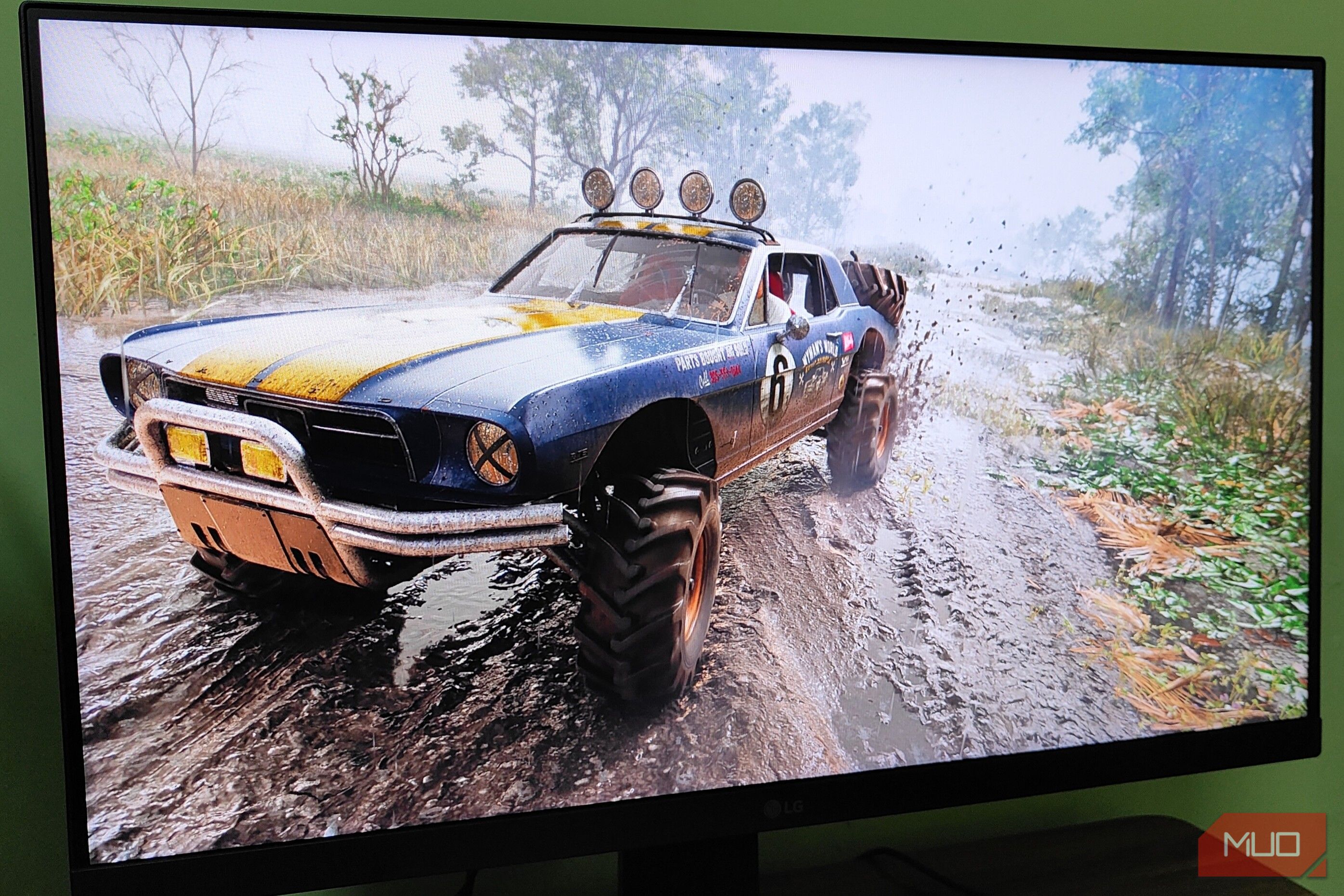
It’s no surprise that Nvidia has been dominating the “upscaler” discussions for the last few years, thanks to DLSS. And, credit where credit’s due, DLSS is an excellent upscaler, especially in its later iterations up to DLSS 4.5. That’s not to say AMD’s FSR is any less impressive. However, when it comes to raw performance and anti-aliasing, nothing beats DLSS — well, until now, that is. Recently, AMD released FSR 4.1. On paper, it’s simply an iterative “upgrade” over the vanilla FSR 4. However, once I started using this tech, it immediately became apparent to me that FSR 4.1 is way more than a mere upgrade. It’s essentially the game-changer that I wished DLSS 5 would have been. AMD FSR 4.1 improves on the weaknesses of its predecessors Better performance without ghosting artifacts As I tested FSR 4.1 in some recently released games, the improvements to the upscaling pipeline were immediately apparent. In past iterations of FSR, especially FSR 3, the biggest issue mostly boiled down to poor anti-aliasing. Even in its earlier iterations, FSR struggled with ghosting artifacts, especially at 1440p or higher resolutions. Although FSR has always been the most performant mainstream upscaling tech, it fell short visually. Last year’s FSR 4 did make some noticeable improvements to the output image quality of the upscaler, but it still wasn’t comparable to DLSS or even XeSS. However, with FSR 4.1, the visual clarity of finer details already matches that of DLSS 4. This is most apparent in games like Resident Evil Requiem, Monster Hunter Wilds, and Phantom Blade Zero. Using FSR 4 and FSR 4.1 on the same game with identical settings at 1440p gave me vastly different results in terms of anti-aliasing. FSR 4.1 fixes the biggest issue with AMD’s upscaler: anti-aliasing, but without compromising performance. FSR 4.1 seems to resolve finer details like alpha particles (post-processing effects), character meshes, and edges on sharp objects/textures. In past iterations of FSR, such an improvement to anti-aliasing would’ve come at a steep cost to performance. However, that’s not the case with FSR 4.1. Instead, in some games, I saw a 2%-3% performance gain, which was quite surprising. This was most apparent in Phantom Blade Zero and Forza Horizon 6. What’s even better is that FSR 4.1 isn’t limited to Windows systems. Since it’s AMD’s upscaling tech, it’s also available on Linux, which gives it a massive leg-up over Team Green’s upscaler. Additionally, FSR 4.1 is now also available on all current-gen Xbox systems, including the Xbox ROG Ally X. It’s essentially Xbox’s answer to Sony’s proprietary upscalers: PSSR and QSSR, albeit one that isn’t technically exclusive to Microsoft. That said, FSR 4.1 certainly works a lot better than the default upscaler and FSR 2 that Xbox used in the past. Frame Generation is finally usable with FSR But with some minor caveats While I was incredibly impressed with FSR 4.1’s performance and improvements to anti-aliasing, I was still a bit skeptical about its frame generation (FG) capabilities. After all, FG has been a pain point for AMD’s upscaler since its inception with FSR 3. However, after testing the tech in games like Dragon’s Dogma 2, Forza Horizon 6, and Phantom Blade Zero, I can safely say FG is finally usable with FSR, albeit with a few minor caveats. The biggest issue with frame generation in prior iterations of FSR was ghosting and, well, latency. With Nvidia’s DLSS Frame Generation, Nvidia Reflex is mandatory and helps reduce latency substantially. However, FSR never really had an alternative to Reflex, which resulted in huge latency spikes and a rather unpleasant gameplay experience, especially on controllers. However, with FSR 4.1, frame generation is in a usable state, as long as your base frame rate exceeds 60fps. That said, FSR FG still has a few minor issues, with ghosting still a pain point at the time of writing. Additionally, in games like Monster Hunter Wilds and Dragon’s Dogma 2, enabling FSR FG introduced additional microstutters that weren’t present with DLSS FG. FSR 4.1 does fall short of the sheer technical prowess of DLSS 5 But it’s precisely what I look for in upscalers Although I’m extremely impressed by FSR 4.1, in terms of sheer technical prowess, it still pales in comparison to DLSS 5. But you know what? It’s a good thing. DLSS 5 is essentially a bold new direction for Nvidia’s upscaling tech, which, surprisingly enough, isn’t really concerned with the “upscaling” aspect of the tech. Instead, DLSS 5 is all about using the neural-rendering tech to “improve” the game’s visuals over its original presentation. Having tested DLSS 5 via DLSS Swapper and OptiScaler on old games, I do understand the appeal of such a tech. It’s essentially a less taxing, more user-friendly version of Nvidia’s RTX Remix, giving users the tools to make their own “remasters.” However, in doing so, DLSS 5 completely loses the plot of what PC players look for in an upscaler in the first place. If I’m using an upscaling tech in my games, it won’t be to “improve” or change the lighting. Instead, the primary reason why me and many other PC gamers will use an upscaler over native rendering is, well, performance. FSR 4.1 might not feature neural-rendering capabilities akin to DLSS 5, but it works as a much better “upscaler.” DLSS 5, despite all its neural rendering bells and whistles, has yet to impress me with its performance output. That is precisely why I like the approach AMD took with FSR 4.1. AMD essentially kept FSR 4.1 relegated to being an upscaler, and simply worked on fixing the issues that used to plague past iterations of the tech. It simply improves performance, reduces ghosting issues, and offers a more robust FG experience. And perhaps that’s all an upscaling tech needs to do, at the end of the day.