Summary
As a PC gamer since childhood, I’ve missed out on a big chunk of console-exclusive games, and one I’ve yearned to play is God of War 3. Emulating a PlayStation 3 title wasn’t an option up until a few years ago because it required top-notch hardware that not everyone had.
Though the PlayStation 3 emulator RPCS3 has improved significantly in performance and God of War 3 is now playable on nearly all PCs, there’s still a performance overhead when emulating a console title.
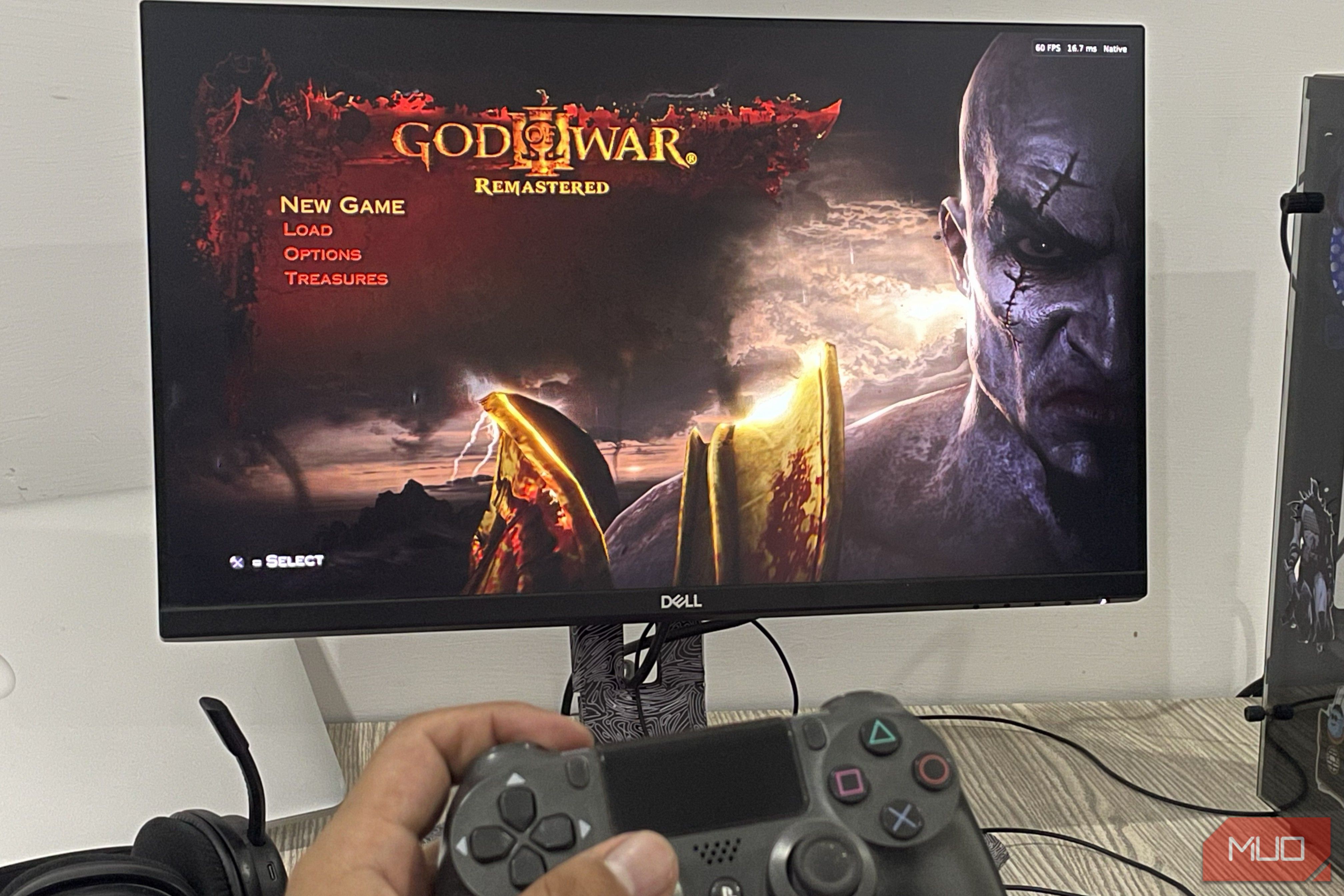
Fortunately, that overhead is now eliminated, since the game now has an unofficial native PC port that offers nearly three times the performance of an emulator.
How SpartanPort runs God of War III on PC without emulation
Native PS4 code, a Vulkan 1.3 GPU, and your own game files
The native recompilation of God of War 3, dubbed SpartanPort, rebuilds the PlayStation 4 remastered version of the game, so you get better visuals than the vanilla version on the PlayStation 3 and better performance, since this isn’t emulation.
Normally, when you emulate console games, the emulator has to imitate the console’s hardware. As a result, the translation process costs performance.
Since the PlayStation 4 is an x86-64 machine, SpartanPort lets you run the game code directly on Windows while translating graphics API calls through Vulkan. SpartanPort utilizes the graphics renderer of shadPS4 (a PlayStation 4 emulator), while the rest of the components are just a static recompilation.
For the requirements, you’ll need title ID CUSA01623 or CUSA01715, version 1.00 or later. Other than that, hardware requirements call for at least a 4GB VRAM GPU like the GTX 1050 Ti, 8GB of RAM, and a 4-core CPU like the i5-4570.
 Nvidia GTX 1050 Ti
- Brand
- Nvidia
- Cooling Method
- Fan
- GPU Speed
- 1290 MHz
- Interface
- PCIe x16
- Memory
- 4GB
- Power
- 75W This budget GPU is built on Nvidia’s Pascal architecture, with 768 CUDA cores and 4GB of 128-bit GDDR5. It draws only 75W through the PCIe slot, so it doesn’t need an extra power connector. That makes it an easy upgrade for older or prebuilt office PCs. It has DisplayPort, HDMI, and DVI outputs, a dual-fan cooler, and support for multiple monitors. It’s a good fit for 1080p esports, light gaming, and everyday desktop work. How to set up SpartanPort The launcher requires just a few clicks to begin playing the game Aside from getting better performance, the native PC port for God of War 3 eliminates most of the configuration and settings you’d need to adjust when emulating the game. Setting up SpartanPort is relatively easy, although the game isn’t bundled like a conventional PC title. Here’s how:
Download SpartanPort, the software that recompiles the game into a Windows executable. - Extract the files, and you’ll have an executable. Open it.
- Now, you’ll see an option in the application to browse game files. Open the directory containing the God of War 3 PlayStation 4 game files. SpartanPort doesn’t include game files, so you’ll need to dump your own PlayStation 4 copy of the game to run it on PC. Now, depending on your system, you can set the render resolution as you like. 1080p matches the quality on the PlayStation 4, while 720p matches the original version on the PlayStation 3. You can also go higher, up to 4K. Then match the engine frame rate to the frame rate limit. For other settings, the default configuration works fine for the most part, but set Stream buffer memory to System RAM (cached), Deferred GPU readbacks on, GPU readbacks relaxed, game multisampling automatic, and background shader compilation on to avoid stutters in-game. Leave game multisampling on automatic. How SpartanPort performs compared to RPCS3 Roughly three times the frame rate with fewer stutters For the most part, SpartanPort is a simple plug-and-play process. All it requires is installing a small app and then pointing it to the game files. The game runs on the same graphical settings as the PlayStation 4 version, which is far superior to the PlayStation 3 version, since it is a remaster, after all. On my lower-end setup featuring a Ryzen 5 5600 CPU, RX 5600XT GPU, and 16GB of RAM, here’s how the emulator and native ports stack up against each other, running at 1080p: | Metric | RPCS3 (emulated) | SpartanPort (native) | |---|---|---| | Average FPS | 35-40FPS | 100-110FPS | | 1% Lows | 22-30FPS | 55-65FPS | On SpartanPort, I noticed fewer stutters and hitches and lower CPU usage compared to running the game emulated. In another benchmark, SpartanPort showed nearly 2.5–3 times the performance compared to emulation: SpartanPort ran at 150 FPS, while the RPCS3 version of the game struggled at 57 FPS, both in the same scenery. The best way to play God of War 3 on PC God of War 3 is one of many console titles natively recompiled for PC. Bloodborne, DriveClub, Shadow of the Colossus, and others are just a few examples of older titles that have now been natively ported to PC. Since these are unofficial ports, the games might not always run perfectly. Bugs and performance problems may arise with different configurations. Nevertheless, I’ve been hooked on SpartanPort and have put in four hours of the game so far with no issues. As long as you meet SpartanPort’s requirements, it will run just fine.