Summary
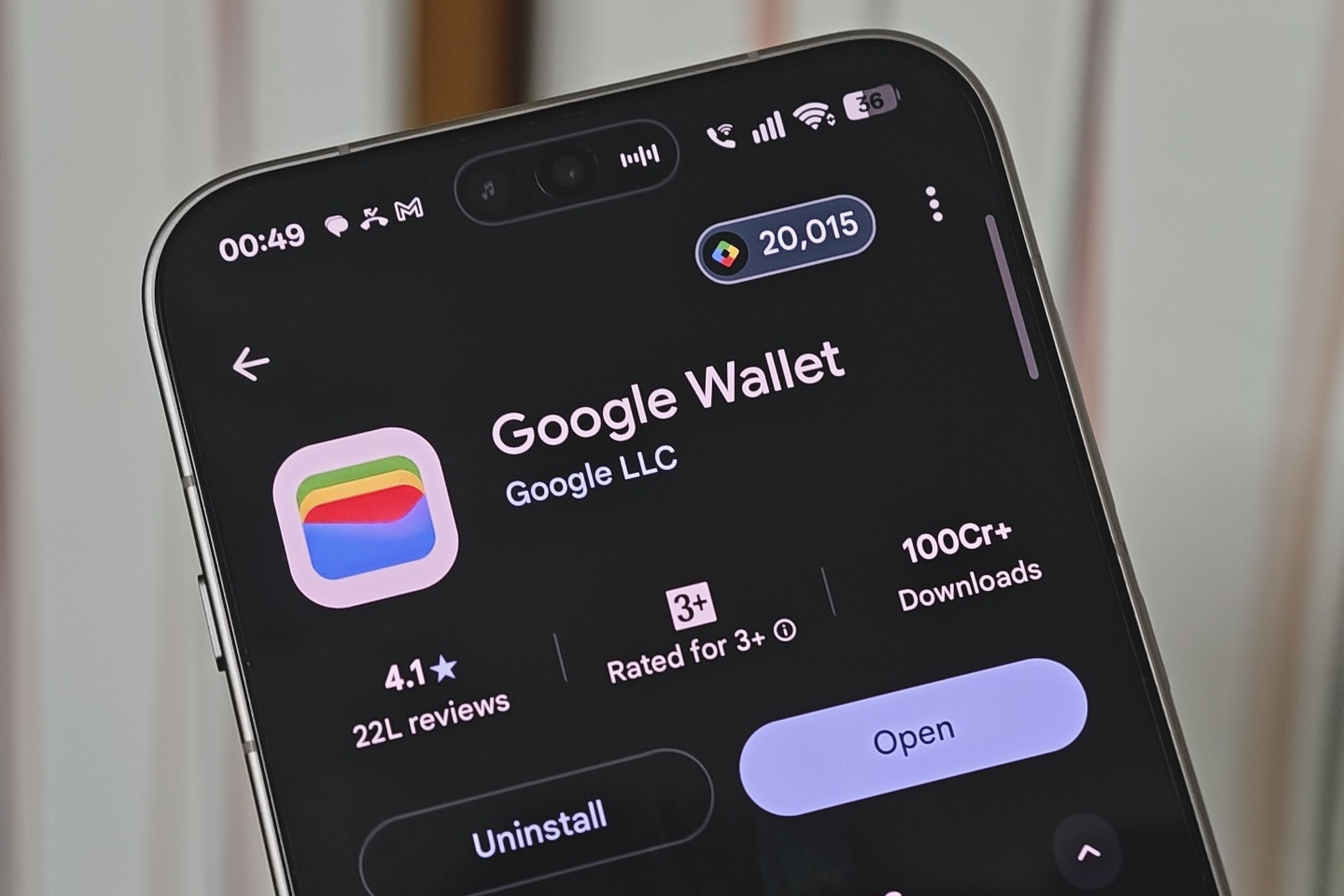
Google announced that Google Wallet is the newest app you can connect to Personal Intelligence, the Gemini feature that pulls information from your other Google apps to personalize its answers. The integration is rolling out now to all Gemini app users in the US on the web, Android, and iOS. Once it’s connected, you can tag @Google Wallet in a chat and ask Gemini questions about spending, budgeting, and more. To get deeper insights, you can also link your bank and credit card accounts to Wallet through Plaid. Gemini can now dig through your spending habits From forgotten subscriptions to holiday budgets Google gave a few examples of what you can ask. Ask Gemini to review your spending from last quarter and help you save $1,000 over the next three months, and it’ll build charts right in the chat showing your cash flow, asset allocation, and budget. The most useful trick might be finding the subscriptions you’ve forgotten about. Ask Gemini which subscriptions you’re still paying for and whether any of them went up in price this year. It’ll scan your linked accounts for recurring charges and flag any price increases. With streaming services raising prices every few months, that could save you a surprising amount. Gemini can also help you plan for the holidays. Ask how much you spent on gifts and travel last year, and it’ll look through the past year of transactions and suggest a budget for this year based on what you actually spent. If you’ve been using a separate budgeting app, this puts much of the same analysis inside an assistant you might already use every day. Google says Gemini only gets read-only access And you can now see what Gemini remembers about you Handing an AI chatbot your financial data is a big ask, and Google seems aware of that. The company says Gemini can only read information from your connected accounts. It can’t move, manage, or invest your money. This could make Gemini much more useful, as long as you’re comfortable letting it see where your money goes. The connection is also off by default. You turn it on under Connected Apps in Personal Intelligence settings, and you can switch it off at any time. You’ll still want to think about whether you’re comfortable sharing transition history, but at least the feature can’t make payments for you. Google is also making it easier to see what Gemini knows about you. Memory Summary now shows your saved preferences, interests, and ongoing goals in one place. You’ll find it under Profile > Personal Intelligence > Memory Summary, where you can review, edit, or remove anything. Memory Summary is available on the web and mobile wherever Personal Intelligence is offered. If you’re already using Personal Intelligence with Gmail or Photos, connecting Wallet is a small step that could make Gemini much more useful, as long as you’re comfortable letting it see where your money goes.