Summary
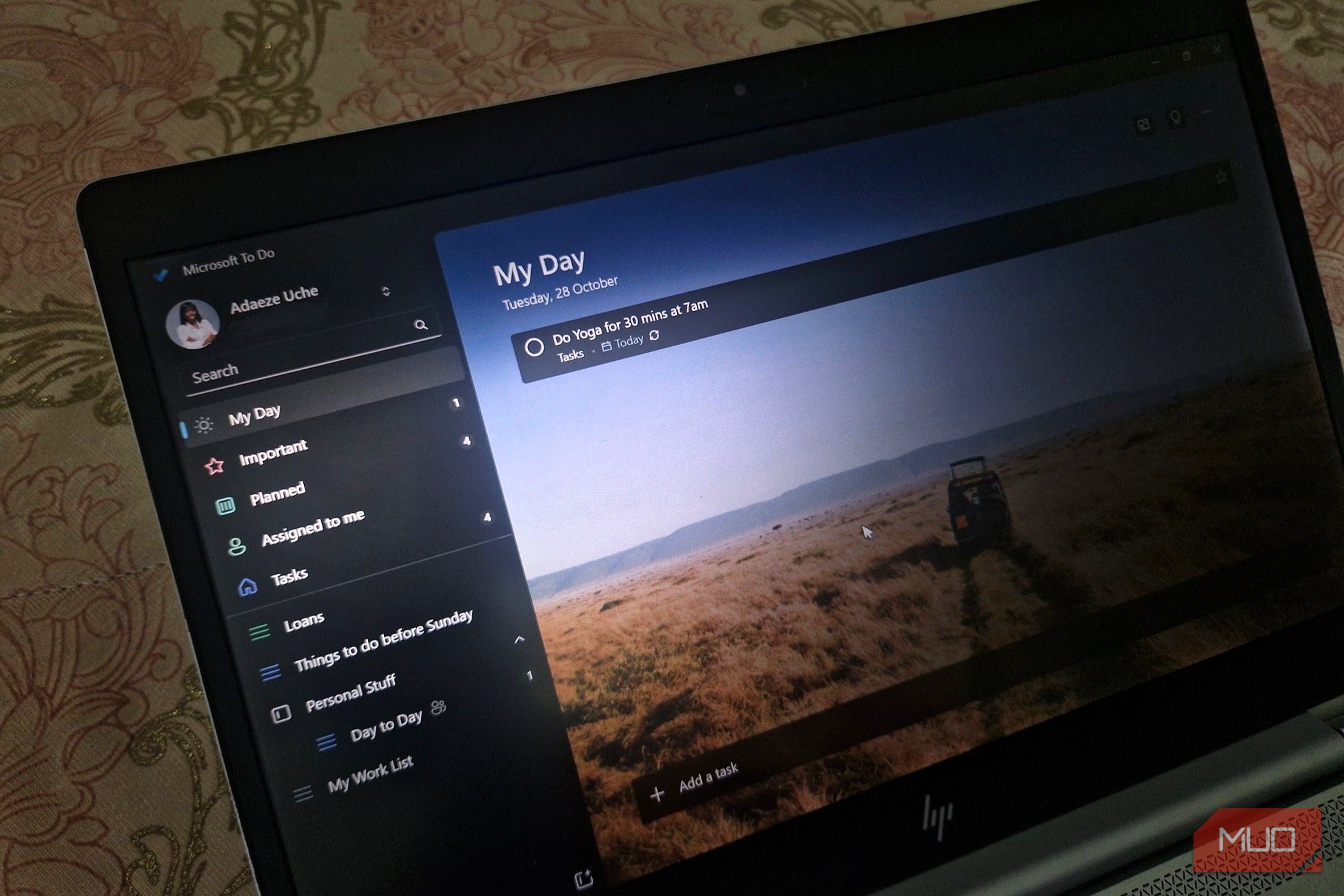
Microsoft To Do is retiringPlanner blog post about folding personal tasks into Microsoft 365. Existing To Do tasks and lists will not migrate to Planner. For work or school users, those tasks will stay visible in Planner through June 30, 2027, and after that date you will no longer be able to view or manage them there. Microsoft says retiring the app does not schedule that data for deletion. Work and school users are moving to Microsoft Planner, with a redesigned My tasks experience rolling out from December 2026. New private tasks created in Planner will live in a private Planner plan, and existing lists will not be moved into it. Personal Microsoft accounts, including Microsoft 365 Personal and Family, do not get Planner. How to make sure you don’t lose your To Do lists What Microsoft says to do before June 30, 2027 If you use a work or school account, Microsoft says to review your important tasks, lists, and shared workflows, confirm Planner access with your administrator, and identify data you need to preserve. You can explore Planner for the web today, and existing To Do tasks remain accessible there through June 30, 2027. Follow your organization’s transition guidance, because those tasks will not be moved into the new private plan. If you use a personal Microsoft account, Microsoft says to review the tasks, lists, and shared workflows you want to keep, choose another task-management application, and identify data you want to preserve. You have to do that before the set deadline. If you use Microsoft To Do with both a work account and a personal account, review the lists in each one separately. Watch for the promised export on Microsoft’s support page, which is due before the apps retire. No instructions, supported data, requirements, or limits have been published yet. The export will only preserve supported data, will not migrate tasks into Planner, and does not mean the file can be imported into Planner or another app. The export will not migrate tasks into Planner. You don’t have to wait for Microsoft, though. TickTick has a built-in Microsoft To Do importer on its mobile apps and the web, so you can move your lists across today. There are also free open-source tools like Microsoft-To-Do-Export that save your lists as JSON or CSV files, though they take a bit more technical setup. Planner also isn’t a like-for-like swap for work and school users. File attachments are not currently supported on tasks in the new private plan, list groups have no direct equivalent, and existing shared-list memberships, assignments, and permissions will not transfer. Reminders also change, from the ones you schedule for a single task to the Planner’s due-date notifications. Classic Outlook’s native Tasks experience is separate from the To Do view in Outlook, and Microsoft says it will keep working and syncing with Exchange.