Summary
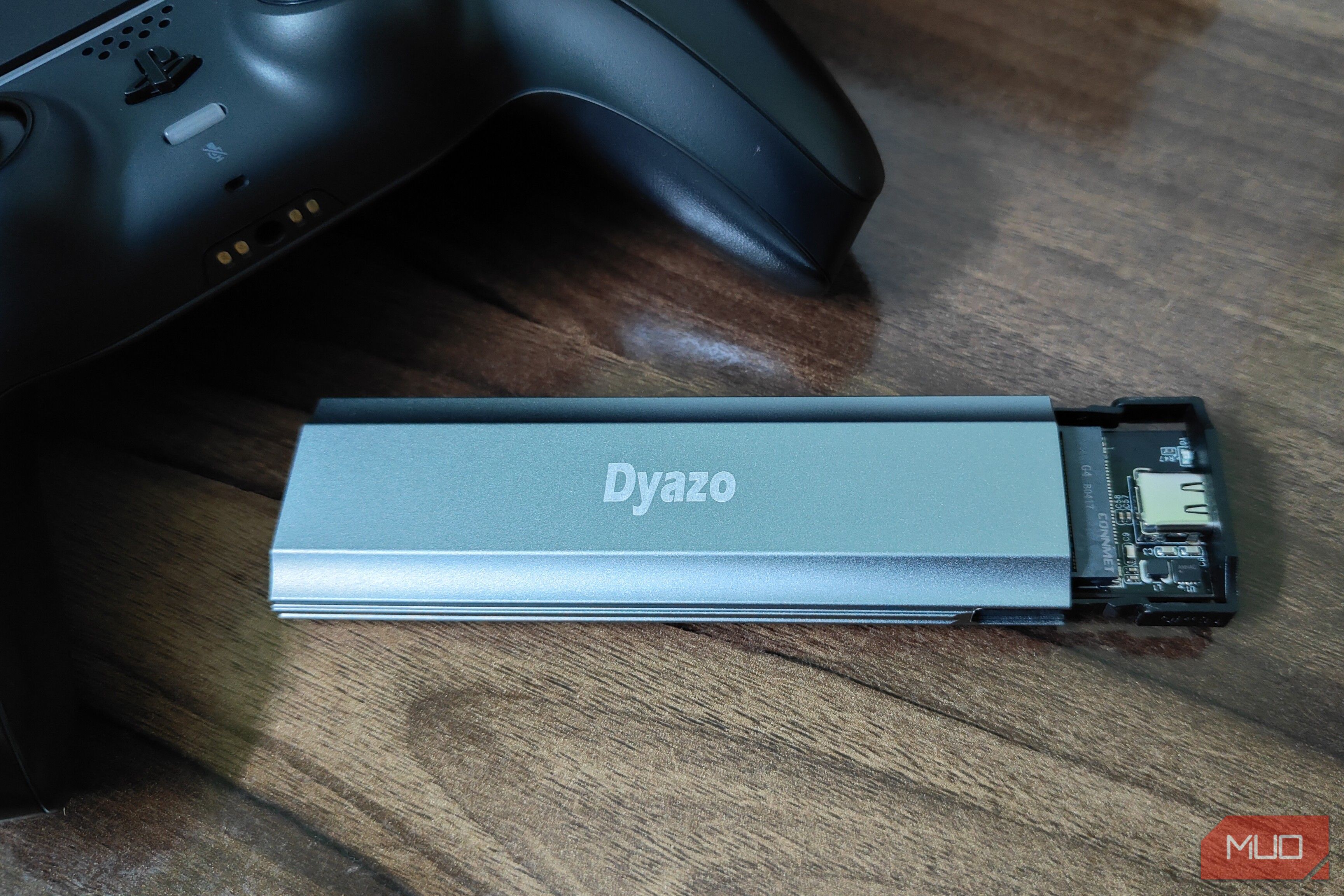
SSDs are expensive, more so in the current economy. I recently lost my aftermarket M. 2 NVMe SSD, which I had installed in my PS5 ever since I got the console in the first place, to, well, overheating. And the timing couldn’t be worse, since GTA 6 just launched and I needed more space to install it. Naturally, it was incredibly annoying to have to move all my games to the PS5’s internal storage, and even delete a handful of them to make room for GTA 6. And with my console constantly shutting down with the M.2 drive installed, I was about to throw away the SSD. However, a simple 300.This left me with only one option: move most of my games to the console’s internal storage and grab an SSD in the future, when prices are more, well, reasonable. However, even after deleting the games leave enough room for games like Final Fantasy 7 Revelation. That is when it struck me that the SSD I thought was dead might still be in perfect working order. All I needed to do was test it.Testing the old SSD on my PC saved me from the hassle of buying yet another 15. After that, it was just a matter of installing the SSD in my PS5, which is super easy to do. And since then, the drive has been working like a new one, without any overheating or crashing issues. The SSD enclosure is an excellent way to test faulty drives But it’s not a replacement for an M.2 slot Although the SSD enclosure lets me use my old NVMe SSDs just as if they were installed on the motherboard itself, it’s still not a replacement for a dedicated M.2 slot. For starters, since the enclosure connects primarily via USB, the read and write speeds are naturally going to be much lower than what the SSD’s silicon is capable of. Furthermore, since the enclosure doesn’t have an active cooling system for the drive, it relies on your room’s ambient temperature to keep the drive cool. That’s certainly not ideal for the SSD’s longevity. Instead, the best use of such SSD enclosures is to just test your older drives before you eventually decide to toss them into the bin. The PS5 has a cooling issue Overheating SSDs is a bigger concern than dry spots on the APU Since the PS5’s release, overheating has been a major concern, especially as its liquid cooling system eventually creates a dry spot on the APU. However, in my experience, the biggest “flaw” with the PS5’s design is, well, its SSD compartment. Or rather, the extra SSD compartment. Unlike the console’s internal SSD, there’s no direct cooling system for the “user-installable” M.2 NVMe drive. For this reason, Sony makes it mandatory to install a heatsink on the SSD. However, even with the heatsink installed, the SSD isn’t safe from overheating. I’ve kept my PS5 on an open desk with plenty of room for its vents in the back. I’ve even used the PS5 with a UPS, which eliminates any “heating” issues that might arise due to voltage fluctuations. On top of that, during summers, I always use the console with my room’s AC turned on. And yet, even with all these precautionary measures, I faced overheating issues with the SSD. Yes, the dry spots on the APU are a legitimate issue in the older, original release version of the PS5. However, for the newer units or the PS5 Pro, dry spots on the APU aren’t a concern anymore. Unfortunately, the same cannot be said about the SSD overheating issue. It’s the one area where Sony has not made any changes since the original release of their current-generation console. Hopefully, future iterations of the PS5 and the rumored PS6 will eventually address this issue in a meaningful way that doesn’t involve completely gutting the upgradability aspect of the console.