Summary
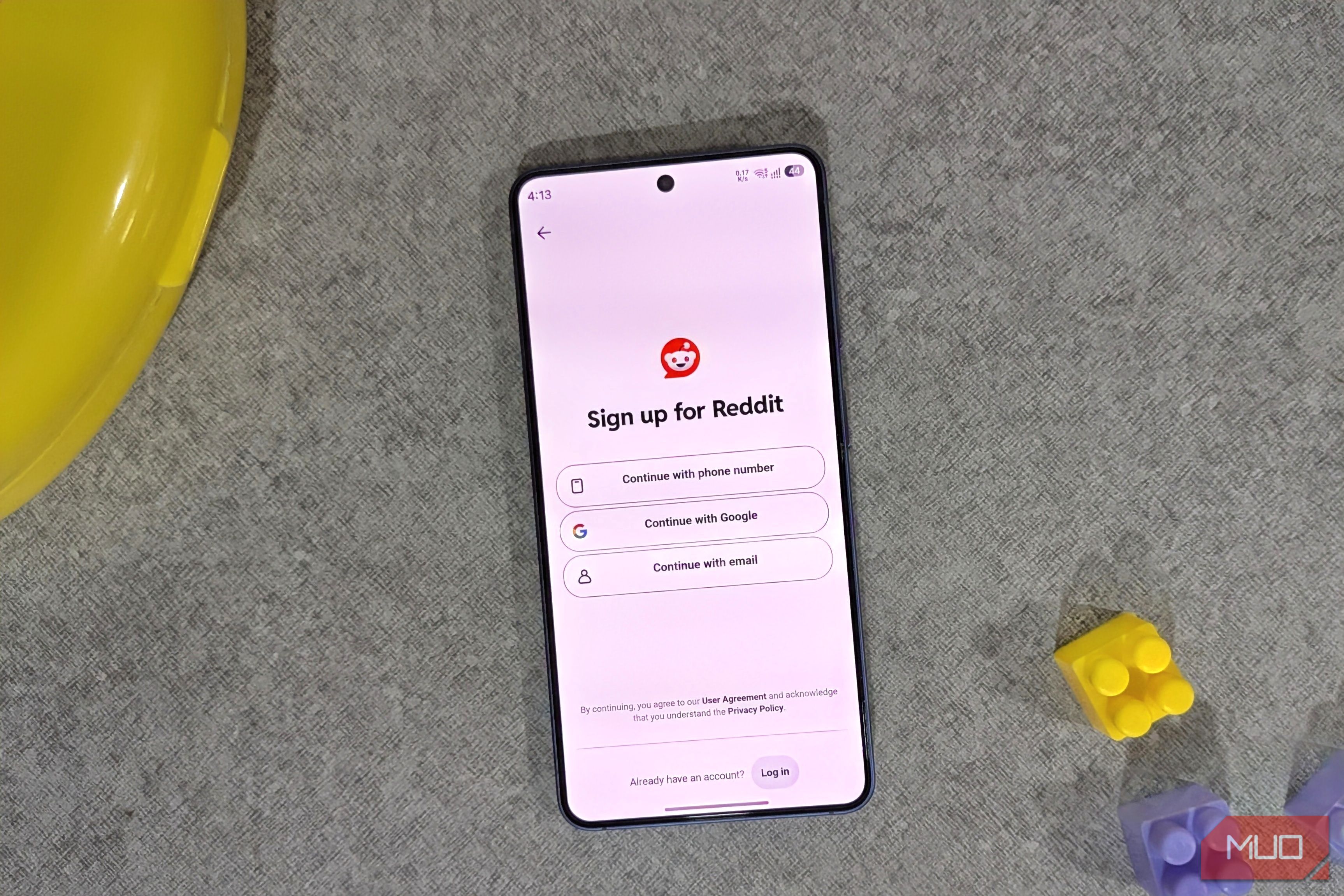
“Sign in with Google” feels like one of those no-brainer features. Why create another password when Google can just vouch for you? I’ve used it plenty of times because it’s undeniably convenient. But there’s another side to it most people never think about. You’re voluntarily handing over more data to Google, risking every linked account at once if something goes wrong, and locking yourself into Google for the long haul. You’re giving away more data to Google One tap, one more data point for Google Let’s start with the obvious. Every time you sign in with Google, Google knows you use that app. It knows roughly when you signed up for it, and it knows every time you sign in again. And when you use the same account for every finance, dating, fitness, news, and social media site that way, Google knows about all those things too. That’s data it wouldn’t otherwise have if you had created an account manually. Google’s entire business is built on knowing you better than you know yourself, and every “Sign in with Google” feeds into that machine a little more. You’re essentially giving Google your whole identity instead of keeping accounts separate. And for what? Just that one-time convenience of not creating another password and remembering it, which is way easier with Password Manager apps. Privacy is less of a problem the other way around, since Google only shares your email, name, and profile photo and nothing sensitive such as the password. Still, if you’re always annoyed with Google showing you targeted ads and using your data for training its AI model, it’s on you to stop feeding it less data. One Google account means a single point of failure One login to rule them all? That’s not so smart Losing access to your Google account is something most of us never think about, and to be fair, the chances of that happening are pretty slim. But it’s not like it can never happen. If your Google account ever gets hacked, banned, or if you lose access due to some other reason, you’re not losing access to just one account anymore. Every account that’s tied to it, whether that’s Reddit, Discord, Canva, Spotify, Tinder, or any other, it’s all gone because you lost access to Google. It’s the classic putting all eggs in one basket scenario. When you lose access to a Google account, getting it back isn’t always easy, even with Google’s account recovery methods. You’ll find plenty of Reddit threads about such instances. There’s also the security risk. If you ever use your Google account to sign up on a fake site by mistake, you can hand over a session token to someone pretending to be a legitimate service, and from there, they don’t need your password at all. They just ride that one login straight into every other account you’ve linked to. Again, such instances are rare, but it only takes one slip-up for this to turn into a much bigger mess. It makes switching away from your Google account difficult Good luck trying to leave This one’s a long shot, okay, but still worth considering. If you’re using the same Google account across dozens of different sites, and at some point, you decide you want out — maybe you’re going all-in on privacy — you’ll find it difficult. If you’ve signed into everything with Google, that decision isn’t as simple as deleting one account and moving on. Every app you signed up for using Google is now an account you don’t technically “own” in the normal sense. There’s no password you set, no separate login, because Google was handling that for you. So the moment you decide to switch away, you’ll have to go through each of those third-party apps and change your login details, that is if they even allow that. The convenience that got you into this mess is exactly what makes going out of it such a pain. I still use “Sign in with Google” but sparingly The above downsides are real, but so is the convenience of one-click sign-in with Google. I’m not going to deny that, nor am I telling you to never use it. I still do, just a lot more selectively. Where I actually use Google account sign-in is for low-value services, the kind that force you to create an account just to download a PDF or try out some tool you’re not even sure is useful. These aren’t apps I care about losing access to, and for stuff like that, going through the hassle of creating a proper account can feel like a waste of time. I don’t use my main Google account for this, though. I have a separate Google account just for these things, and it’s incredibly handy. It’s the best of both worlds. I’m not handing my primary account over to some random app I’ll probably forget about, and I’m still getting the convenience of one-tap login whenever I need it.