Summary
Qwen 3.8 is one of the better local AI models you can run right now, and the 27b iteration has been absolutely fantastic for us mortals with modest amounts of VRAM to spare. On its own, Qwen 3.8-27b uses about 18–21GB of VRAM, which fits on the weakest GPU I own: a ROG Flow Z13 based on AMD’s Strix Halo.
A look at the test machine
A ROG Flow Z13, specced with the AI Max 390 chipset
This particular version of the Z13 uses the AMD Ryzen AI Max 390 chipset, a cut-down version of the flagship AI Max 395+. Convoluted naming schemes aside, the 390 features a 12-core 24-thread CPU and the Radeon 8050S iGPU.
The 8050S is a tad weaker than its flagship counterpart, the 8060S, having eight fewer CUs to show for it. Combine that with a hard limit of 32GB unified RAM, and you have a very limited system for local AI — especially when you consider that these machines usually spec with up to 128GB of memory.
In terms of real-world performance, the 8050S is close to an Nvidia RTX 4060 mobile. It does so while drawing a measly 30 watts on average and is quite impressive given the slim form factor.
It also has access to the entire 32GB pool of RAM, since Strix Halo is technically an APU that shares system RAM with VRAM. This alone puts it at a massive advantage over the 4060 mobile, having more than double the amount of memory to work with. And integrated graphics have come a long, long way since their initial debut.
That said, it’s still nowhere close to a proper, desktop-grade GPU for local inference. I’m hesitant to call it weak, but the value just isn’t there. Still, if you happen to own one of these machines, you’ll come to appreciate it over time, and their affinity for local AI makes them one of the better options out there.
Qwen 3.8-27B setup and installation on Arch Linux
Setting up the test environment, and a few pointers
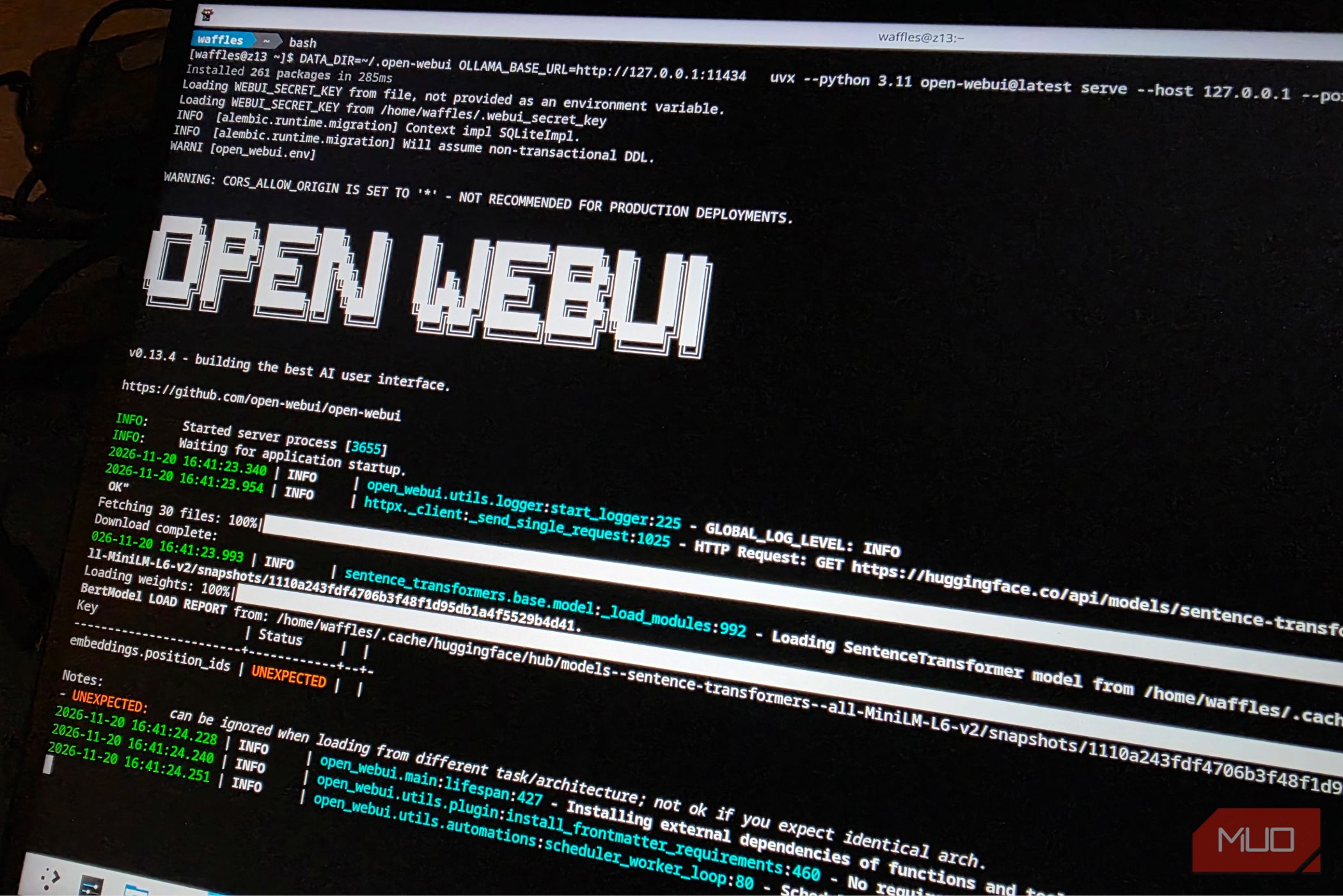
For this particular setup, I used a standard Arch Linux installation as the base. On top of this, I added Z13CTL (for controlling the TDP and fans, which were set to maximum) and KDE Plasma for a more familiar desktop environment. The kernel in use was linux-cachyos-bore, installed from the AUR. The rest of the setup was quite straightforward and involved installing Qwen 3.8-27b, Ollama, and the other required dependencies, including a web UI.
Unfortunately, I had to manually set the VRAM limit within the BIOS to 24GB, the most I could allocate on this particular machine. This left only 8GB of memory free for the system, which is really pushing usability. An ideal solution would be to set the BIOS to Auto VRAM and have the program dynamically allocate the required memory to the iGPU. I tried this setup at first, but Ollama kept leaking memory, going well over the 32GB total and into swap space.
For all intents and purposes, the tests below will be carried out with 24 GB of VRAM. TDP was also maxed out, with a sizable (-30) undervolt. Qwen 3.8-27b easily fits within 24 GB and is one of the best models to pair with such a GPU.
Qwen 3.8 runs beautifully on the 32GB Flow Z13
Imagine what you could do with 128GB of RAM
To (finally) test things out, I picked a grand total of four tests, each tuned to image generation, text, and coding, respectively.
The first test was to print out an image of a frog riding a unicycle, doing a T-Pose. After a few minutes of thinking, Qwen failed spectacularly, and I didn’t have an image-generation tool set up. It’s better to use another model for this. Moving on, I asked it to make a 3D render of a frog.
Which it kind of managed to do. Almost. The result was a rather disjointed render of multiple green spheres, but at least the model was viewable in 3D.
Moving on, the next task was to design a resume with a few parameters in place. I asked it to generate a simple resume with “basic” fields, with no other special prompts. After a few minutes of thought, Qwen generated a surprisingly professional-looking outline that seemed more than usable.
The third and final test was a bit of coding. I asked it to make me a simple calculator program (without any of the scientific calculator bits), designed with a Material You theme. This was the hardest for the little Z13, and it spent a good chunk of the 15 or so odd minutes designing the program. Ultimately, Qwen 3.8 managed to generate a perfectly functional calculator app using Python.
I did try to go overboard and ask it to package it into an installer or an AppImage, but it failed. I’m sure with enough plugins and optimizations (along with prompt clean-up), this could be very doable. Perhaps a project for another day.
Local AI is the future, even on a relatively “weak” GPU
Which brings us to the conclusion of our little experiment. There is no doubt that Qwen’s 3.8-27b model is very, very capable and can generate some impressive results once tuned right. It also consumes no more than 21GB of VRAM in a single session, making it a comparatively “lightweight” model. It does so without exceeding 50 watts at its peak.
It’s a perfect fit for lower-specced machines like the Z13, although the larger models would perform much better with access to the full 128 GB variant.
Another thing I haven’t discussed yet would be build times. Local AI is still leagues behind cloud-based models in terms of speed (since you are quite literally limited by your own hardware), and that might remain a sore point for some time.
That said, having unrestricted access to a model that doesn’t require you to wait through a paywall is very, very nice to have. Local AI is the ultimate future, but we’re not quite there just yet.
 ASUS ROG Flow Z13 Gaming Laptop
The ROG Flow Z13 is a 13.4-inch gaming laptop with the AMD Ryzen AI Max series chipset within it. It features up to 128 GB of shared memory and a massive 40 CU iGPU that boasts mobile RTX 4060 levels of performance.