Summary
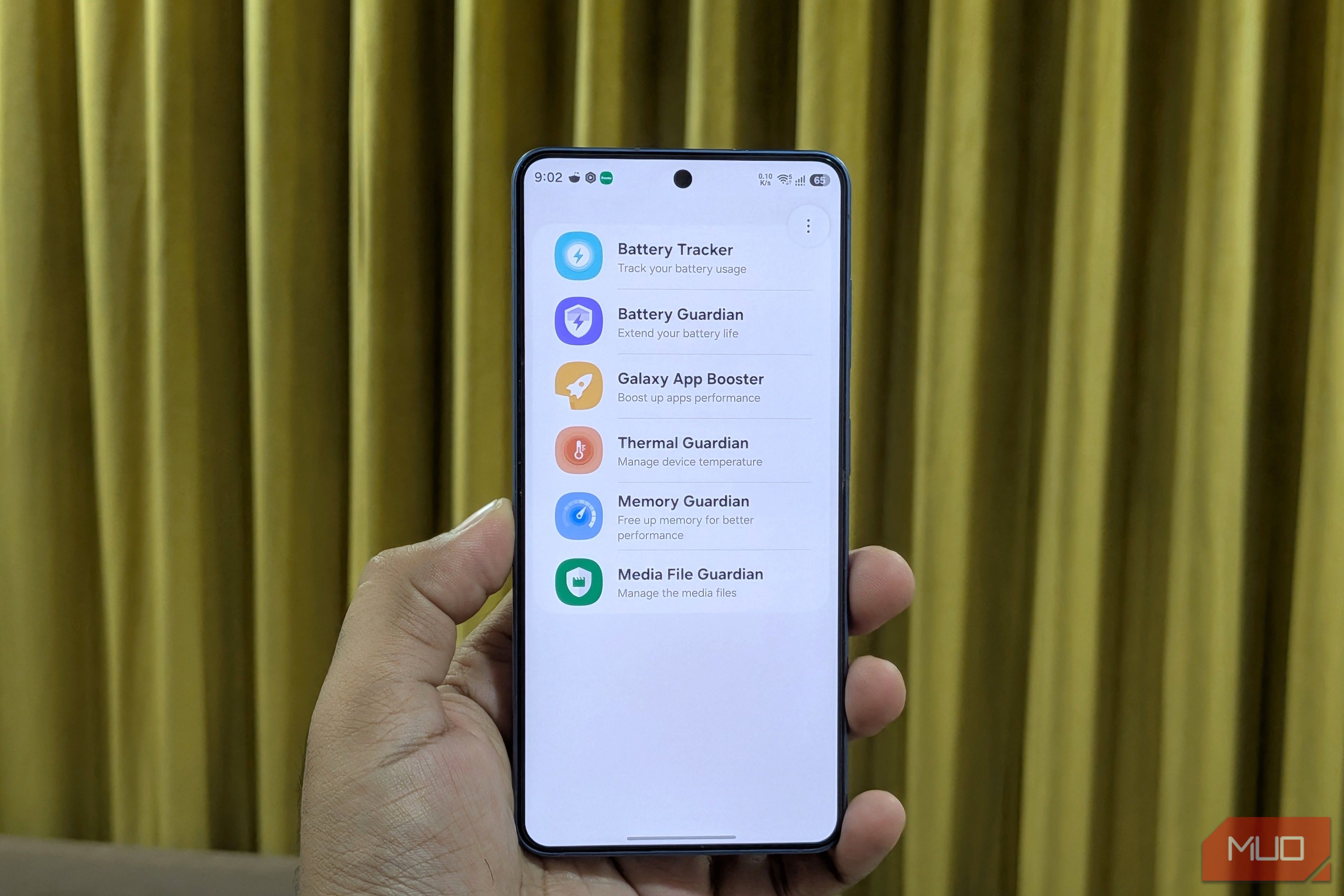
Samsung doesn’t get nearly enough credit for its awesome apps. Good Lock is a great example, but it’s not the only one. Good Guardians is another app that’s similar but way less popular. It doesn’t focus on customization like Good Lock. Instead, it gives you a bunch of mods for managing your Galaxy phone’s battery, performance, storage, and temperature, things that all of us care about the most. You can download the Good Guardians app from the Galaxy Store and then grab all the modules you need one by one. The only catch is that Good Guardians is only available in select regions like the US, Europe, China, Vietnam, and South Korea. If it’s not available in your country, you can still sideload it by downloading its APKs directly from a site like APKMirror. Keep tabs on battery drain No need to guess what’s killing battery Battery life is still one of the biggest weak points of any smartphone, and Good Guardians has a couple of mods to fix that. The first is Battery Tracker, which gives you a clear breakdown of how much battery each app has used over the past 7 days. There’s a chart up top too, with a green line tracking battery usage and an orange one tracking screen-on time. Beyond that, though, Battery Tracker doesn’t do much. It’s purely informational. It’s the Battery Guardian mod that lets you do something about battery drain. Its App power saving option, for instance, flags whichever app is draining your battery and lets you put it straight to sleep. There’s also a Screen power saving option, which dims your display the moment you stop interacting with it, rather than waiting around for your usual screen timeout. The most standout feature, though, is Power saving during bedtime. Here, you can specify your sleep schedule and your Galaxy phone will automatically throttle performance and optimize background apps to reduce overnight battery drain. Speed up app launches and performance Make everything snappier If you’ve got a budget or mid-range Galaxy phone, or one that’s more than a couple of years old, Good Guardian’s Galaxy App Booster is for you. The way it works is simple. By default, your Galaxy phone compiles the code of an app the moment you launch it. This mod lets your phone do that ahead of time, so when you actually launch the app, it opens faster. It’s no gimmick. It can actually speed up app launches by 50%. Samsung recommends running it right after an update and then once every week. You can run it more often, but there won’t be any meaningful impact. This whole optimization takes around 10 minutes, depending on the number of apps installed on your phone. You can reduce that slightly by only optimizing apps you’ve used in the past 30 days. Manage your phone’s temperature and performance Say no to overheating and lag Even after you’ve done all the optimization, there are still two things that can ruin your phone’s performance: overheating and higher CPU usage. Thermal Guardian lets you keep tabs on both. It monitors your phone’s temperature and CPU usage over 24 hours, so you can easily check exactly when your phone was struggling with either. It even shows a graph where high temperature and CPU activity are flagged. If that’s something that happens often, you can set the app to automatically limit CPU boosting, reduce brightness, lower the refresh rate, or turn off 5G to cool things down. Memory Guardian is similar, but exclusively for monitoring your RAM. It lets you see how your phone is splitting memory between apps, system processes, and cached data. More importantly, it gives you two modes to actually manage that RAM. Selecting the Quick switching mode raises Android’s background app-killing limit, so more apps can stay cached in memory, and you don’t have to wait much when switching between them. Speed up top app mode is the exact opposite. It’s more aggressive about closing background tasks, so whatever app you’re actually using gets as much RAM as possible. You can pick the option that makes more sense to you based on your usage. Free up storage by clearing the clutter Find what’s eating your storage Most Galaxy phones don’t have an SD card slot, so no matter what variant you’ve picked, storage is going to be an issue sooner or later. But that doesn’t mean you have to delete important apps and files on your Galaxy phone. Media File Guardian makes it easy to clear unnecessary files on your phone. It scans your phone’s storage for things like backup copies of photos and videos saved for reverting edits, broken or invalid media files, temporary files, and other junk. It even categorizes all these files based on the apps that created them. The mod basically shows you stuff that’s otherwise easy to miss, similar to what an app like SD Maid does. Seeing all these things in one place makes it easy to free up storage.