Summary
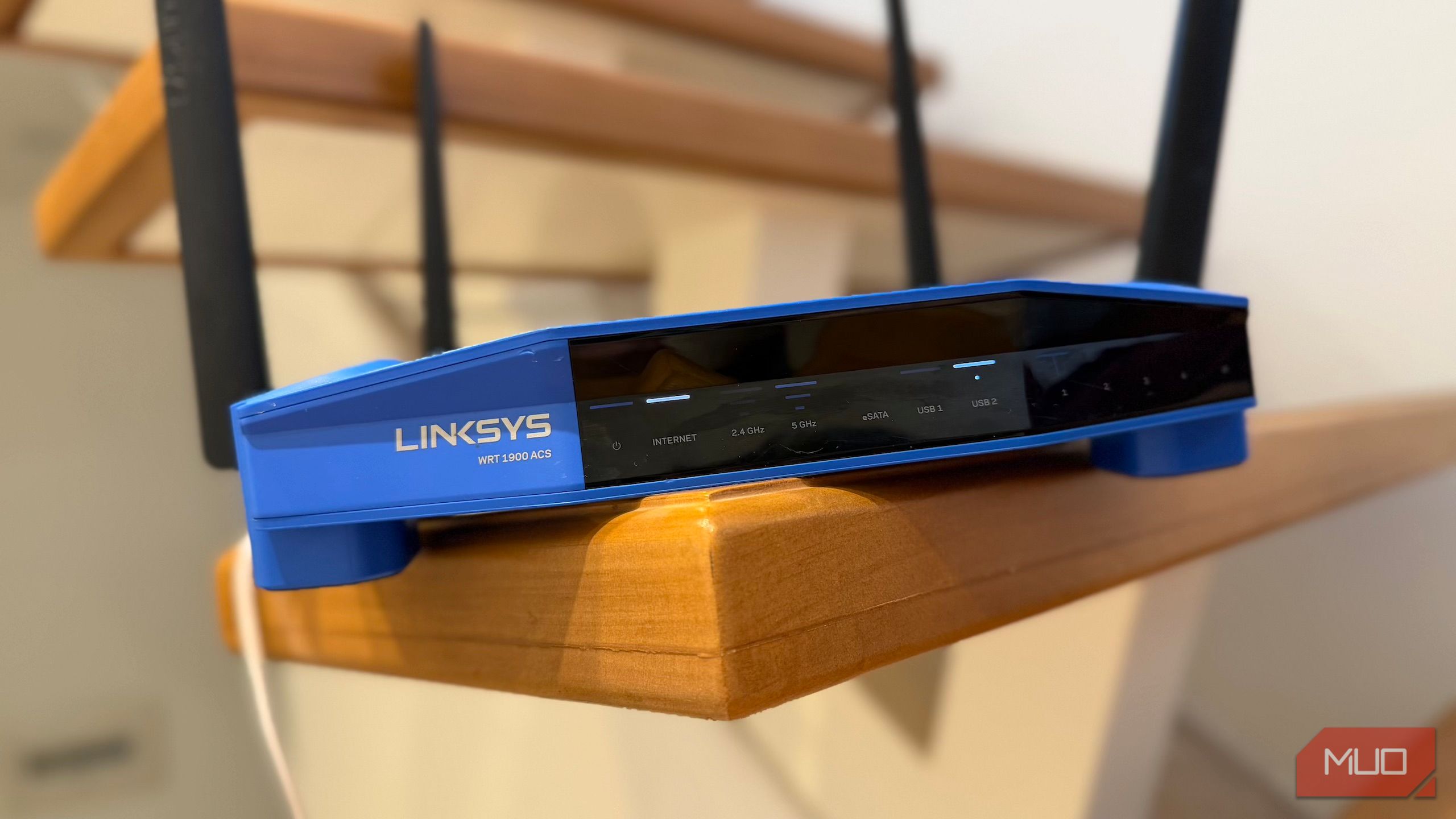
Wi-Fi speeds are perhaps the most unpredictable thing on this planet. One second, you’ll be getting exactly the speed that your ISP is charging you for, and the very next second, it might just drop to a fraction of that. After buying a router recently, I made a puzzling discovery. Although my router says it’s rated for speeds up to 2.4Gbps (2400Mbps), in reality I was only getting a fraction of that speed. While my initial suspicion was that it had something to do with my router, it turns out that wasn’t the case. While my router is rated for very high speeds, that’s not necessarily indicative of its real-world performance. Not all devices have the same Wi-Fi capabilities And that affects the speed you get While most smart devices can connect to Wi-Fi, not all have the same capabilities. You will be surprised to see the variability of Wi-Fi type and capability among the devices you own. For instance, most of my gaming-related peripherals have Wi-Fi 6 support, which means that they benefit from the fastest possible speeds that my router can provide. However, that’s certainly not the case for the rest of the “smart” devices in my house. My smart TV, the old Windows Phone that I still keep in my study, and my dad’s Kindle — these old devices don’t have Wi-Fi 6/6E support. And as such, they don’t get the speed that’s enjoyed by the newer devices. If you’re using an old Android device, or even using an old LAN cable to connect your PC to the router, that’s probably what is bottlenecking your internet speed. The easiest way to detect that is to use a CAT 6 or CAT 8 cable to connect your PC to the router and run a simple speed test. Wi-Fi frequency and its limitations Your Wi-Fi bandwidth affects speed more than you think Much like your device’s Wi-Fi capability, your home router can also be the bottleneck for your internet speed. Modern routers come with support for both 2.4GHz and 5GHz wireless bandwidths. However, if you’re still using an old router that’s perhaps provided by your ISP, it might be limiting the speed you get. Ideally, use the 5GHz Wi-Fi band, as it supports gigabit speeds and offers better wireless stability. By comparison, the 2.4GHz band supports a maximum theoretical speed of up to 600Mbps. Naturally, using the 2.4GHz band will limit how much speed you get on your devices. Some routers also allow you to combine both 2.4GHz and 5GHz bands into a single Wi-Fi SSID. This essentially eliminates the hassle of having to manually toggle between the 2.4G and 5G bands. However, some devices, like was the case with my Nintendo Switch 2, having a common SSID ended up locking the device to 2.4GHz. To connect my Switch 2 to the 5GHz Wi-Fi band, I eventually had to create separate 2.4G and 5G SSIDs. Is your router up-to-date? Firmware updates are more important than we give them credit for Another major factor that might be limiting the speed you’re getting on your brand-new router is the firmware version. Like most electronic devices nowadays, routers also receive firmware updates from time to time. Although most routers are factory-configured to auto-update their firmware every month or annually, some older models might need manual intervention. For instance, the TP-Link Archer router installed at my parents’ home doesn’t have an auto-update option. Whereas the one I have installed in my home office does support auto-update. Having outdated router firmware can occasionally limit the speeds you receive from your ISP. Thankfully, updating the router firmware is way easier than it sounds. Routers from manufacturers like TP-Link, Netgear, and Tenda allow updating the firmware using their official mobile app (for iOS and Android). Otherwise, you can simply log into your router’s homepage and update the firmware from there. It was my ISP all along The old router provided by the ISP bottlenecked my internet speed As I was scouring the internet for any possible lead on my low internet speeds, I eventually figured out that it was the router provided by my ISP that was the real culprit behind it all. Turns out, the router my ISP provided was an incredibly old Tenda model. This router doesn’t directly connect to my devices in the office. Instead, it serves as an access point, which I’ve connected to my main router. The old router had a 150 Mbps speed limit. After my ISP replaced the router, my internet speeds essentially tripled, going from 110 Mbps to a consistent 350 Mbps on a 300 Mbps plan. If, like me, you’re also facing internet speed issues, I think the best way to troubleshoot is to contact your ISP before investing in a new router. Also, I highly recommend moving most of your bigger “stationary” devices, like your PC, gaming consoles, etc., to a wired Ethernet connection. You can even connect devices like the Fire TV Stick using an Ethernet cable if you’re feeling adventurous. While Wi-Fi is a great way to access the internet across multiple devices, nothing beats the consistency and stability of a wired connection.