Summary
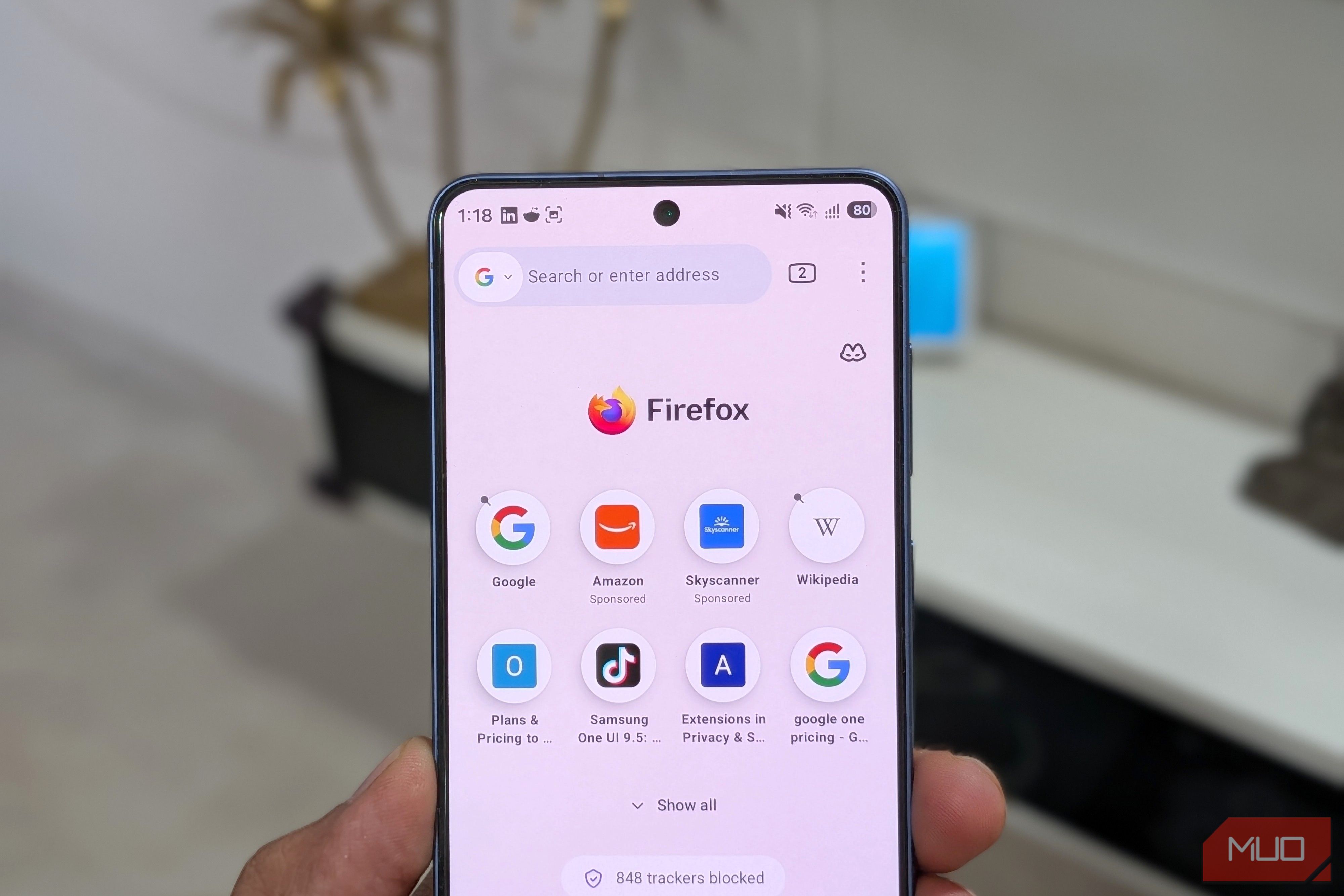
I’ve tried almost every major Android browser, including Chrome, Brave, Edge, Vivaldi, and Samsung Internet. They all have their own strengths, but I keep coming back to Firefox because it has a bit of everything, be it customization, privacy, extensions, and a few extra goodies. It can go head-to-head with any top Android browser and match it strength for strength, without giving up much in return. Extensions make Firefox far more capable Chrome wishes it could do this This is the big one, and it’s not close. Browsers like Chrome and Brave give you a lot, but they lack extensions. Firefox lets me access most of the same extensions I use on desktop. For instance, uBlock Origin lets me hide ads on all websites. It even blocks trackers, pop-ups, and malicious URLs, which makes the overall browsing experience cleaner and faster. Dark Reader is another one of my favorites because it lets me force dark mode on sites that don’t support it. Bitwarden lets me sync my passwords without relying on the built-in password manager inside the browser. And add-ons like Keepa are useful for checking price history during sales like Black Friday and Cyber Monday, so I can be sure I’m getting a solid deal. The point is, I’m able to download and use my favorite extensions without thinking much. Better privacy out of the box No compromises here Privacy is one of the biggest pulls of Firefox. Its Enhanced Tracking Protection blocks cross-site trackers and fingerprinting scripts by default. I can even check what’s getting blocked on a particular site by simply tapping the shield icon. This is helpful because it gives me an idea of what my favorite sites are actually doing. Firefox also doesn’t collect much user data out of the box, aside from a daily usage ping to estimate active users. You can turn that off too if you don’t want it sending anything at all. Most other browsers, especially Chrome, are pretty poor at this. You can tweak a few privacy settings here and there, sure, but it still wouldn’t make browsing as private as Firefox does by default. Customization and ease of use It’s flexible Firefox also feels more flexible and fun to use than most other browsers. For instance, I love how it lets me switch search engines right from the address bar up top. I can simply tap the drop-down menu and switch from DuckDuckGo to Perplexity, Wikipedia, or any other custom search engine. When I’m reading a long article, I can shake my phone to generate a quick summary. I can also do the usual stuff, like move the address bar, add shortcuts to the toolbar, remove sponsored shortcuts on the home page, and disable gestures I don’t use. It even gives me the flexibility to use an external download manager, which is honestly super handy for larger downloads. None of these are huge features on their own, but having all of them inside a single browser is what I like about Firefox. A built-in VPN is a nice bonus The cherry on top A lot of Android browsers can match Firefox for most of what I’ve talked about so far, but the one thing none of them offer is a free built-in VPN. Firefox offers a free VPN in select regions, and once you create an account, you get 50GB of free VPN data per month. Yes, Brave also has a built-in VPN on Android, but that one costs $9.99 a month. As someone who mainly uses a VPN while browsing, I love this because it saves me the hassle of keeping a separate VPN app installed all the time. I can just flip a toggle and get full privacy while connecting to public Wi-Fi at a coffee shop or airport. It’s also handy when I want to check how a site appears in a specific region. Firefox lets me say no to AI The browser that actually listens It’s 2026, so I’ve accepted that no major browser is going to exist without AI. That’s fair. Some of these AI features, like translation and page summaries, can be useful sometimes. However, Firefox is the only major browser I’ve seen that offers an easy way to opt out. So, if I don’t want any AI features popping up anywhere, I can simply disable them all at once with a simple toggle. That kind of control is rare, and these are things that make me like Firefox even more. Firefox also comes in different flavors There’s a fork for every kind of user The regular Firefox app is what most people use on Android, but there are plenty of other versions of the browser out there. These are called Firefox forks, and each one builds on Firefox to make it even better in its own way. If you want something stripped-down and privacy-friendly, you can try Firefox Focus. Fennec is similar to Firefox but strips out all of Mozilla’s telemetry. My favorite is Iceraven because it lets me use desktop extensions that aren’t officially available on the regular Firefox app. So yes, there’s just more flexibility, which is why I keep coming back to Firefox.