Summary
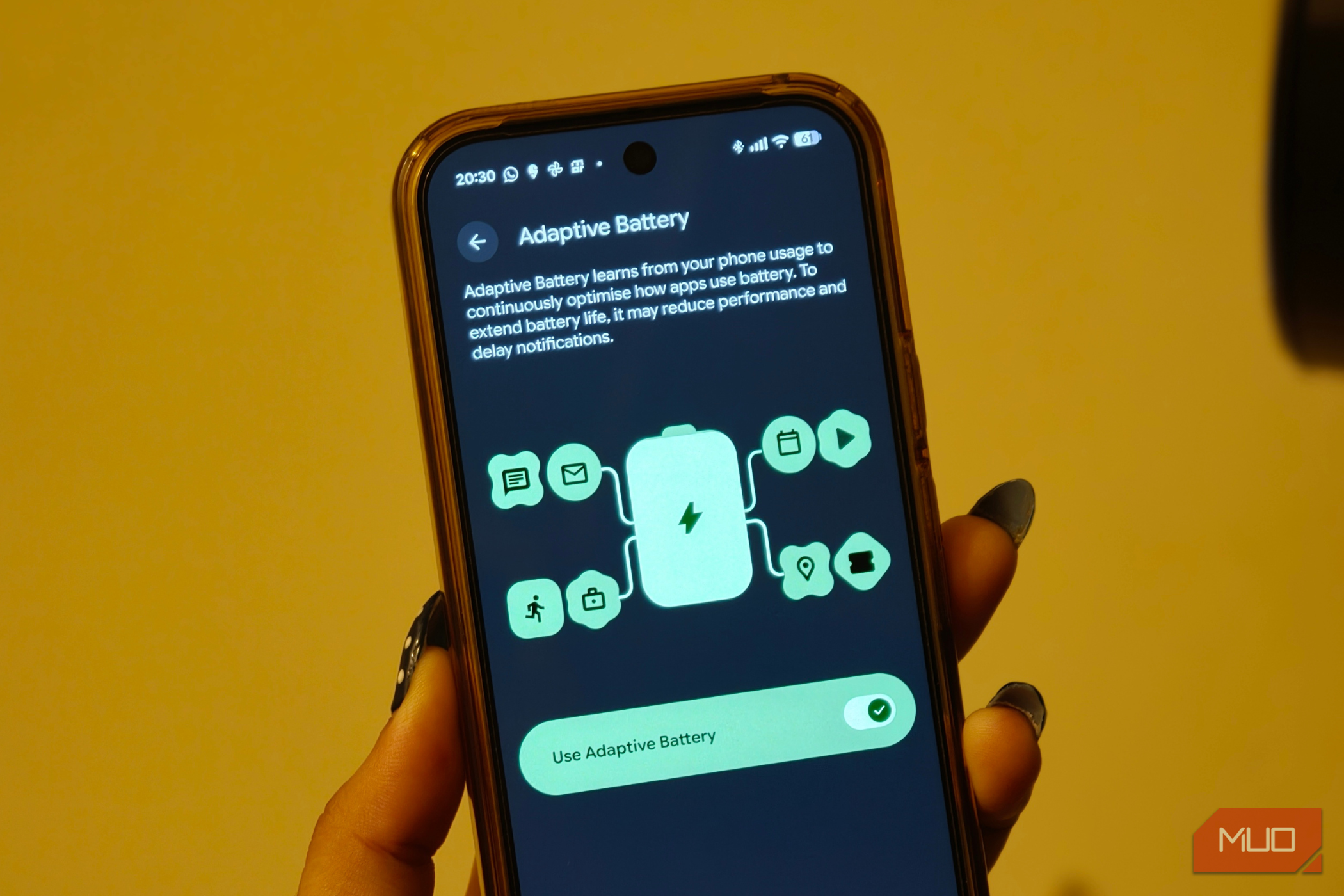
With AI coming into the picture, our phones have gotten much smarter. Now, we don’t have to manage them; instead, they learn our phone usage behavior and adapt to that. Our smartphones know which apps need to be running in the background and which should be put into deep sleep. This is done by a feature called Adaptive Battery, which extends the battery life by learning your habits. However, lately, my Android phone kept closing apps in the background, and after digging, I found that Adaptive Battery was the culprit. After I took manual control, my phone’s performance improved, and I was able to fix performance glitches. The reality of Adaptive Battery is different It actually ruins your phone’s performance To be upfront, Adaptive Battery isn’t a bad feature. For most people, it genuinely helps. But if you are someone who relies on a certain group of apps behaving predictably, like banking alerts, smart home triggers, and delivery tracking, you might have felt the same friction I did. Adaptive Battery isn’t a new feature, and it was added to Android with Android 9 Pie in 2018. Google built it using machine learning to predict which apps you will actually open versus which ones are just sitting and using your phone’s resources. Many people do not know that Adaptive Battery works hand in hand with something called App Standby Buckets. Every app on your phone gets sorted into one of five priority groups: Active, Working Set, Frequent, Rare, or Restricted. This is decided based on how recently you used it. If your phone decides that an app belongs in the Rare bucket, the app’s jobs, alarms, and messages get throttled hard, according to Google. The app isn’t broken; it is just demoted, and it doesn’t get its rightful share of resources. When you keep the Adaptive Battery turned on, the apps you use less often will run less while you are not using them, which helps stretch the battery through the day. The trade-off is that the Adaptive Battery may reduce performance and delay notifications to save power. Turning off Adaptive Battery changed a few things With this turned on, my phone wasn’t working for me The other day, with my hands full of groceries, I stood outside my apartment’s own door for a couple of minutes waiting for a notification that should’ve arrived instantly. The app did not crash; it was simply deprioritized because I don’t open it every hour. The thing with prediction-based systems is that they are built for the average case, and none of us are actually average. A messaging app I don’t refresh still needs to deliver messages the second they land, not whenever the algorithm decides my “usage pattern” justifies it. The good thing is that turning off the Adaptive Battery is quite easy. On a Pixel phone:
- Open Settings.
- Select Battery.
- Choose Battery Saver.
- Select Adaptive Battery and toggle off the Use Adaptive Battery option. On a Samsung phone:
- Go to Settings.
- Tap on Battery.
- Select Background usage limits.
- Tap on the three-dot menu in the top-right corner and select Adaptive battery.
- Toggle the Adaptive battery option to off. The thing is, on my Samsung, the Adaptive battery option is buried inside a three-dot menu icon. If you are on a different brand of phone, it could be buried in a slightly different place. My phone started behaving normally There were a few trade-offs involved, though After I disabled the Adaptive Battery feature, my phone got back on track. Notifications started arriving instantly again. My smart lock app worked the moment I unlocked my phone at the door. I wasn’t the only one facing issues because of this feature. My colleague went through nearly the same thing with their Pixel, making judgment calls they hadn’t approved. The fix? Disabling Adaptive Battery. If you have a Samsung phone, then aside from Adaptive Battery, there are a few options that you should turn off on your Galaxy phone to make it more responsive. There is one little trade-off, which not everyone will experience, but it’s something I came across. Your battery percentage will take a hit. Not a dramatic one, but a real one. Apps that used to sit quietly in the Rare bucket are now free to operate in the background, and they will start syncing, pinging, and refreshing, which eats up your battery. You can still improve your phone’s battery life by either adopting various techniques to squeeze more battery life or, instead of one blanket, setting each app’s battery permissions individually. Stick with Adaptive Battery if… If you are thinking you are also going to turn off Adaptive Battery, then hear me out. If you rarely notice notifications and battery life matters more than split-second app responsiveness, you should leave Adaptive Battery turned on. However, if alerts are more important, then Adaptive Battery should be turned off. But instead of Adaptive Battery, keep Adaptive Charging turned on. This feature manages how your phone tops up overnight to protect long-term battery health.