Summary
Summary
- Microsoft quietly installed OneDrive Photos; it scans local files and groups faces with AI.
- OneDrive Photos can’t be removed separately; removing it requires uninstalling the OneDrive sync client.
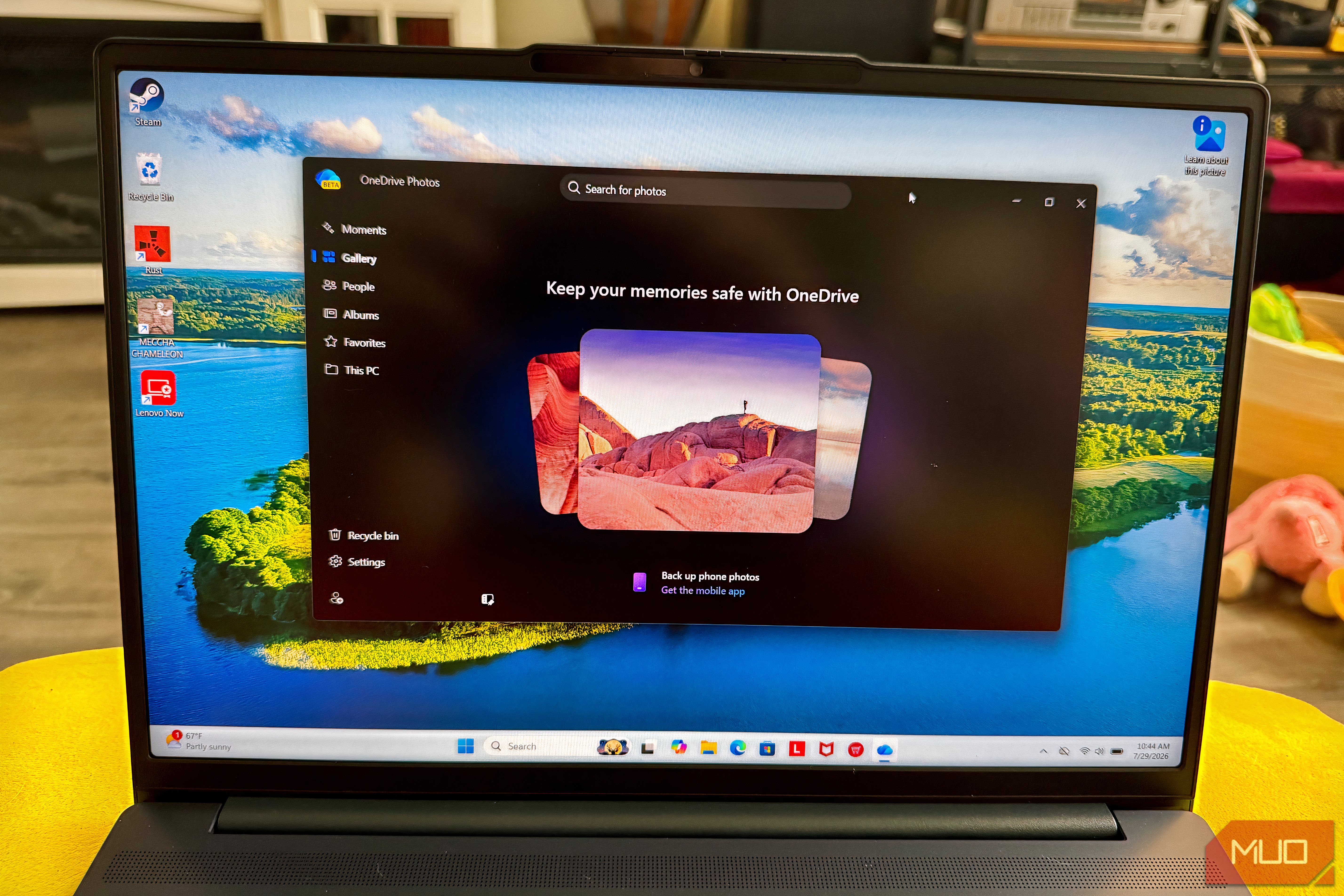
- Samsung ends Gallery–OneDrive photo sync on Sept 30, 2026; sort backups or switch to Google/Dropbox/Amazon. According to Windows Latest, Microsoft has quietly pushed a new app called OneDrive Photos, without users having downloaded it as part of a Windows Update or an update for the OneDrive sync client. This is a new photo viewer that scans your local computer storage and uses AI to recognize common faces in your pictures. This new app you didn’t download can’t be removed without removing the main OneDrive sync client. This is bad news for Samsung Galaxy users — Samsung is pulling the plug on its Gallery OneDrive sync on September 30, 2026. After that, your Galaxy won’t back up photos to OneDrive by default, so you’ve got this app just taking up space on your PC. How to fix your phone backups before time runs out If you’re using OneDrive, you might be considering swapping If your Samsung smartphone usually backs up your photos to OneDrive for you, you’ll need to make some changes yourself. If you’re already paying for OneDrive, you can stick with it, but you’ll have to unlink your Microsoft account from Samsung, then turn on camera backup in the OneDrive app. Weirdly, OneDrive Photos works even if you’re not signed in, since it scans your local files anyway. As I mentioned before, there’s also a People section that groups similar faces in your photos in this new OneDrive Photos app. Microsoft asks for permission before turning it on and explicitly warns that facial data could be considered biometric data and isn’t shared, but you might still want to turn it off. You can just skip enabling the People feature when prompted, but if it’s already on, you can turn it off anytime by opening OneDrive Photos, going to Settings, finding the People section, and toggling it off. If you want a cleaner break, Google Photos is the path of least resistance, and one I’ve been using for two years now. I’m a big fan of its AI search over Samsung Gallery, but it’s not super cheap. I currently pay £18.99/month ($19.99/month) for Google AI Pro. All Google accounts come with up to 15 GB of storage, which is included as part of the total storage offered in other Google One plans. Another solid alternative is Dropbox, which offers automatic photo uploads and works across multiple platforms. Amazon Photos is also a good option, especially if you are already an Amazon Prime member, as it includes unlimited photo storage. Whatever you do, sort out your backups before September 30. Your old photos in OneDrive aren’t going anywhere, but if you’re a Samsung user, this new app is pretty much useless to you. Take an hour to get your photos sorted; you’ll thank yourself later.