Summary
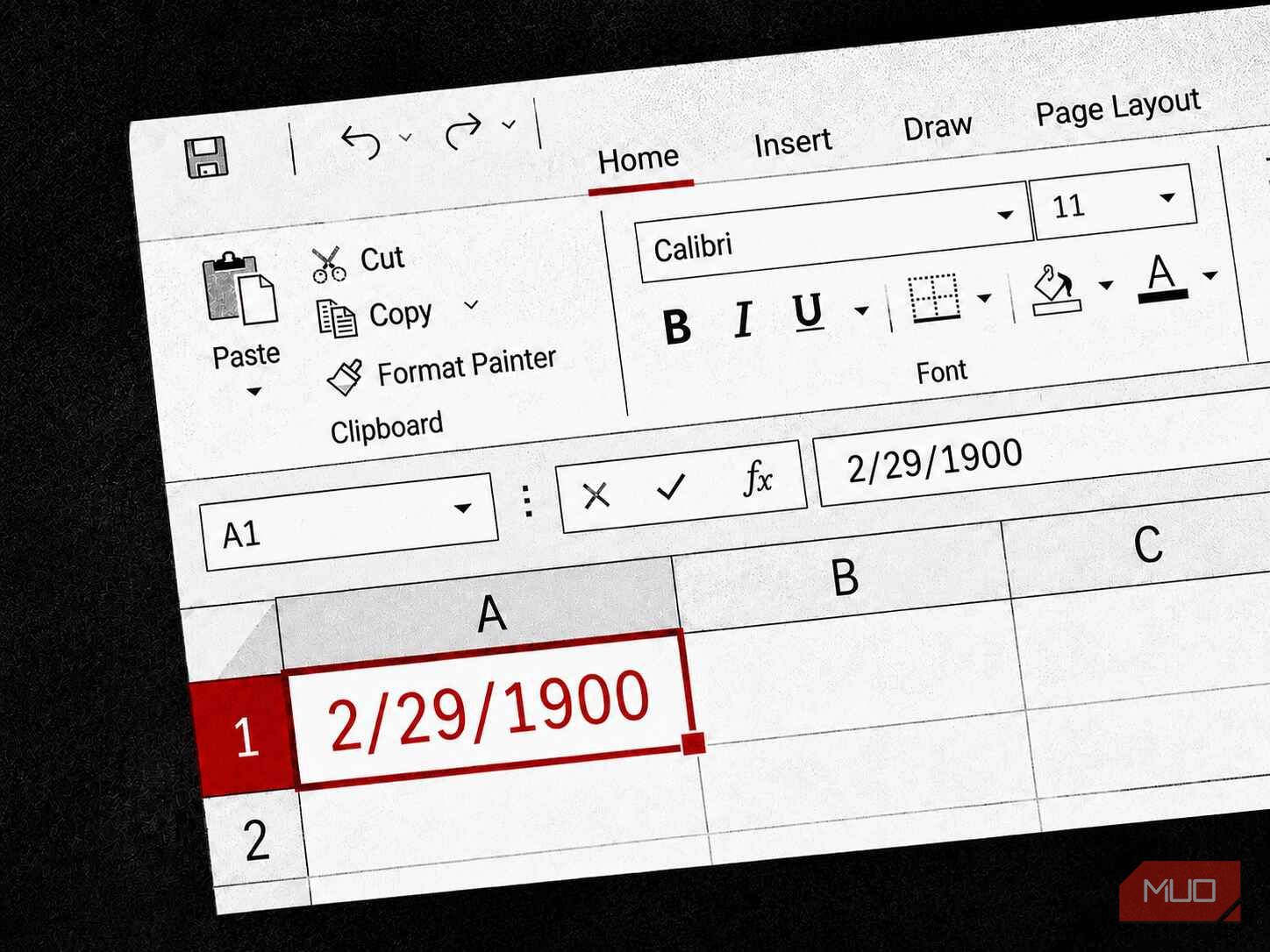
Here’s a party trick that works on every copy of Excel ever shipped. Open a blank sheet, type 60 into a cell, and format that cell as a date. Excel will confidently report February 29, 1900. Go check a calendar. 1900 wasn’t a leap year. February had 28 days, full stop, and February 29 simply did not happen. Yet the most-used piece of business software on the planet has a day pinned to it that never existed — and the people who maintain that software know it’s wrong, have known for forty years, and have made the deliberate decision to leave it exactly where it is. The shortcut that started it Lotus 1-2-3 wanted to save memory In January 1983, a company called Lotus Development shipped Lotus 1-2-3, written by Mitch Kapor and Jonathan Sachs for the IBM PC. It was a monster hit. Within a couple of years it had buried the software that invented the category, VisiCalc, and become the spreadsheet that ran corporate America. If you worked in finance in the mid-80s, you worked in Lotus. Lotus had to be fast and it had to be small, because the machines it ran on were neither. A typical PC-DOS setup maxed out at 640KB of memory (less than a single photo on your phone today) so the program couldn’t afford to store dates as anything fancy. It stored each date as a plain counting number. January 1, 1900 was 1, the next day was 2, and so on up through every date you’d ever type. The problem was the leap years: how do you decide whether a year gets a February 29? The textbook answer is fiddly. A year is a leap year if it divides by 4 — except century years, which only qualify if they also divide by 400. 1900 divides by 100 and not by 400, so despite being divisible by 4, it got no leap day. The Lotus developers skipped the fiddly part. Their check asked one question: does the year divide by 4? On a 1980s processor that test was almost free — the machine could answer it by glancing at the last two bits of a binary number — and it gave the right answer for basically every year a spreadsheet user would ever enter. 1900 was the rare exception. So Lotus waved 1900 through as a leap year and invented a day to fill the gap. At serial number 60, February 29, 1900 was born. It has never died. Microsoft copied the bug on purpose Flawless meant bug-for-bug Microsoft launched Excel on the Macintosh in 1985 and set out to bring it to Windows in 1987. The trouble was that Lotus 1-2-3 owned the market, with the kind of grip on corporate finance departments that makes switching costs enormous. Nobody rips out the spreadsheet their entire company’s numbers live in unless the replacement is flawless. So Excel had to be flawless in a very specific way: it had to open a Lotus file and reproduce every number identically, down to the last decimal, with no surprises. And date serials were part of the deal. Microsoft’s engineers understood the leap year rule perfectly well. Fixing it would have been trivial. But fixing it would also have knocked their date serials one number out of step with every Lotus file in existence, and compatibility was the whole pitch. So they made the call that still raises eyebrows today: they copied the bug on purpose. In what Excel calls the 1900 Date System, serial 60 is hardcoded, deliberately, as February 29, 1900. The error was inherited by choice. The origin of leap years Bonus history section! Earth takes about 365.24219 days to orbit the Sun once. Not 365. That awkward trailing decimal is the entire source of every calendar headache humans have ever had. If you build a calendar with a flat 365 days, you lose almost a quarter of a day every year, and after a few decades the”summer” months start sliding into actual winter. Julius Caesar took the first real swing at fixing this in 45 BCE with the Julian calendar. His astronomers rounded that messy number up to a clean 365.25 days and patched the missing quarter by adding one extra day every four years — the rule most of us still carry in our heads: if the year divides by 4, it’s a leap year. For a while, it worked beautifully. The problem is that 365.25 is not 365.24219. It’s a hair too long — about 11 minutes of overcorrection per year. Eleven minutes sounds like nothing, but calendars are patient. Those minutes pile up into roughly three extra days every 400 years, and over centuries the Julian calendar drifted far enough that the spring equinox, and with it Easter, had wandered ten days off from where the Church expected it to be. That drift is what finally forced a fix. In 1582, Pope Gregory XIII introduced the Gregorian calendar we use today, which keeps Caesar’s every-four-years rule but adds a correction on top of it for century years. The full test runs like this: if the year divides by 400, it’s a leap year; otherwise, if it divides by 100, it’s not; otherwise, if it divides by 4, it is; otherwise, it isn’t. Those two extra clauses shave off three leap days every 400 years, which was exactly enough to cancel Caesar’s 11-minute-a-year overshoot and pin the calendar back to the Sun. 1900 divides by 4, which is where a lazy check stops, but it also divides by 100 and not by 400 — so the Gregorian rule denies it a leap day. Lotus 1-2-3 only ever asked the first question, never the last two, and that’s how a day that the calendar had specifically been redesigned to delete ended up living inside your spreadsheet forever. The Excel bug isn’t really a disaster The offset cancels itself | Date | Real calendar | Excel’s serial | |---|---|---| | Jan 1, 1900 | 1 | 1 | | … | … | … | | Feb 28, 1900 | 59 | 59 | | Feb 29, 1900 | does not exist! | 60 — phantom day inserted here | | Mar 1, 1900 | 60 | 61 — and everything after shifts up one | For something like 99% of what people do in a spreadsheet, the bug does nothing at all. It hides in plain sight because it cancels itself out. Say you want the number of days between July 1, 2026 and August 1, 2026. Both of those dates sit past the phantom day, so both carry the exact same one-day offset. When Excel subtracts one from the other, the extra day on each side lands on both ends of the subtraction and vanishes. Any gap between two modern dates works the same way — the error is baked equally into both numbers, so it never survives the math. The offset only bites when it can’t cancel. Three situations do it.
If you’re doing historical work that needs the real day of the week for a date before March 1, 1900, WEEKDAY will lie to you, because that’s exactly the region the phantom day corrupts. - If you’re shipping raw date serials between Excel and a system that keeps a true calendar (like a SQL database, Python’s datetime, a Unix timestamp, etc) you have to hand-correct the offset for anything near 1900 or your dates drift by a day.
- Excel for Mac used to default to a completely different 1904 Date System, where serial 0 is January 1, 1904, specifically to dodge this whole mess. Move a file between an old Mac and a Windows machine without conversion and your dates could jump by roughly four years. Microsoft wrote it down and defended it. Its own support documentation says so in plain language. The reasoning holds up. “Microsoft Excel incorrectly assumes that the year 1900 is a leap year… Although it is technically possible to correct this behavior, the disadvantages of doing so outweigh the advantages.” And that is how a corner that two programmers cut to save a few bytes of memory in a 1983 DOS program is, today, a documented requirement in an international standard. When correctness and backward compatibility go to war, correctness rarely wins.