Summary
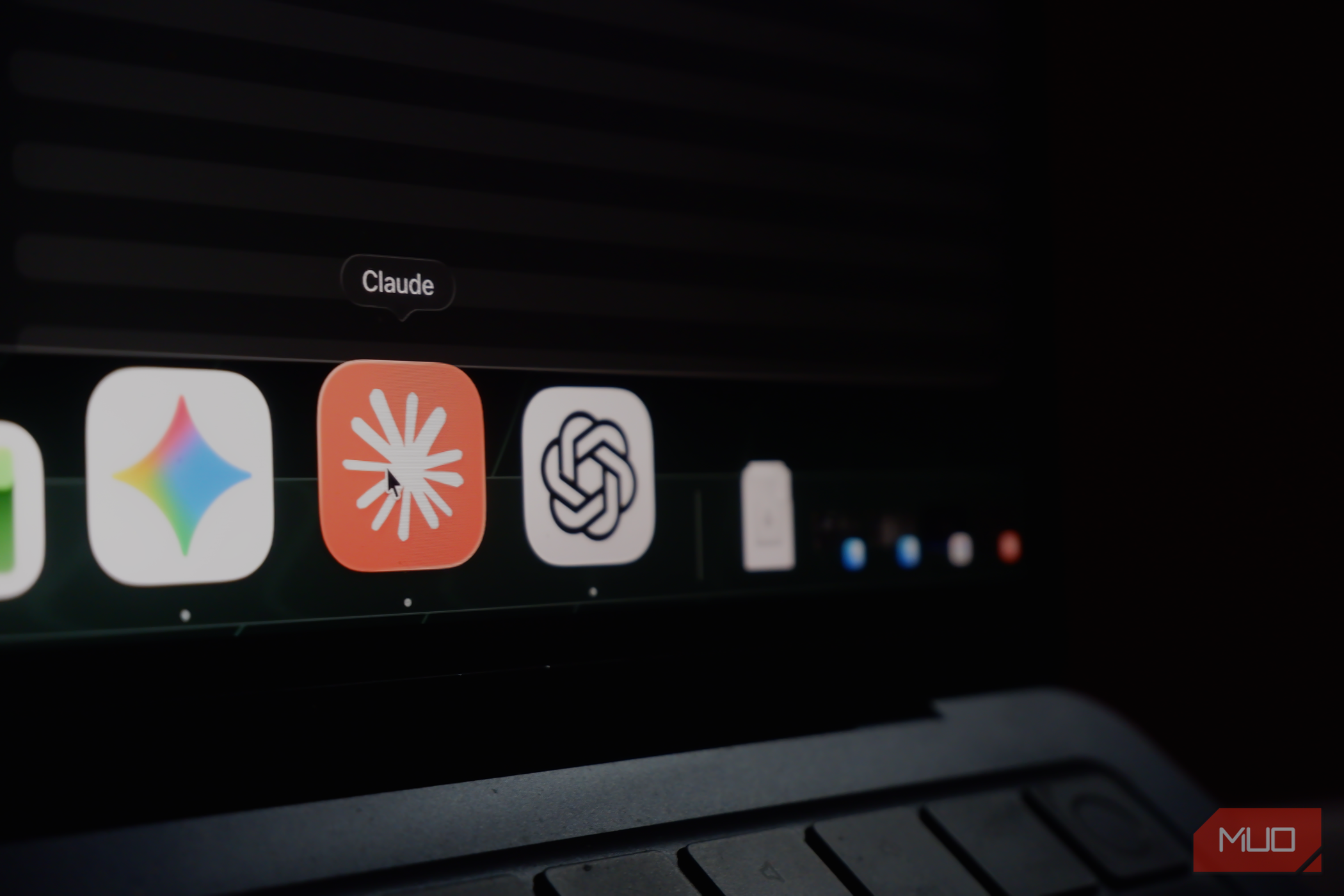
By now, you’re likely familiar with (and tired of) AI tools making up things and confidently presenting them to you in a way that makes you second-guess what’s real. I am too. However, I wanted to flip that around. Instead of catching an AI in a lie, I decided to tell Claude, ChatGPT, and Gemini the same lie just to see how difficult it would be to take it back once it stuck. Every AI tool has some version of memory now From blank slate to total recall When AI tools were still in their honeymoon phase, they weren’t any good at personalization. All you could really do was start a fresh chat, dump in whatever context the model needed, and you would get an answer shaped entirely by that one conversation. For a good chunk, every session you began started from practically zero, and you were the one reminding the LLM who you were, what you did, and what you had already told it a dozen times before. That’s no longer the case. AI labs have directed a lot of their efforts toward improving personalization, and memory is the centerpiece of that push. All three of the big assistants (ChatGPT, Claude, and Gemini) certainly fall into this category, and all of them have shipped some form of persistent memory over the past year. However, they don’t all do it the same way. ChatGPT, for instance, maintains a memory summary — a high-level view of what it’s picked up about you that updates automatically as you chat. However, OpenAI is upfront that this summary doesn’t show everything it remembers, and underneath it is a broader synthesis drawn from your past conversations. Claude keeps a memory summary too, but it sorts what it stores into labeled categories like Profile, Education, Food, and Reading. These are all memories Claude generates from your chats, and you can open, edit, or delete each one individually. It also has a separate feature that lets it search back through your past conversations, but that’s distinct from the memory. Gemini works differently again. It doesn’t give you a memory summary to read at all. Under its Personal Intelligence settings, there’s a Memory toggle that “learns from your past chats,” a Connected Apps section, and a space to write your own standing instructions, but nowhere to actually see what it’s concluded about you. What it knows is inferred from your past conversations and Google activity. So, I lied to all three of them Picking a fact that wasn’t true The idea here was to tell each assistant something false about myself, then see how hard it was to take back. I picked one fact and used it identically across all three: my favorite author is Carley Fortune. She isn’t. To plant the lie, I didn’t announce I was testing anything, and I didn’t use a “remember this” button or the instructions field. Instead, I dropped it into the middle of an ordinary conversation I was having about a trip I was planning, and I mentioned in passing that Carely Fortune was my favorite author. I did it this way on purpose. Nobody actually opens their settings and formally enters facts about themselves for an AI to store, and real memory gets built from offhand comments. ChatGPT and Claude both immediately updated their memory with my favorite author. ChatGPT filed it into its memory summary: Claude added it as a bullet under a “Reading” category. Gemini didn’t show any visible memory entry at all within any of its settings, since it doesn’t keep a readable memory summary the way the other two do. What it picks up lives in its past-chat history rather than a list you can open, so there was nothing to see here. The next step was testing what stuck and wiping it A casual correction wasn’t enough Once the lie had been planted, it was time to test whether each AI tool remembered it. So before touching any settings, I opened a brand-new chat with each one and asked the plainest version of the question: who’s my favorite author? All three answered Carley Fortune without hesitation. The fact had carried over cleanly from a throwaway line in an unrelated conversation, which is exactly what memory is supposed to do. Remembering, it turned out, was the easy part. Getting each tool to un-remember it reliably, in a way that actually held, was where they came apart, and all three failed at it in different ways. I began the classic way and just told each one it was wrong the same way I planted the lie. Actually, Carley Fortune isn’t my favorite author. On both Claude and ChatGPT, I opened another new chat afterward, asked who my favorite author was, and got Carley Fortune right back. The correction had registered in the moment but changed nothing underneath. Gemini was surprisingly the exception here. After I told it she wasn’t my favorite, a later chat correctly said it didn’t have one on file and noted that Carley Fortune wasn’t my favorite. What actually moved the needle on Claude and ChatGPT was being blunt and repeating myself. Instead of reinforcing that my favorite author wasn’t Carley Fortune just once and moving on, I had to say it directly and more than once. I then asked each tool who my favorite author was again, and this time both of them dropped Carley Fortune, saying they no longer had a favorite author on file for me. The firmer, repeated correction had done what the casual one couldn’t. I then decided to check the memory settings directly, to confirm the tools had actually removed what they claimed to. Claude had updated its entry, but not by simply deleting the fact. The “Reading” category now had a line stating that Carley Fortune was not my favorite author. ChatGPT was a different story. In the chat, it had just told me it no longer knew my favorite author. However, its memory summary still read that my favorite author was Carley Fortune. The reason why ChatGPT managed to answer correctly in a fresh chat regardless was because it also draws on past conversations. Since I had corrected it in those recent chats, it was pulling the up-to-date answer from there, while the stored summary sat untouched and still named Carley Fortune. I only worked this out by deleting the source chats. Once the conversations where I’d discussed Carley Fortune were gone (and with the summary never properly rewritten), ChatGPT went straight back to naming her as my favorite author. The original lie resurfaced the moment its chat-history footing was pulled out from under it. It took several explicit corrections, spread across several separate chats, before the change actually held in memory. With Gemini, since you can’t view the memory in any settings panel, there wasn’t a surefire way I could confirm what it had actually stored or whether anything had truly been removed. All I could do was delete the past chats where Carley Fortune had come up and then test it in a fresh conversation to see what it said. It worked as expected and the lie was successfully wiped out. The final verdict If there’s one thing this experiment made clear, it’s that getting an AI to remember something is far easier than getting it to forget. All three tools absorbed a false fact from a single offhand comment, and then made me work to undo it. Claude was the most transparent and quickest to update its memory. I did find it funny that it decided to log that Carley Fortune wasn’t my favorite instead of removing her from its memory entirely. This does mean it wasn’t the clean erase I was expecting. However, it did the job well regardless. ChatGPT was the hardest to pin down. What it says in a chat and what sits in its stored summary can be two different things, and it leans on your past conversations heavily enough that a correction can look successful while the underlying memory stays wrong. It was the only tool that reverted to the original lie, and it took repeated corrections across multiple chats before the change actually reflected in the memory summary. While I had the option to simply make the edit in the memory summary for both Claude and ChatGPT, I didn’t want to take the manual route. The whole point was to see whether these tools would actually forget when you correct them the way most people do rather than by digging into settings. Gemini was the most opaque. There’s no memory summary to inspect, so you’re left inferring what it knows from how it answers. Correcting it in conversation worked better than it did on the other two, so it definitely won this round fair and square. However, though it worked well in this experiment, I think it has the weakest memory and personalization options out of the bunch (despite the launch of Personal Intelligence). Since there’s no summary to open, no list of entries, and nothing you can edit directly, the only option you have is to delete the underlying chat and hope you’ve caught every place the fact lives. That works when it comes from a single conversation you can find, but it leaves you with very little the moment things get more tangled, or you simply want to see what Gemini has decided about you.