Summary
Summary
- 5.19.6 restores AZW3/MOBI fixed-layouts: no chunky borders, panel-by-panel zoom and proper page scaling.
- 5.19.6 rolls out to 2024 Kindle 11th Gen, Paperwhite 12th Gen, Colorsoft and Scribe; older models stay broken.
- To get it now: Settings > Device Options > Advanced Options > Update Your Kindle; updates roll out in waves.
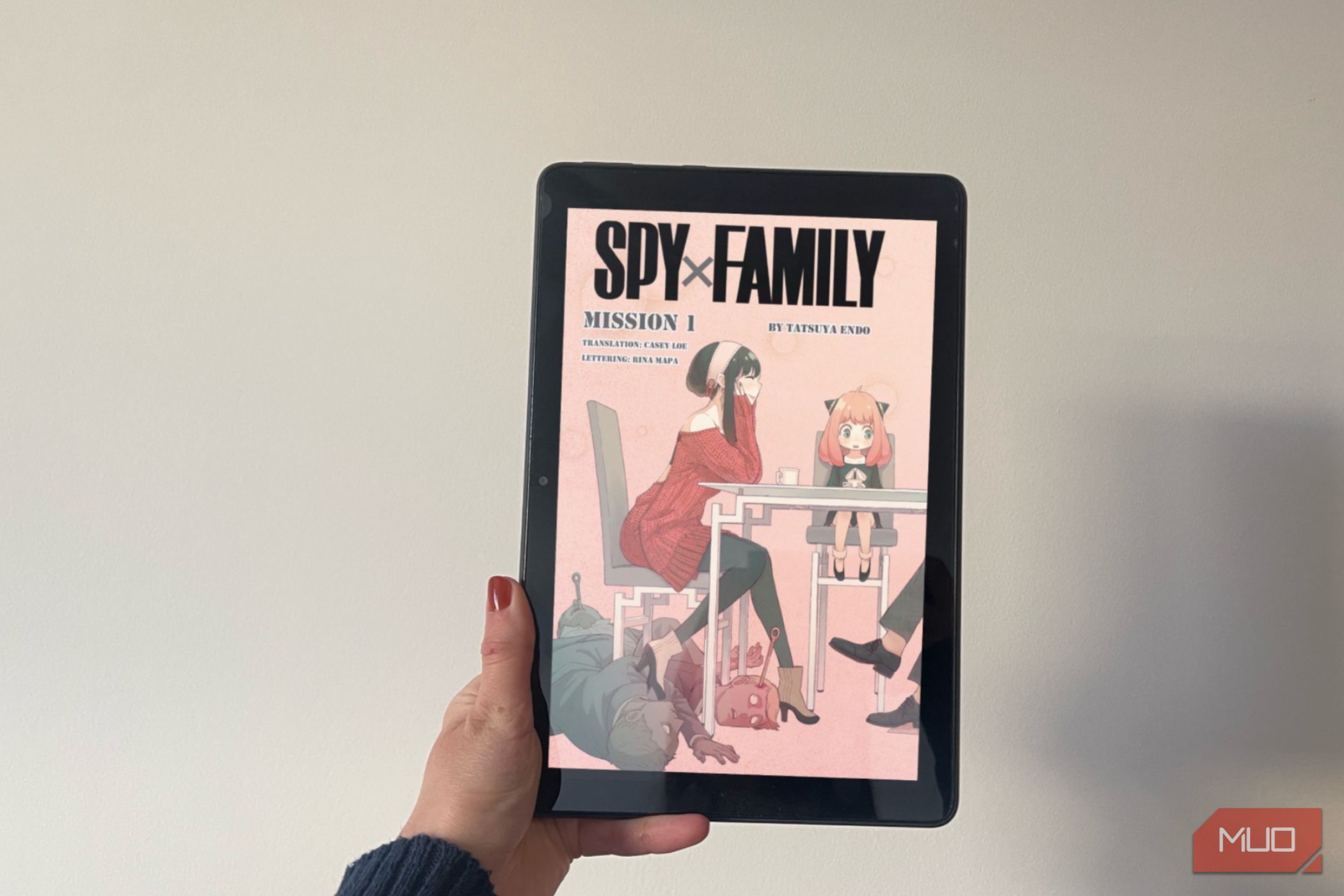
If you side-load manga or comics on your Kindle, you’ve probably spent the last six months fighting with broken layouts, chunky white borders, and missing zoom. Not fun.
Back in February, a routine firmware update accidentally messed up how Kindles handle fixed-layout files like AZW3 and MOBI. Amazon’s official release notes for the new 5.19.6 firmware update don’t mention this, instead focusing on performance improvements and bug fixes. But testing by Good e-reader confirms that native AZW3 refreshing and MOBI virtual panel navigation are finally working again.
Here’s what this means for your manga stash, and how to get the fix ASAP.
Why the 5.19.2 update was a nightmare for manga lovers
People had to use Calibre and Kindle Create to convert files just to make them readable.
February’s 5.19.2 update added some new cloud stuff, but it also scrambled how fixed-layout files show up. If you read digital manga, your files suddenly shrank with huge white borders. Page flips lagged, and the panel-by-panel mode just vanished. Amazon claimed AZW3 is fully supported, so everyone was confused. KFX books from the store worked fine, but if you manage your own library, you were out of luck.
What version 5.19.6 fixes for your device
Only certain devices will get this fix
The 5.19.6 update fixes things for newer Kindles: 2024 Kindle 11th Gen, Paperwhite 12th Gen, Colorsoft, and Scribe. If you’ve got an older model, like the Paperwhite 10th Gen or earlier, you’re out of luck for now. You’ll need to stick with workarounds or think about upgrading.
 Kindle Scribe
 - Brand
- Amazon
- Storage
- 16GB, 32GB, or 64GB
- Battery
- 12 weeks
- Display type
- 10.2-inch Sideloaded AZW3 manga and e-books now fill the screen again, no weird padding. Panel navigation is back too, so you can zoom through comics like before. If you use PDF or EPUB, nothing’s changed there—PDFs work the same, and EPUB still isn’t natively supported. Amazon rolls out updates in waves, so your Kindle might not get this new update right away. But if you’re tired of waiting and want your manga fixed now, here’s how to install it yourself:
- Turn on your Kindle and make sure it is connected to Wi-Fi.
- Tap the menu in the top right and go to Settings.
- Navigate to Device Options > Advanced Options.
- Tap Update Your Kindle to check for and install version 5.19.6. If the button’s greyed out, you’re either up-to-date or still waiting your turn. Give it a quick check, try out your favorite manga, and enjoy seeing your books the way they should look.