Summary
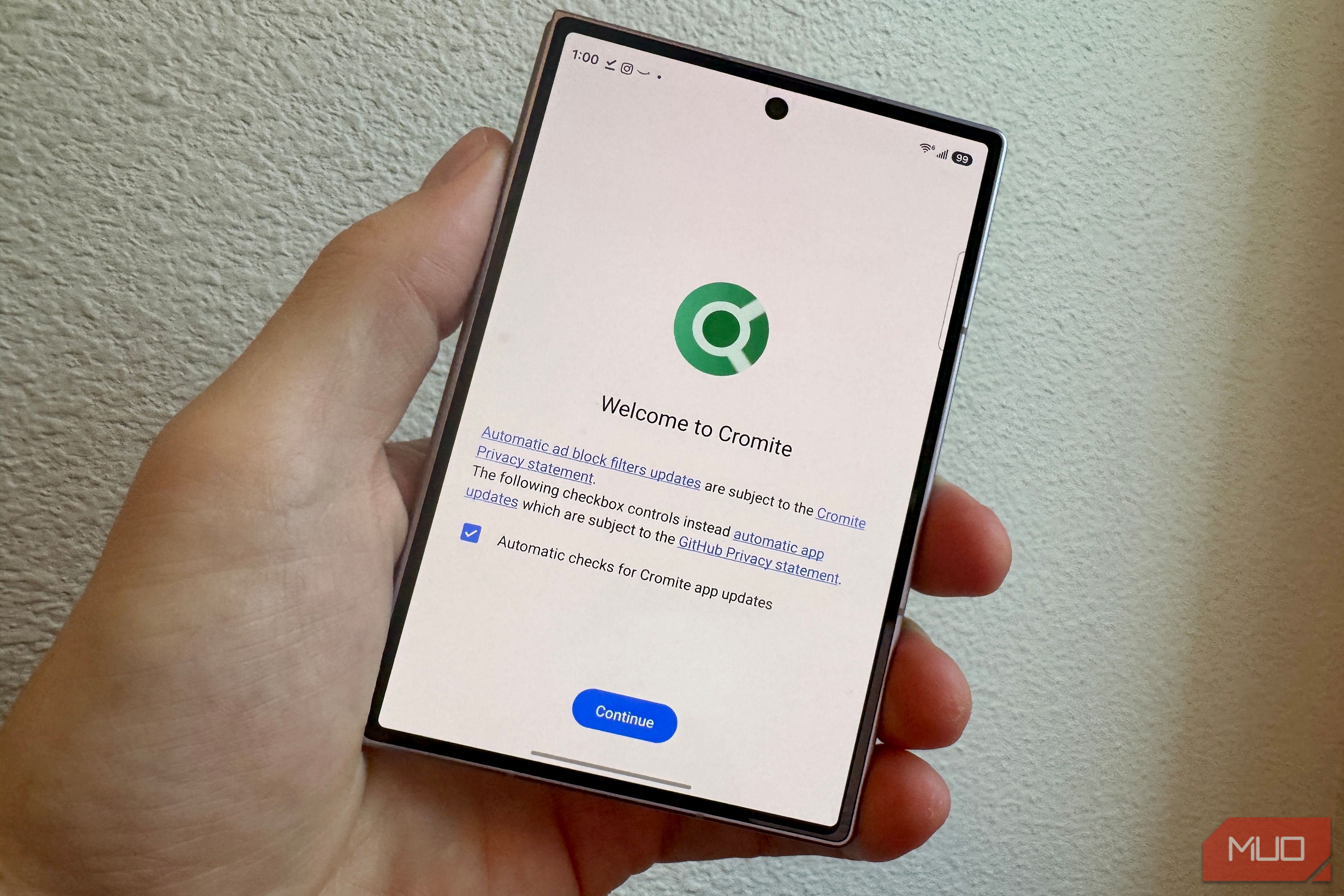
Chrome sends what I type in the address bar straight to Google before I even hit enter, so when I heard about Cromite, a Chromium fork that strips that connection out and blocks ads and trackers by default, I gave it a week on my new Galaxy Z Fold 8 to see if ditching Chrome was actually worth it. What gave me pause, however, was the fact that it lags a few versions behind Chrome proper. Samsung’s One UI 9 changed how Android handles sideloaded apps, too, so I also wanted to see how installing an APK that wasn’t Google official would work on my phone. Along the way I checked whether the built-in ad blocking genuinely speeds up browsing, whether losing Google account sync is as annoying as it sounds, and whether the update lag matters enough to talk myself out of it. What I ended up testing How Cromite caught my attention Chrome syncs to your Google account by default in order to keep the experience the same across devices by uploading bookmarks, history, saved passwords, and addresses. That’s not necessarily dangerous on its own, but it means my passwords, saved cards, and years of browsing history all live in one account, protected by whatever I’ve set up to secure that account and nothing else. Chrome for Android doesn’t have a built-in ad blocker, either. Cromite promises to not track you, and it has a built-in, network-level ad blocker that intercepts requests before they even render, leaving no need for an extension. What it can’t do is offer extensions, something a browser like Kiwi or Quetta say they do. Instead, it offers userscripts and a built-in Credential Manager instead, which is close, but not the same thing. There has been an open feature request on GitHub for Cromite devs to add extension support for a while now, but nothing has appeared, yet. Fingerprinting is harder to block than cookies: sites read tiny quirks in how your browser renders graphics or plays audio to build a unique profile of you, even after you’ve cleared every cookie. Cromite fights this by randomizing those signals, Canvas, WebGL, and audio output, every time, so the same fingerprint never shows up twice. What the numbers said Using a stopwatch isn’t perfect, but it’s close I timed four sites I actually visit, MakeUseOf, Wikipedia, my bank, and Amazon, loading each in Chrome and then in Cromite, same Wi-Fi, back to back. MakeUseOf loaded in 1.68 seconds on Chrome and 1.46 on Cromite. My bank showed the biggest gap: 3.11 seconds versus 2.53, nearly 19% faster. Wikipedia, which has almost nothing for an ad blocker to strip out, barely moved: 1.43 seconds versus 1.34. Amazon was the outlier. Two runs on each browser landed close enough, an average of 1.82 seconds on Chrome and 1.90 on Cromite, that I’d call it a wash rather than a win for either side. | Site | Chrome | Cromite | Difference | |---|---|---|---| | MakeUseOf | 1.68s | 1.46s | 13% faster | | Wikipedia | 1.43s | 1.34s | 6% faster | | My bank | 3.11s | 2.53s | 19% faster | | Amazon (avg of 2 runs) | 1.82s | 1.90s | Essentially a wash | The numbers are backed up by AdGuard’s 2025 Web Performance Report, which tested 119 US news sties and found that ad-blocked pages load much faster than unblocked, with 50% fewer network requests and Google trackers present on 97% of sites tested. Setting up Cromite on a two-week-old Galaxy Z Fold 8 It’s not on the Play Store, and F-Droid didn’t work either Typically, you’d grab something like Cromite via its F-Droid repository, its direct GitHub release, or the SourceForge mirror, not the Play Store. When I went to the F-Droid page, the URL was unreachable, and I didn’t find Cromite by searching in the app. I ended up grabbing the APK from SourceForge instead. It’s still a safe place to grab from, since it links back tot he real repository, last updated June 3, 2026; it’s not one of those random third-party APPK sites with all the ads and misleading download buttons. My Samsung didn’t make it super easy to sideload, either, which is something One UI 9 added: a Manage unknown apps hub. Settings > Security and privacy > More security settings lists every app installed from outside the Play Store/Galaxy Store in one place. Cromite does just fine when switching from the inner screen to the outer one; each website I tested above moved smoothly and easily back and forth. The trade-off I didn’t expect Cromite is behind on security updates As of this writing, Chrome for Android is currently on version 152.0.7977.51, while Cromite’s browser version sits at v148.0.7778.168. That’s three Chromium major verisonas and three months behind. Chrome has already patched multiple actively-exploited zero-days in 2026, including CVE-2026-5281, a WebGPU use-after-free bug added to CISA’s Known Exploited Vulnerabilities catalog in April 2026 — the fourth actively-exploited Chrome zero-day patched that year. While Cromite has already addressed that specific vulnerability, it’s an example of the type of vunlerability that could affect you by using the alternative browser. I’ll use Cromite, but probably end up back with Chrome The sideloaded browser is fast, yes, and I like the idea of not being tracked across the web as with Google’s flagship browser. Still, I did miss the way Chrome keeps my browsing history available to me across devices. I may have gotten lazy, but typing in a few characters on my phone and getting a URL I visited earlier on my computer is very nice. If you’re super invested in getting out of Google’s tracking system, Cromium may be worth a look, though you’ll need to decide if the outdated version is worth the benefit.