Summary
Summary
- Microsoft is testing a Windows 11 change that disables captions in Windows Media Player Legacy and directs users to the modern Media Player.
- The more modern player uses more than three times as much idle RAM and opens videos more slowly than Legacy.
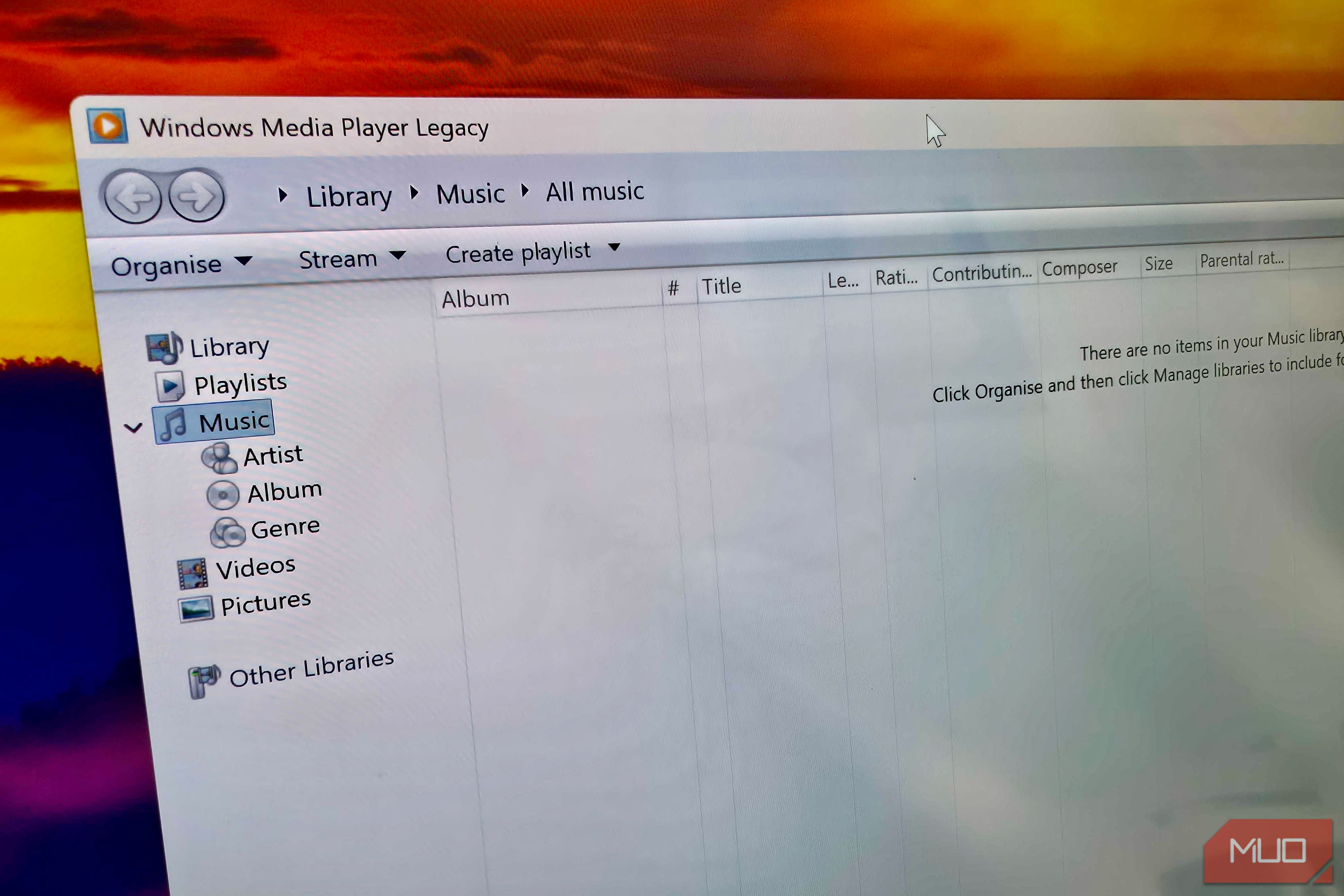
- The restriction is currently limited to an experimental build, while free alternatives such as mpv remain available. Despite the many apps with Liquid-Glass-style interfaces developers churn out, decades-old Windows tools remain genuinely useful, particularly for people who value fast startup and familiar controls. Windows Media Player Legacy is certainly among them, and Microsoft still offers it on Windows 11. Microsoft released Windows 11 Insider Experimental (Future Platforms) Preview Build 29648.1000 on August 17. Although Microsoft’s release notes do not mention any changes to Windows Media Player Legacy, Windows Latest reports that the build prevents the old player from displaying captions and directs users to the modern Media Player instead. Don’t wait for Microsoft to choose your media player mpv is the best replacement, but it isn’t the only one While the newer Windows Media Player app offers better caption customization options, disabling a previously functional accessibility feature is certainly a peculiar way to encourage Windows users to abandon legacy software. That said, it would still be easier to accept if the modern player were better in all respects. Windows Latest found that it used roughly 377MB of RAM while idle, compared with 103.4MB for Legacy. This is certainly not negligible for an 8GB PC, where Windows 11 already leaves limited breathing room. Legacy can also play HEVC videos out of the box, while the modern player requires Microsoft’s $0.99 HEVC Video Extensions. Fortunately, you don’t have to choose between Microsoft’s two players. If you use Windows Media Player Legacy because it launches quickly and stays out of your way, mpv is probably the closest replacement. The free, open-source player comes with a minimal interface, supports numerous media formats and subtitle types, and includes GPU-accelerated playback. Also, it offers a set of “Advanced” features, including HDR, color management, and subtitle timing controls without placing them in your way during ordinary playback. Screenbox is the better option if mpv feels too bare. It combines VLC’s playback engine with a cleaner interface designed specifically for Windows. As we found when testing Screenbox as a modern VLC alternative, it provides broad format support, playlists, subtitles, and familiar controls without looking like a decades-old desktop program. Lastly, PotPlayer can also feel like an upgrade over Windows Media Player. It offers more controls, supports multiple subtitle formats, built-in codecs, and hardware acceleration. Although its crowded settings can be intimidating, that flexibility is precisely why some prefer PotPlayer over VLC. Microsoft’s strange Windows 11 updates have left us all scratching our heads This is not the first time Microsoft has made some questionable choices with recent updates. Very recently, the company removed a Teams integration feature that caused many to complain about lack of proper communication from the developers’ end. That’s not all; it took years before Microsoft admitted removing task bar customization features in Windows 11 was a mistake. It’s likely the company will continue to make tweaks like this, of course, but there are always alternatives if you know where to look.