Summary
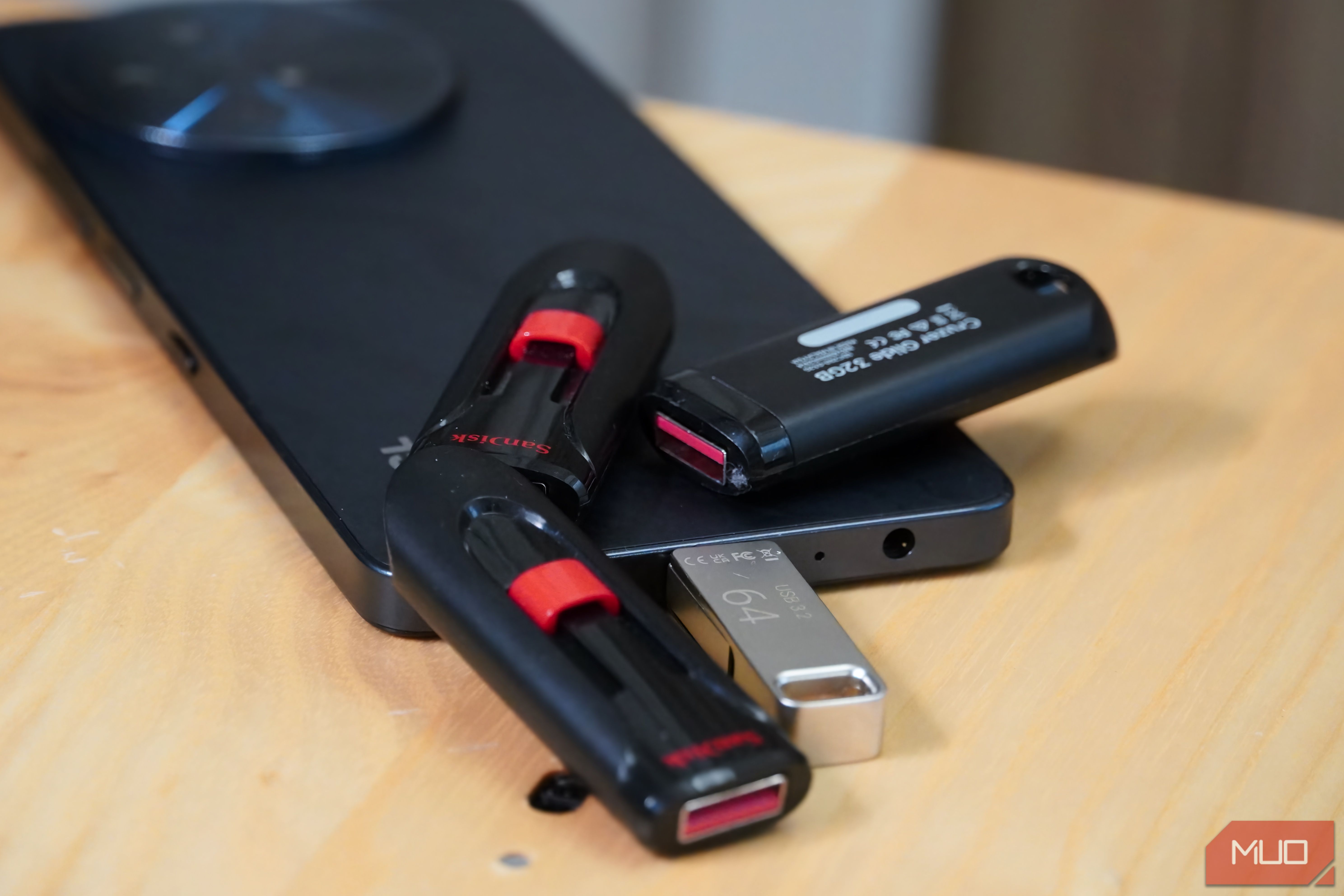
The idea that flash drives are dying might not be totally unfounded. With cloud storage, faster external SSDs, and faster internet speeds, a lot of what flash drives were used for has already been taken over by other options. Like many people, I too have a couple of SSDs and SD cards, yet I still reach for my cheap USB flash drives first for certain things. Be it creating a PC recovery or installation drive, or when I need a cheap way to hand over data without logging into any account or app, flash drives are still the simplest way to carry data around. And I don’t think they are going away anytime soon. Flash drives still have the edge in what they did best Portable, cheap, and they work with everything USB flash drives’ biggest edge was always portability. They were relatively cheap, came in sizes from a few gigabytes to several hundred, and the chances of breaking one by dropping it were negligible. The USB interface worked on any computer with a USB port, and you didn’t need special software or adapters to use one. Over the years, flash drives have gotten faster and now max out at around 512GB for mainstream models. But the reason I still reach for them hasn’t changed: they do the basics better than anything else in certain situations. Need to hand off a movie to a friend for their TV? Pop it on a stick and plug it in. Need to print something at a copy shop? A flash drive keeps your phone and cloud passwords away from an unfamiliar public PC. Sharing family videos from a birthday party? Hand them a USB stick and tell them to back it up. In all these cases, you’re moving files to a device you don’t own or control, and a flash drive lets you do that without logging into anything, installing any app, or leaving a digital trail behind. Flash drives still hold my recovery tools A pocket-sized safety net for when your PC won’t boot One of my most important flash drives isn’t for storing files at all. It’s a dedicated recovery drive that I keep ready for the day a PC stops cooperating. I use Ventoy, a free and open-source tool that turns a single USB drive into a multi-boot device. You install Ventoy once, and after that, you copy ISO files onto the drive like regular files. When you boot from the USB, Ventoy shows a menu with every ISO on it and lets you pick which one to load. My current setup has a Windows 11 installer, a couple of diagnostic ISOs, and a recovery toolkit on the same drive. If a PC refuses to boot, I can run Startup Repair, roll back using System Restore, or open Command Prompt for manual fixes. If nothing works, I can wipe and reinstall Windows from the same USB. I’ve gone into more detail on how I spent years perfecting my rescue USB to save any PC, but the short version is that a 12, and 64GB models often go for under 100+ drive or just not doing it at all. For the kind of data where you only need a couple hundred gigabytes and portability matters more than speed, a flash drive still makes the most sense. It’s storage you can afford to lose or give away, and that’s a big part of why the USB flash drives will continue to stay around. The reliability concern still exists Flash drives aren’t built for long-term archival storage Flash drives have a flaw, and a big one at that. They store data as electrical charge in NAND flash cells, and that charge slowly leaks over time if the drive sits unpowered. Leave a flash drive in a drawer for a year or two, and there’s a real chance of silent data corruption, especially in cheap consumer drives that use lower-tier flash memory. Unlike SSDs, USB sticks don’t have SMART monitoring, so there’s no early warning before failure. You find out data is gone only when you try to open a file that won’t read. I’ve had a couple of drives stop working with no prior signs of trouble. This is the same reason SSDs aren’t recommended for long-term storage either, since any NAND-based storage faces the same charge leakage problem. That said, no storage medium is truly bulletproof on its own. HDDs fail mechanically, SSDs degrade without power, and optical discs scratch. The smart approach is the 3-2-1 backup rule: three copies, two different types of media, one stored offsite. A flash drive is a great tool for quick transfers and recovery purposes, but it was never designed to be your only copy of anything important. Flash drives aren’t dying; not anytime soon. USB flash drives were never mass storage devices; however, a new generation of SSDs that can fit in your thumb drive offers an alternative that is faster and has up to 4TB of space. SSDs handle speed, HDDs handle bulk archival, and cloud storage handles access from anywhere. Flash drives don’t compete with any of them on those terms. But they still own the space where you need something small, cheap, and universally compatible to move data between devices you don’t control. That’s a lane no other storage medium has taken over, and for a $5 investment, it’s one of the most useful things I keep in my bag.