Summary
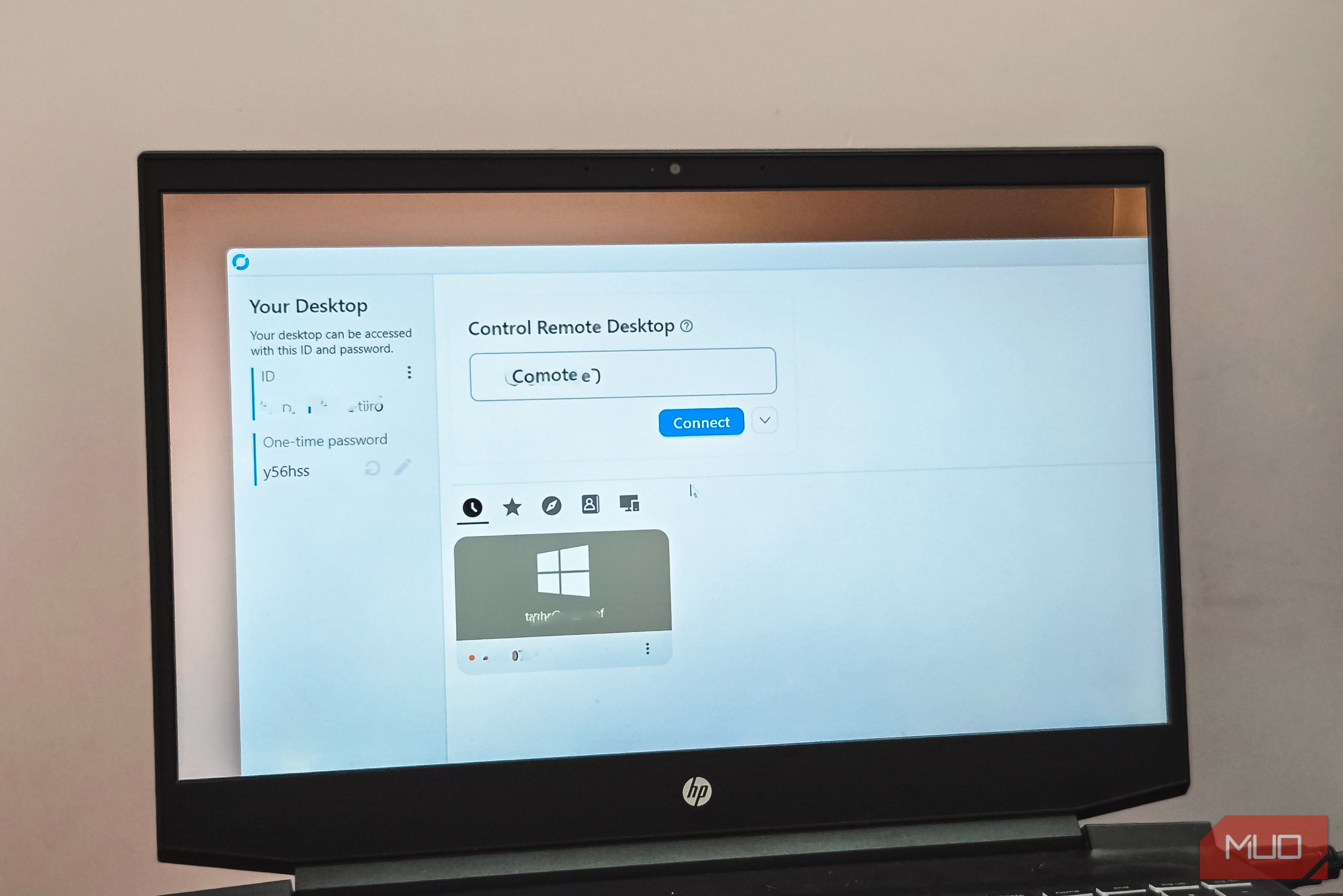
I’ve mainly used TeamViewer as my go-to remote desktop tool for family tech support. However, with its aggressive push to upgrade and limitations, I needed an alternative that was less restrictive and allowed me to self-host. After trying a few of the other popular alternatives, I finally replaced TeamViewer with RustDesk. It’s an open-source remote desktop app that’s free to use and makes the TeamViewer subscription look like a bad deal. No more “Are you running a business?” pop-ups TeamViewer’s most frustrating feature is one you didn’t ask for If you’ve used TeamViewer’s free tier for any length of time, you’ve probably seen the “Are you running a business?” pop-up. It’s the message that throttles your connection to about two minutes and asks you to prove you’re not using the tool commercially. The problem is that TeamViewer’s detection logic is far from accurate. It can flag whether you are connecting to a headless PC that doubles as a Plex media server or helping a family member from a hospital Wi-Fi. Even connecting to four personal devices on the same home network, all logged into one personal account, can trigger it. The appeal process isn’t much better either, with some reporting wait times of over two months just to get a response. RustDesk doesn’t have any of this. There are no commercial-use pop-ups, no session time limits, and no invisible thresholds that decide whether you’re a business based on how many times you connected this week. You install it, enter the remote machine’s ID, and connect. Open-source, lightweight, and self-hosted You control the server, not a third party TeamViewer routes all your connections through its own servers. That works fine until you factor in the subscription cost and the fact that all your session data flows through infrastructure you don’t control. The installer itself isn’t lightweight either, bundling features most personal users will never touch. RustDesk feels lighter in comparison. The entire project is open-source, and you can self-host it using two lightweight Docker containers, one for the ID server and one for the relay. Once you set those up, all your connection data stays on hardware you own. I thought self-hosting a remote desktop server would be a heavy lift, but the actual footprint was minimal. The two Docker containers use a fraction of the resources TeamViewer’s desktop client does. If you already run Docker containers for other self-hosted services, adding RustDesk to the stack wouldn’t be any different. If you don’t want to self-host at all, you can still use RustDesk’s public relay servers at no cost. Those are shared across many users and can feel slower during peak times, but for occasional family support sessions, they work fine. File transfer without the paywall Move files freely between machines, no upgrade required File transfer is one of those features that TeamViewer technically offers on its free tier but makes increasingly painful to use. Move files regularly or across multiple sessions, and you’ll start hitting prompts to upgrade. The free plan’s session limits discourage relying on it for anything that resembles a real workflow. RustDesk includes a dedicated File Transfer mode that’s completely separate from screen sharing. You get a two-pane view, similar to an FTP client, where you can browse the remote machine’s file system and drag files between your local and remote machine in either direction. It handles folders and multiple files in one go, not just single files. Because RustDesk connections are peer-to-peer, your transfer speed depends on your network link rather than a vendor’s bandwidth cap or plan tier. On a decent home connection, moving a few hundred megabytes between machines is fast enough that you won’t miss a dedicated file-sharing tool. You can also toggle clipboard file copy-paste on or off per session from the connection options. When it’s on, you can copy-paste files the way you would between local folders. When you don’t want that exposed, you switch it off with a single toggle. None of these features requires the paid Pro tier. It’s baked into the base community client whether you’re connecting through RustDesk’s public servers or your own self-hosted setup. Works everywhere without a per-platform license One free app across Windows, Mac, Linux, Android, and more RustDesk doesn’t treat cross-platform support as a premium feature. The same free client runs on Windows, macOS, Linux, Android, and iOS. You install the same app everywhere, and every device is reachable the same way. The practical upside for anyone playing family tech support is that you’re not maintaining separate tools for each operating system. When I set up a self-hosted RustDesk server with Tailscale, every device in the house connected through the same client and the same server, regardless of what OS it was running. One caveat worth knowing is that RustDesk isn’t built for latency-sensitive use cases like gaming or video streaming. Tools like Parsec or Sunshine handle that better. But for everyday remote support, file access, and troubleshooting a relative’s PC, the performance holds up well, running H.265 at 30 FPS over a standard connection. RustDesk does enough to make TeamViewer hard to justify RustDesk won’t replace TeamViewer for everyone. If you need enterprise management tooling, a web console with OIDC/LDAP integration, or branded clients for a large IT team, RustDesk Server Pro exists as a paid option starting around $9.90/month, and TeamViewer’s business tier may still make sense. But for anyone doing family tech support or running a small setup, the free community version already covers file transfer, multi-monitor support, session recording, and cross-platform access without a single pop-up asking you to upgrade.