Summary
As a kid, the first set of gadgets that truly drew me to technology were gaming consoles. While growing up, the PlayStation Portable was my favorite portable gaming console. I still remember the feeling of awe in the 13-year-old me getting my hands on the PlayStation Portable 3000. There was something uncanny about carrying a piece of portable technology to those boring get-togethers and watching hours pass by.
Fast-forward to today: smartphones support advanced graphics, but their libraries are limited, and unless you source a controller and run well-tuned games, the mechanics aren’t always flattering. So I recently tried to convert my smartphone into a portable gaming console.
The PSP revolutionized portable gaming
The PSP was highly optimized for 3D games
The PSP supported advanced 3D games that were almost on par with the PS2, while also letting you access the internet and watch movies. Did you know companies actually released movies on UMDs, especially those created to be consumed on the PSP, besides DVDs and CDs?
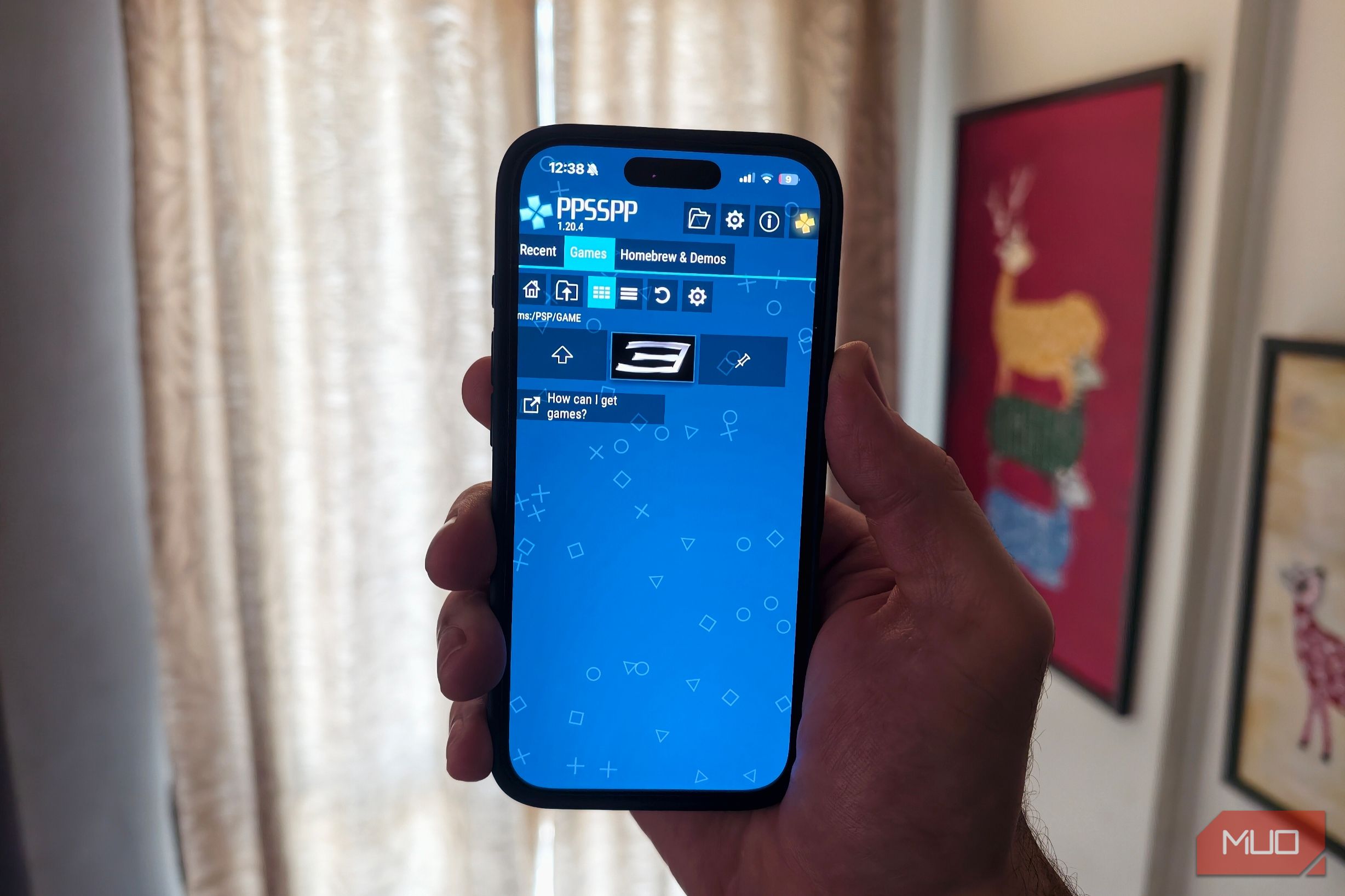
That’s the impact the console had back in the day. On this journey, my first mission was to choose the finest emulator for the platform and then test all my favorite games. I finally chose the PPSSPP app, which is available on both the Google Play Store and the App Store. The emulator is extremely smooth, and even if you don’t own a dedicated gaming controller, you can play games on your smartphone using virtual controls.
The PSP emulator can be set up in a few steps
Games need to be downloaded separately
After installing the PPSSPP app, create a new folder within the app. I would recommend naming the folder something easy to remember, such as ‘PS games.’ This is where you need to store your game files. The games need to be in .iso or .cso format. If they are compressed in a .zip file, extract them first. Once the files are in the folder, open PPSSPP, head to the Games tab, tap Browse, and select the PSP Games folder. The emulator should automatically detect the games and add them to your library.
The emulator can upscale games
Use a controller for the best experience
I played games including Spider-Man 3, Tekken 6, and GTA: Vice City, and the experience was surreal. Users can upscale games to 2x, 4x, or higher and customize the graphics for a better visual experience. The app is officially available for iPhones as well, which surprised me. I was blown away by how accurately the games ran on both platforms, and I could also run the games with improved visuals compared to the actual PSP. I’m not saying the experience of playing PSP games on an Android is better, though.
While playing Tekken 6, I didn’t expect a great experience because the on-screen controls can feel cluttered, but I was blown away by how accurately the mechanics worked and how smooth the gameplay was. Compared to the collection of games available for Android and iOS smartphones, the PSP still seems like a heavyweight.
It is pretty strange
hardware advancements. While I did not use a third-party controller, connecting an accessory like the Backbone One to your smartphone would be a huge step up and would enhance the experience.PSP gaming is a great option in 2026
It has a lot going for it
If you spent a lot of time with the PSP as a kid, it makes sense to set up your smartphone for on-the-go gaming, but games were expensive. Now, it might be easier for users to revisit the entire game catalog.
Compared to smartphones, the best thing about the PSP was that every game ran efficiently with no major glitches, since developers created titles specifically for a single platform. So if you want to revisit your childhood or just want an improved portable gaming setup in 2026, the PPSSPP is a solid choice.
However, when it comes to nostalgia, nothing compares to playing games on a PSP. But the option to upscale graphics and use a dedicated controller without buying another device just for gaming actually makes a lot of sense. Also, it is pretty hard to get your hands on a PlayStation Portable in good condition in 2026.
 PPSSPP - PSP emulator
- OS
- Android, iOS, Windows, macOS, Linux
- Price model
- Free
- Platform
- Android, iOS, Windows, macOS, Linux
- App Type
- Emulator
- Open-Source?
- Yes The PPSSPP app can be used to run PSP games on smartphones.