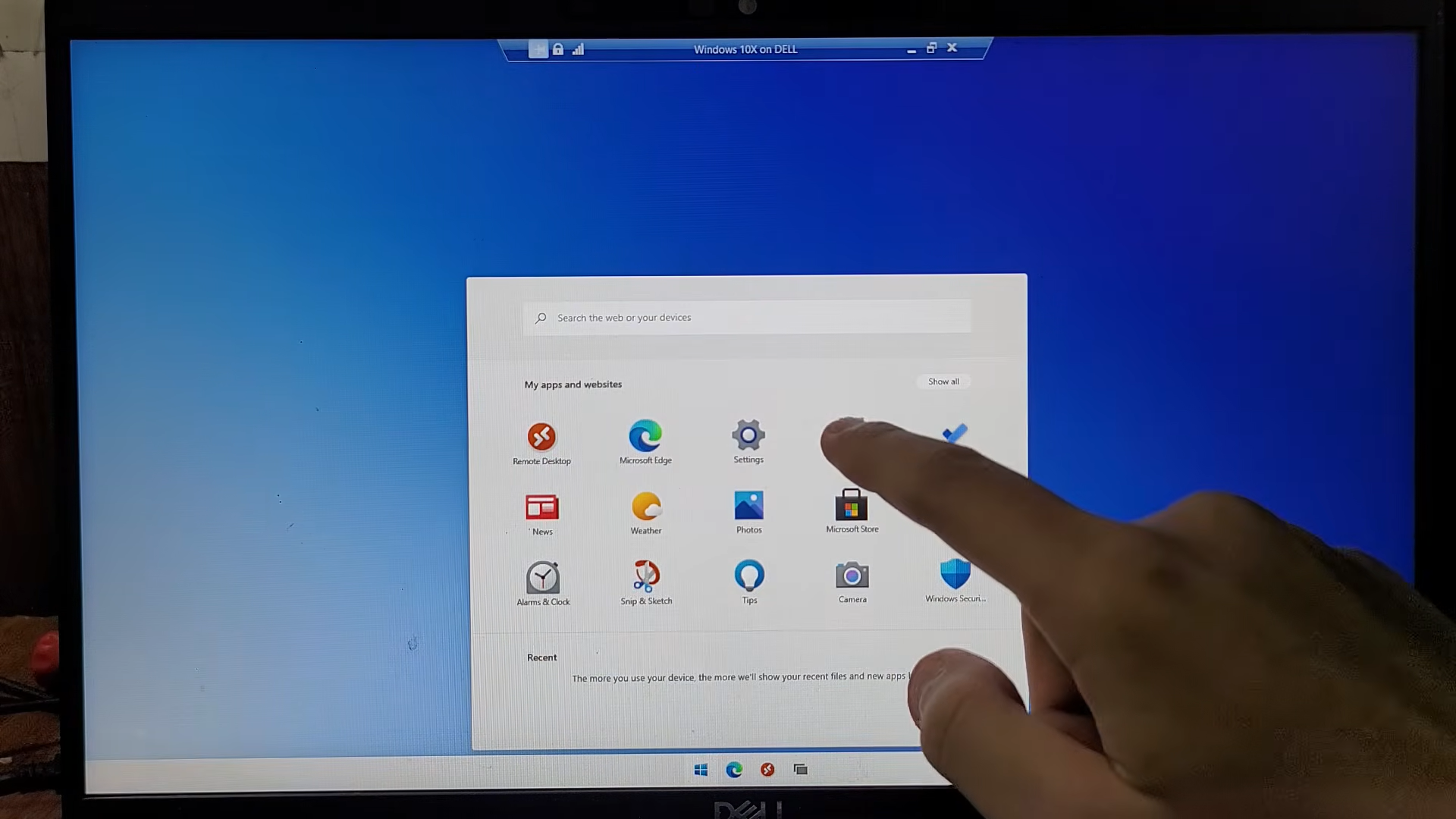
Summary
Summary
- Start menu gains toggles to remove suggestions, adjust size, and hide your name/pic.
- Taskbar now movable to top, with smaller size option to free vertical screen space.
- Search prioritises local files/apps over web; you can disable web results and app suggestions. Microsoft’s first Patch Tuesday, launching on September 8, 2026. is focusing on letting users customize their experience, launching new options to move the Taskbar, resize the Start menu, and remove unwanted Search suggestions. If your PC has the update, you can find these new customization features in Settings, under Personalisation and Taskbar, so it’s easy to try them out for yourself. The main focus is the Start menu I can’t believe it’s taken Microsoft this long to let users take control of how they want their Start menu to behave. While some users may have found the app suggestions and recommendations helpful for discovering new tools or features, many of us have had to deal with a Start menu filled with unwanted suggestions and algorithmically generated recommendations for years, and it’s just so messy and convoluted to use nowadays, at least in my opinion. The September update includes dedicated toggle switches in the Personalisation settings that let people switch off any sections they don’t want. For example, go to Settings> Personalisation, then select Start to see the new toggles—just turn one off to instantly remove suggestions or sections you don’t want. With this first Patch Tuesday update, users can choose whether the recent items section includes newly installed apps, recent files, or tips, and adjust the menu’s overall size by selecting a small or large option. Even better, there’s a new toggle that lets you hide your username and picture from the interface, making it look much cleaner and more streamlined. What else is coming in September’s Patch Tuesday? Along with the redesign of the Start menu, users can now also move the Taskbar. Instead of being fixed in the default position at the bottom which was used when Windows 11 was first released, users can go to the Taskbar settings menu and place the bar at the top of the screen. The ability to change the position is accompanied by a new option to adjust the size, which allows the Taskbar and its associated icons to be shrunk, freeing up valuable vertical screen space. Windows Search is also getting a significant overhaul of its features, prioritising local files and installed applications over web content. Users can now switch off web search results so that the Bing integration will not fill in local searches, and turn off suggestions for Microsoft Store apps, which often overwhelm the search home screen. This is combined with a simplified search home user interface that makes it easier to access recent searches and shows clearly whether a particular result is a local file, a system setting, or an application. Remember, Microsoft is expected to begin rolling out these features gradually, starting with the September update, so you might not have them on your device right away. To check if the update is available for your PC, go to Settings, select Windows Update, and then click Check for updates. This will let you see if the new features have been installed on your device. Keep checking back regularly if you do not see them right away.