Summary
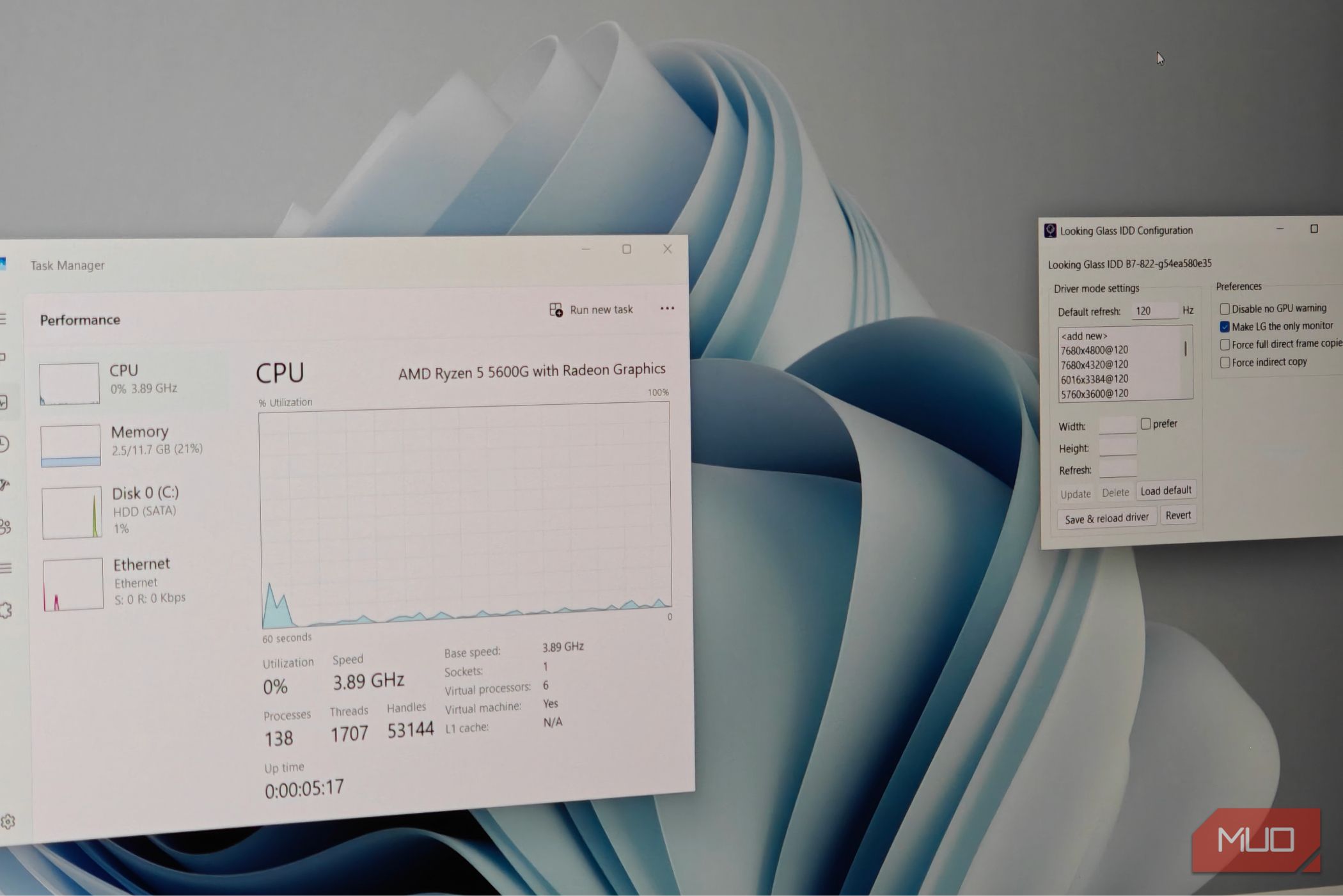
Running virtual machines more consistent.Bringing up a virtual display for your virtual machine is relatively painless these days, but you do miss out on things like GPU acceleration and dynamic resizing. The newest update to a program I’ve VMs.Looking Glass isn’t a new project It’s been my go-to choice for Windows virtual machine images The Looking Glass project has existed for a while now, and it’s been a mainstay for my Windows virtual machine for quite some time. The concept is running Windows within Windows. This open-source program is also wicked fast, with far less latency and fewer weird graphical issues than virt-manager’s built-in Spice display. Combined with GPU pass-through, it makes for what is essentially a flawless experience. Still, so far, it has required both a physical GPU device and an HDMI or DP dummy plug to simulate a display (or a virtual display using software trickery in Windows). Of course, this also mandates some manual installation and configuration — at least on the Linux client side. While you could technically grab a release from the AUR or elsewhere, I’d recommend grabbing the development build from the website and installing it manually. The development build offers far more features and is generally stable enough for daily use. The development build includes the Windows Virtual Driver No need for a secondary GPU or HDMI dummy plug A look into the Downloads page for Looking Glass reveals two options: the stable, B7 version and a dynamically changing development version from the B7 branch. The development version also includes two separate builds for the host (Windows) version. To test the new IDD feature, we will need the Windows IDD version of the executable, which is essentially a drop-in replacement for the older variant. Once you’re logged into the virtual machine, download the required automated dev IDD build and install it as you normally would. There’s no fancy process involved, and the whole thing takes less than a minute to fully complete. The host and guest versions of Looking Glass must be identical for this to work! I’ve had the best results with the KVMFR DKMS module enabled. Make sure to read through the documentation and do exactly as it says to get it working. Once the program is installed, it’s possible to dial in some custom resolutions and refresh rates using the built-in utility. All you need to do next is restart the VM and fire up the Looking Glass client (after you remove the QXL or similar video device). A complete game changer for how I interact with virtual machines The latency is entirely gone, and it feels native The best part about the IDD version is that it does not require a dummy display output or a dedicated, secondary GPU to push out frames. And it does so shockingly well, and the difference is small enough to ignore entirely. Dual-GPU virtualization has always existed, and it has inherent benefits, such as being able to run games (and other 3D applications) through it. However, this requires two physical GPUs, either in the form of two large PC graphics cards, or a laptop with an iGPU + dedicated GPU, a stronger gaming or workstation GPU. The IDD build completely flips the script here. You no longer need any of these, and the whole thing just “works”. While I’m not confident it can play games or handle truly intensive GPU-bound work (you’ll still need a proper GPU for that!), it’s more than enough for basic Windows use. Things like updating a device driver, opening MS Office documents, or even controlling some proprietary software on a device all work without issues. Looking Glass also supports dynamic display resizing now, which means you can resize the virtual machine window in real time and watch the internal resolution match accordingly. I’ve used QXL and Virtio displays before, but none of them have felt as smooth or seamless as this iteration. There’s also barely any latency to speak of, and the Looking Glass client also comes with a few niceties, such as audio pass-through and the ability to directly feed capture footage into OBS. It’s safe to say that this will be heavily used in my Windows virtual machines from here on out. There’s been a lot of progress for 3D drivers on Windows VMs recently The virtio tools package for Windows has provided a rather basic driver (essentially a 2D frame buffer) for quite some time, but it is very limited. Moreover, it’s nowhere near as good. As for the actual 3D display driver, there has been some development there. There are primarily two options — Venus and VirGL, the latter of which uses virglrenderer and is something that looks a bit easier to implement. However, neither option is easy to get running. You’ll have to scrounge the GitHub pages for either project and compile the versions yourself. Even then, the drivers are still very much in beta, and I wouldn’t recommend them for daily use, much less gaming (assuming that’s possible at this point). Getting 3D acceleration on Windows guests currently requires you to either pass through a physical GPU or use SR-IOV on a supported GPU (such as modern Intel graphics, with neither AMD nor Nvidia supporting this feature on consumer hardware) to make a virtual graphics card. This is why Looking Glass’ solution remains the best stopgap as of now.