Summary
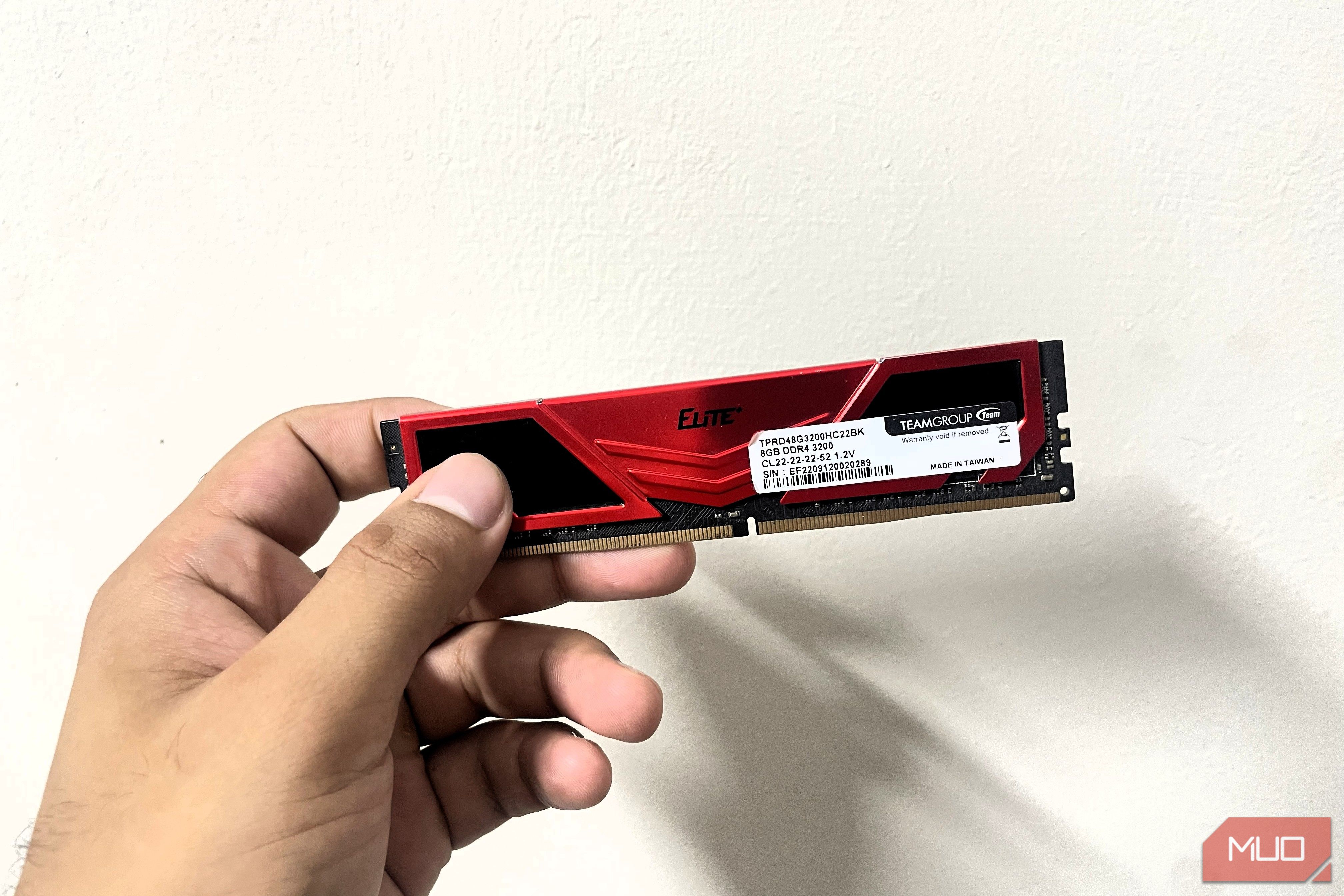
Amid the global memory shortage, Microsoft is still churning out 8GB Surface laptops in 2026, insisting that it is a sufficient baseline for Windows 11. This claim doesn’t sound very believable, given how resource-intensive the OS is and the default Weather app alone consumes over a GB of memory. I tested Microsoft’s claim, and it barely held up. Though I knew that gaming on 8GB of RAM wouldn’t be easy, I was nevertheless inclined to try. One game was surprisingly playable, so I tested a few more and was astonished by the results. How I tested 8GB of RAM One stick out and background apps disabled I am currently running an AM4 build with a Ryzen 5 5600, an RX 5600XT, and 16GB of DDR4 RAM. This makes my setup the perfect test configuration for 8GB of RAM, so I removed one stick from my PC. I’ve already tested basic usage like browsing and using third-party apps, which worked fine to an extent, but multitasking became a headache. For gaming tests, I chose titles already installed on my PC rather than older games, which I knew would work with 8GB of RAM. For maximum breathing room, I disabled background applications and services, then benchmarked games with 8GB of RAM and compared them to 16GB of RAM, using the same graphical settings for a comprehensive result. What 8GB of RAM delivered Playable frame rates, rough 1% lows Even though I had an idea of what to expect from gaming on 8GB of RAM, I was still surprised by the results. I tested the latest AAA and competitive titles to see whether the difference between single-player and multiplayer would be noticeable, and you can see the results for yourself. | Game | Average FPS (16GB RAM) | 1% Lows (16GB RAM) | Average FPS (8GB RAM) | 1% Lows (8GB RAM) | |---|---|---|---|---| | Apex Legends | 140FPS | 65-75FPS | 110FPS | 43-52FPS | | Rainbow Six Siege | 145FPS | 102-109FPS | 120FPS | 98-105FPS | | Wuchang: Fallen Feathers | 65FPS | 40-45FPS | 45FPS | 25-30FPS | The average FPS didn’t take a big hit, but the 1% lows were noticeably worse because the 8GB of RAM filled up quickly, forcing Windows to rely on the page file and causing stuttering and frame-pacing issues. Even though Apex Legends was playable, the stutters and frame dips caused me to lose some gunfights because they threw off my aim. Still, this is less of a difference than I had expected. I became more daring after these results and decided to boot up Assassin’s Creed: Black Flag Resynced, which didn’t even make it past the loading screen. 007 First Light took nearly 40 minutes to reach gameplay, stuttered, and then froze my system, so I had to force a hard shutdown. How to stretch 8GB of RAM further Trim Windows before touching in-game settings I get that RAM is super expensive, and even DDR4 memory is, too. Still, if you’re, for some reason, stuck on 8GB and thinking of gaming, you can make it work, just barely, though. On Linux, I’d get better results, since the OS isn’t much of a memory hog. However, the same doesn’t apply to Windows 11, and switching to Linux can be hard, since you’ll miss major features like anti-cheat support. Nevertheless, I recommend de-bloating Windows ASAP, and you can do that with a free tool that won’t cause too much of a nuisance. Then disable most startup apps because, again, each megabyte counts, and you wouldn’t want apps retaining memory in the background while sitting idle. Turn off the Xbox overlay and enable Game Mode to manage resources more efficiently. In-game settings let you reduce texture streaming and quality. Also, reduce view distance and any other settings that rely on system RAM rather than VRAM. If you’re willing to take it a step further, you can adjust virtual memory, but you’ll need to test it based on your storage. Even if an SSD is slower than RAM, you’ll notice more stability and avoid system crashes and memory errors when your memory caps out on heavier titles. Is 8GB of RAM enough for gaming in 2026? It was still inconvenient for me to dedicate just 8GB of RAM to gaming. It took a lot of time, required closing background tasks and processes, and still didn’t yield satisfactory results. Now, of course, it would be absurd to expect anything else from this memory configuration, but the results weren’t as bad as I had expected. Depending on other configurations, the games may perform better or worse, or even refuse to start at all. So, to summarize, 8GB of RAM is certainly not enough for gaming unless you want to hobble your PC. You might have a different experience on Linux, though.