Summary
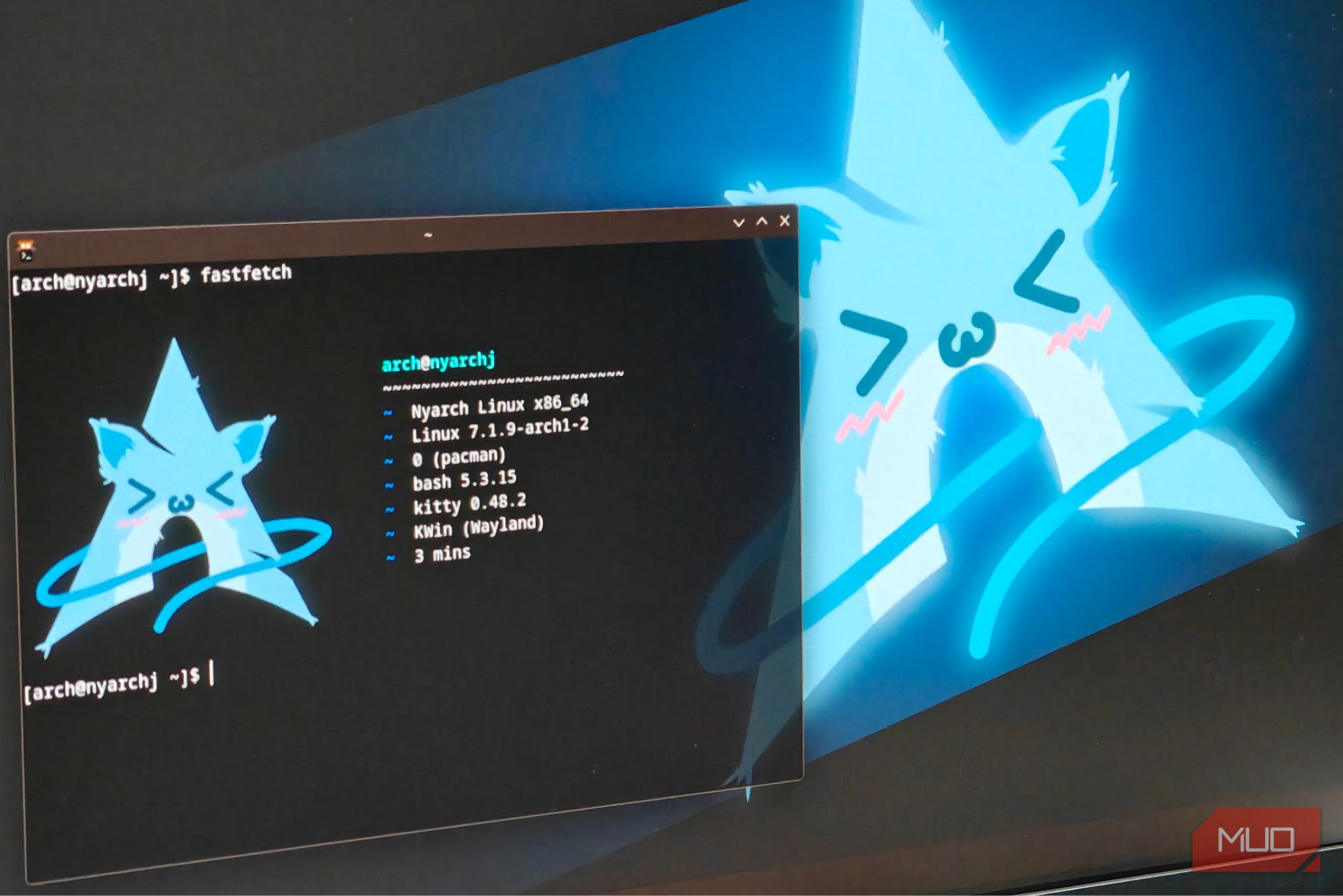
Meme Linux distributions have existed for quite some time, with good examples like Hannah Montana OS or the elusive Red Star OS. It’s exactly as quirky as it sounds, even if it is just a custom UI skin running on top of what is a rather common distro. One of the more recent releases of a meme distribution would be Nyarch, a custom Arch-based Linux distribution built for “degenerate weebs”. Ridiculous premise aside, I was more interested in what they were using to theme the whole OS, including their “Nyarch Assistant”, which is essentially an anime avatar with what I assume is a local LLM strapped to it. Curious, I decided to download the moderately large 5.2 gigabyte Nyarch Linux KDE Plasma image. This version includes Nvidia GPU support, which I needed for my RTX A2000. Installing Nyarch on real hardware It’s Arch Linux under the hood, with mostly visual tweaks Downloading Nyarch was quite straightforward. I had to pick between the KDE and GNOME versions, and I chose KDE since I’m more familiar with it. Prepping the installer ISO onto a Ventoy USB drive was easy enough, and it even showed up on the Ventoy boot menu without issues. Installing Nyarch was also pretty easy — mostly because it came with a custom Calamares installer. It’s familiar to the one used in distros like CachyOS and Manjaro. It does, however, distinctly lack a lot of options and is quite bare-bones in what it can do. That said, installation was a breeze, and I rebooted into the Nyarch KDE desktop. The first real challenge was updating the system. Turns out, the ISO uses a much older build of Arch Linux, (with kernel 6.18 being the one in use!) along with a ton of outdated packages. I had to update the Arch Linux keyring and then update the system to avoid errors. Grueling setup process aside, Nyarch is remarkably similar to vanilla Arch — and in many ways even more “vanilla” than something like CachyOS. You’ll want to use the Nyarch Updater utility instead of just running sudo pacman -Syu here. Nyarch does include a custom repository, though, which I assume hosts all the anime-fied versions of the applications, of which there are far too many. Since this is basically Arch Linux, it should, in theory, work decently well for gaming too. Sure enough, with Steam fired up and the Nvidia drivers being preinstalled, gaming posed no challenge at all for Nyarch. Exploring the Nyarch KDE Plasma interface Heavily tuned towards performance As far as Nyarch’s “bloat” goes, it’s surprisingly minimal. There isn’t much here, save for meme programs like Catgirl Downloader, which downloads pictures of catgirls to your desktop. It’s pretty much a tweaked, mostly stock KDE Plasma 6 interface. Nyarch also packages a bunch of freeware and streaming programs, which I assume are “essential” for viewing your favorite anime content online. Surprisingly, it also comes with a pretty good performance tweaker in the form of the NyarchScript utility. It has all the basics, including updating the installation and refreshing its Pacman keys. Speaking of which, it includes a few other niceties. Things like updating the mirrorlist or removing Pacman db lock errors are much appreciated, since these are a headache to deal with otherwise and can leave you knee-deep in the Arch Wiki. Perhaps the most interesting part is the “Install” section of NyarchScript. Here you can access a variety of performance-related tweaks. Things like installing the Zen kernel, or being able to set up automatic performance profiles for a laptop. They’re all here and have easy toggles to install or remove. Nyarch can also add or remove the CachyOS and Chaotic-AUR repositories, which is a nice touch. These repos offer a lot of useful packages as binaries, and I really appreciate this general push toward power users. The OS also includes an easy software installer for newcomers, with all sorts of helpful (even essential) apps like Bottles and Steam. There’s also the Nyarch Assistant, which is probably the star of the show. It’s essentially (what I assume is) a local LLM using Ollama as its backend. The interface is a chatbot with a very static anime girl avatar, responding in a rather…interesting way. I’m not a fan of Tsunderes. Jokes aside, the assistant just seems like a novelty. It’s fine for what it is, but I wouldn’t expect it to do anything other than amuse you for a few odd minutes. As far as meme distributions go, this one is actually usable Nyarch is essentially Arch Linux with a custom repository. Assuming you can get past the updating hurdle, nothing really stops you from daily driving this operating system. It also has full, unrestricted access to the AUR (an AUR helper like Yay is just one Pacman install away), which means that you can just install whatever you want. As for the built-in apps, they’re sufficient and do the job. In fact, as far as meme distributions go, this one is actually quite usable. And yes, you can most definitely game on it. Actually, using it on real hardware for anything more than a joke would certainly be a choice, though. In fact, given how out of date the whole installation is (plus the whole updating ordeal), it might be better to add the Nyarch repository to your pacman.conf file instead. Just grab whatever Nyarch stuff you need, while keeping the system up-to-date as you would. It’s certainly a weird little distribution. I can’t say that I get the joke, though, but I do respect the effort. As useless a meme distribution may seem, I consider it a form of Linux desktop ricing, and if nothing else, it provides a few (often awkward) laughs and a break from the mundane.