Summary
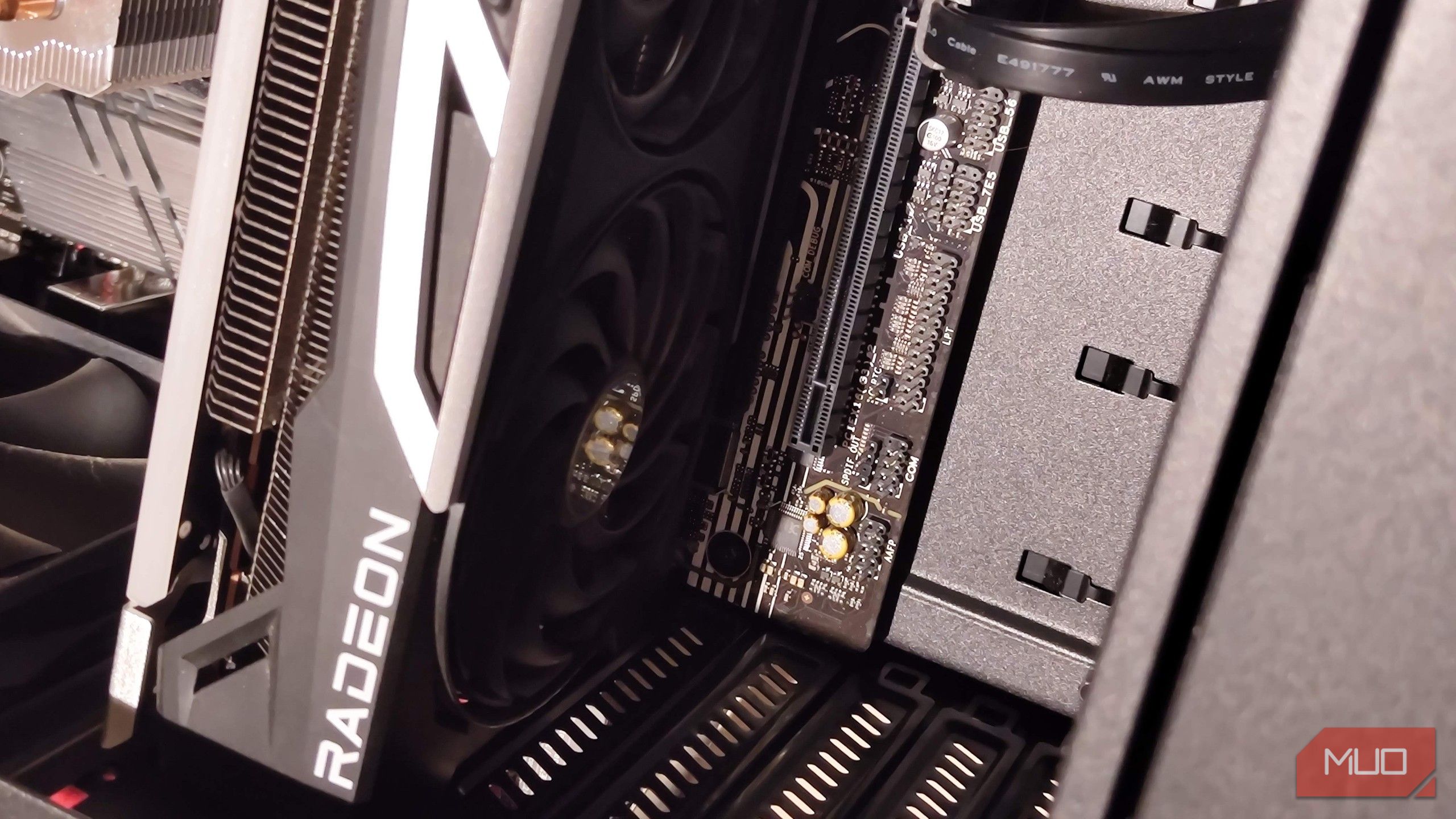
I’ve always had a soft spot for low-power graphics cards. I’m talking about GPUs that strike the perfect balance between performance and power efficiency, resulting in a design that doesn’t require any additional power connectors. And we’ve had more than a few releases that meet the criteria — including the legendary RTX A2000 and the newer Intel Arc GPUs. That being said, there has been a distinct lack of AMD-flavored offerings in the space for quite some time now, and I was kind of hoping that the upcoming RX 9050 would fill that gap. After all, there’s really no low-power RDNA 4 GPU variant on the market, and I was disappointed to learn the card would use a standard 8-pin connector. This could have been the perfect HTPC GPU, but AMD ruined it. So what is the RX 9050? A very cut-down GPU whose 4-gigabyte version has no reason to exist The RX 9050 is the newest addition to the RX 90xx series of graphics cards from AMD, and represents the lowest-end card of that lineup. It comes in two flavors — the more popular 8-gigabyte variant and, puzzlingly enough, a 4-gigabyte OEM-only version. In more technical terms, the RX 9050 is a cut-down Navi 44, the same die as the much more powerful RX 9060 XT. It has about half of its shader array disabled, capping it down to 16 Compute Units and 1024 Stream Processors. The card also has a fairly average footprint and three DP 2.1a ports, plus a single HDMI 2.1b. All of this operates under PCIe 5.0. As an RDNA 4 GPU, the RX 9050 also has all the bells and whistles of its higher-end siblings, including access to FSR 4 and RT-specific hardware. So, what gives? The issue is in both its relative price-to-performance value (which is extremely poor) and the fact that the card has a TBP of 92 watts. This mandates connecting a PCIe power cable to the card, since it exceeds the 70W cap of the motherboard slot. I cannot emphasize how disappointing this is. Having to connect 8-pin PCIe power connectors to the GPU makes it far messier, and not all PSUs have these cables built in, making them a poor fit for HTPC systems such as an Optiplex. Moreover, the card’s relatively large, bulky size makes it hard to fit in such a case. The 4-gigabyte version is even more insulting and has no reason to even exist. The only saving grace that would have given it some reason to exist is that it’s the only RDNA 4 media center card, but with the 92 W TGP, it’s impossible to recommend. It’s not like AMD doesn’t know how to make HTPC GPUs The RX 6400 and Radeon Pro W7500 come to mind It’s not like AMD hasn’t made low-profile, low-power GPUs before. The RX 6400 has always been a popular, albeit compromised GPU that runs just fine off the motherboard’s PCIe slot. It’s also an OEM card that has only 4GB of VRAM. On the professional GPU front, there’s the Radeon Pro W7500. It’s basically a single-slot RX 7600, just being capped at 70W of total board power. It’s as perfect as an HTPC card can be (from AMD, anyway), and even supports AV1 decoding. Which only boggles my mind further: why hasn’t AMD figured out a way to bring RDNA 4 and its vast improvements to this category of PCs, especially with the RX 9050? This forces everyone to move to Intel and Nvidia for better offerings. Alternatives from Nvidia and Intel that work out a lot better For Team Green, look out for cards like the RTX 5050 and 5060. A few decent low-profile versions exist, but both variants usually need their own PSU connector. There are also the more “exotic” cards like the RTX A2000 and A4000, which are essentially modern Quadro equivalents. These workstation GPUs sip on power and come with all the compromises you’d expect, including worse value. However, these cards can actually game. Intel cards are much lighter on the wallet and come with plenty of performance overhead. Cards like the Arc A380 are considered some of the best HTPC cards at present, with both HDMI 2.1 and AV1 decode support. If you just want a card for media center purposes, the Intel Arc lineup is still fantastic. They also offer better value for money than the 9050. AMD still has the distinct advantage of having a more mature driver stack on Linux, though. Cards like the Radeon Pro W7500 are very well-supported and can run games if needed, too. Team Red just has a better multipurpose stack. I feel like this is an underappreciated desktop category that needs better GPUs. There’s plenty of office equipment, including the OptiPlexes, which can do so much more by just adding in a low-profile GPU, breathing new life into these PCs.