Summary
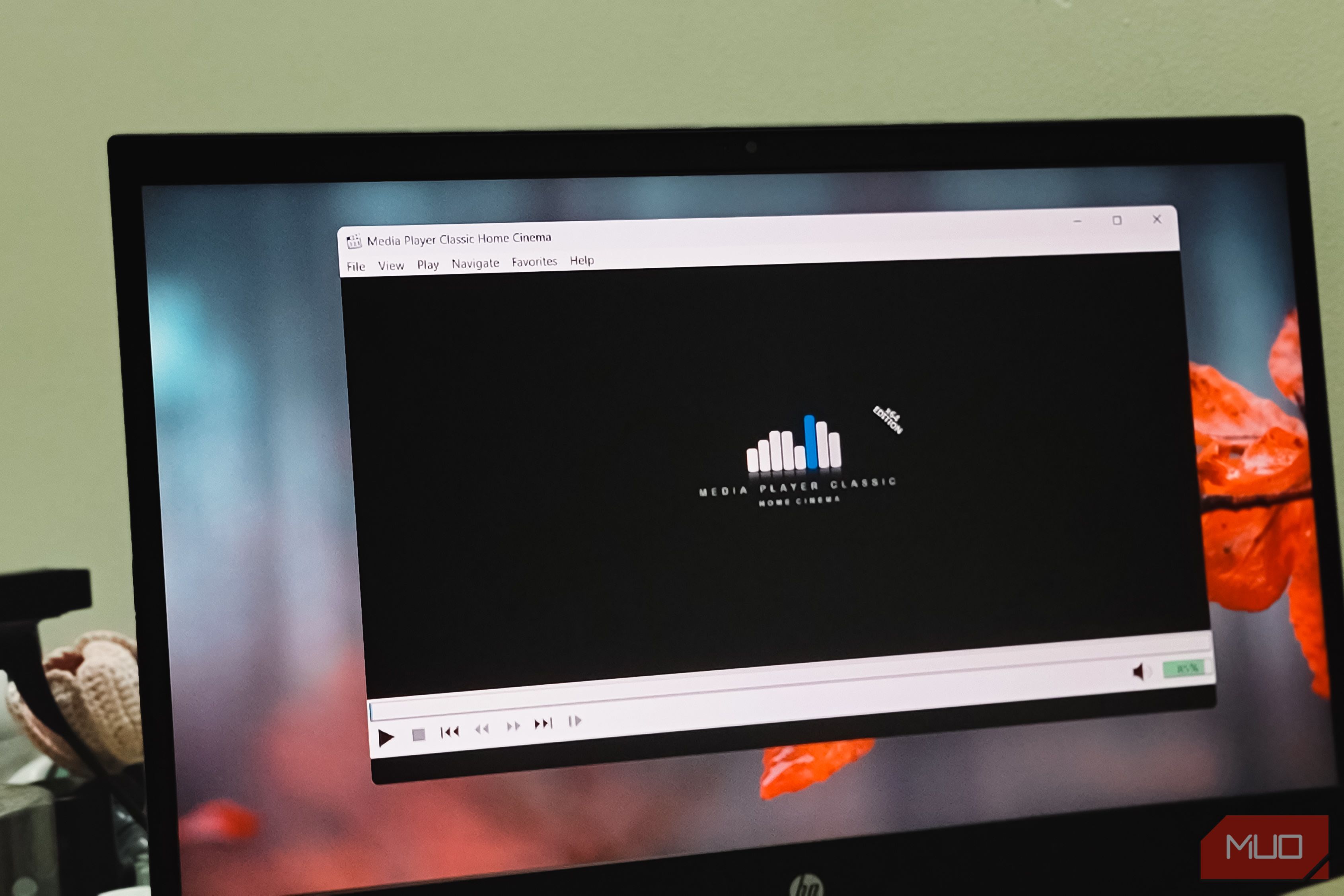
VLC is more than just a video player, and that’s probably why not everyone needs everything it offers. I mainly use a media player to play videos in .mkv format and show subtitles, and MPC-HC does exactly that without cluttering the interface or affecting performance. The minimal interface is the charm Less on screen, more focus on the video MPC-HC (short for Media Player Classic - Home Cinema) has been around since the early 2000s. The original project was discontinued in 2017, but a developer known as clsid2 forked it on GitHub and has been actively maintaining it since. That’s the version you want to download, and the one I’ve been using for the past several months. MPC-HC has a clean and simple design, and that’s one major factor why I find it to be an ideal media player. The main window has a menu bar at the top, a seek bar, playback controls, and a volume slider, and that’s about all you get before you go deeper digging for advanced controls. If you want even less, pressing 1 on your keyboard strips the interface down to just the video with the controls and title bar hidden. And if you ever need to step through a video frame by frame, there’s a dedicated button for that; right-click it, and you can even step backward, which is something VLC still can’t do. There’s also an A-B repeat feature that lets you loop a specific section of a video, which is handy if you’re reviewing a scene or learning something from a tutorial. The latest version of MPC-HC includes both light and dark themes, a customizable toolbar, and a customizable seek bar. VLC, for comparison, still doesn’t have a native dark mode. It performs better than VLC Smoother playback, especially on older hardware The bigger difference I noticed was in how the app performed while playing videos. I have an older laptop that would occasionally struggle with high-bitrate HEVC files in VLC, just enough to break the flow of a movie. MPC-HC plays those same files without a hitch. Part of this comes down to how MPC-HC handles hardware acceleration. Like other free media players that support GPU-accelerated playback, it uses DXVA2 and D3D11 to offload the heavy decoding work to your graphics card instead of leaving it all to your CPU. VLC supports hardware acceleration too, but in my experience, MPC-HC handles it more consistently, especially with 1080p and 4K HEVC content. MPC is also compact in size. Where MPC-HC’s installer is about 22MB, VLC is a considerably larger download with a feature set to match. If all you’re doing is playing local video files, that extra bulk doesn’t really add anything to your day-to-day experience. That said, VLC still wins in areas like streaming, IPTV, and its broader range of built-in tools for things like media conversion. But for the straightforward task of playing downloaded videos on your PC, MPC-HC feels noticeably snappier, especially on machines that aren’t brand new. Supports almost every video format out of the box Built-in codecs handle nearly everything you throw at it One of VLC’s biggest selling points has always been that it plays virtually any file you throw at it. MPC-HC is no different, and in a few edge cases, even pulls ahead. It uses a set of built-in codecs called LAV Filters that handle all the decoding work. LAV Filters is built on FFmpeg, the same decoding library that powers VLC, Chrome, and Handbrake. So right out of the box, you get support for H.264, HEVC, AV1, VP9, H.266, and nearly every container format you’ll run into: MKV, MP4, AVI, WebM, MOV, and more. Audio codecs like AAC, DTS, FLAC, and Opus are covered too. And if you do somehow hit a format it can’t decode natively, MPC-HC is built on Windows’ DirectShow framework. That means you can register a third-party filter and the player picks it up automatically. You can also pair it with renderers like madVR or MPC Video Renderer if you want proper HDR output, though that does require a bit of manual configuration under Options > Playback > Output. While VLC has strong stream support, MPC-HC needs a bit of configuring to get going. Streaming from YouTube or other online sources isn’t built in, so you’d need to drop yt-dlp into the install folder for that. And like any FFmpeg-based player, DRM-protected content from services like Netflix is off the table entirely. MPC-HC is a no-nonsense Windows media player MPC-HC is a solid, lightweight alternative to VLC, especially for my local video playback needs. It doesn’t choke on high-bitrate HEVC and large 4K files even on lower-end hardware, as VLC does. More importantly, it offers a clean and simple interface without introducing a million additional options when all I want to do is play videos.