Summary
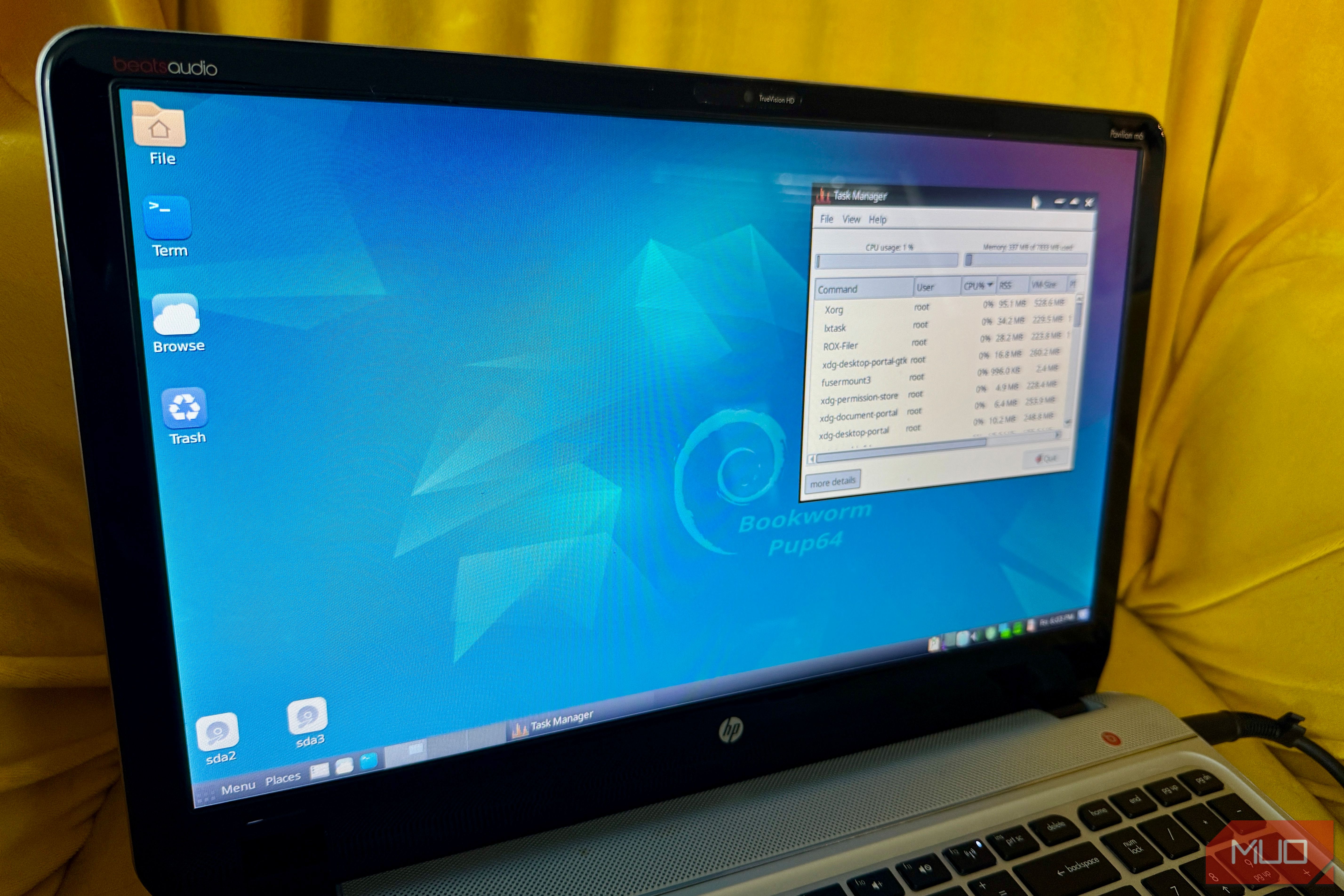
You can’t install Windows 11 on any machine with less than 4GB of RAM, but there’s a whole slew of Linux distros that not only run comfortably within those constraints, but they load entirely into memory and keep running after you’ve removed the USB drive or CD they booted from. Linux distributions built around “copy to RAM” boot modes decompress the entire file system to a RAM disk on boot, then run every read against that memory instead of your storage for the rest of the session. This tech offers near-zero disk I/O once boot finishes, a system that’s instantly reset by rebooting, and hardware that can be genuinely ancient and still feel responsive, since the bottleneck is RAM speed instead of spinning disks or worn-out USB drives. Here are six distros that do this well, ranked from ones that are simply good to know about to the ones most people should try first. Knoppix The live-CD pioneer that still wants a lot of memory Knoppix essentially created the mainstream live-CD category back in 2000. Its toram boot parameter is the direct ancestor of the RAM-loading tricks modern distributions still use today. According to the official Knoppix Cheat Codes wiki, typing this command tells the system to copy to RAM and run from there so that the CD/DVD can be removed and the DVD drive will be available for other uses. It belongs on this list for historical context because it explains why toram became a standard term in the first place, but it isn’t a practical recommendation for ancient hardware. The RAM cost here is steep: the official documentation recommends around 2GB of system memory for the CD edition and 8GB for the DVD edition just to load everything into memory. That requirement alone exceeds what some of the lightweight distributions below need for their entire ISO download. Porteus The modular distro that copies itself to RAM by design Porteus, a lightweight Slackware-based distribution, uses the copy2ram boot parameter to pull its core system into memory. This command moves all system modules directly into system memory, trading a slightly longer startup phase for significantly faster desktop performance. Running the system this way requires at least 256MB of RAM, though heavier desktop builds like 64-bit KDE need roughly 768MB—a footprint that sits far below modern operating system baselines like Windows 11’s 4GB minimum floor. Instead of forcing an all-or-nothing system load, Porteus builds its environment around modular files. You can use the rammod parameter to selectively copy specific components into RAM rather than storing the entire operating system in memory at once. Tiny Core Linux Proof an entire desktop can fit in 23MB Tiny Core operates on an explicit design philosophy to run primarily in RAM. The standard TinyCore edition ships as a 23MB download featuring a minimal FLTK-based desktop environment, while the headless Core release can be run with roughly 17MB. Running the full graphical desktop requires a 46MB RAM minimum, while the text-only variant functions on as little as 28MB. For context, that memory footprint is significantly smaller than a single uncompressed high-resolution photo on your phone. This hyper-lightweight architecture makes it ideal for building single-purpose emergency rescue drives or bringing legacy hardware back to life—with the project explicitly supporting systems built around Pentium II processors. SliTaz GNU/Linux A full OS that fits in under 100MB uncompressed SliTaz packages a complete, graphical operating system into an ISO download that weighs under 50MB. Once booted, the entire uncompressed root filesystem occupies less than 100MB of RAM, which makes the whole environment smaller than a typical smartphone app update. Because it copies the full system image into memory at startup, you can completely eject the installation media and the desktop continues to run without interruption. The standard Live CD environment functions on 160MB of RAM. For severely constrained hardware, specialized low-RAM variants like loram bypass full RAM caching to boot on as little as 32MB, with extreme documented cases using a dedicated swap file to start on just 9MB. AntiX The Debian-based option that can feel like a daily driver antix antiX uses the toram boot parameter to load its full system image directly into RAM at startup. Transferring the entire filesystem into memory takes longer during the initial boot, but system operations run significantly faster once the desktop loads. The memory footprint required to use this option scales with the size of your installation media. Unlike minimalist rescue utilities, antiX can work as a complete daily driver. Because it is built on a Debian base, it offers access to standard APT package management alongside multiple window managers like IceWM, Fluxbox, and JWM. If you found MX Linux surprisingly lightweight, antiX strips away even more background overhead while preserving enough core desktop features to handle everyday computing tasks. Puppy Linux The distro built around living in RAM Running entirely in system memory isn’t an afterthought for Puppy Linux; it’s been the core design principle since the project’s inception in 2003. Adding the pfix=ram parameter at startup tells the system to load completely into RAM and ignore any existing session files on your drive, allowing you to remove the boot media as soon as the desktop appears. Hardware needs vary depending on how old a release you pick: legacy versions can function on less than 256MB of RAM, whereas modern 64-bit releases like Xenialpup recommend at least 1GB. Puppy is likely the most approachable option for a general audience, with familiar onboarding and a clever mechanism to save your files. This feature preserves your custom settings and installed apps in a single compressed file on disk, giving you persistent storage without sacrificing the speed benefits of a RAM-based system. If you want to see how this architecture translates to real-world performance, switching an old laptop to a RAM-only OS can easily make legacy hardware challenge the performance of a much newer machine.