Summary
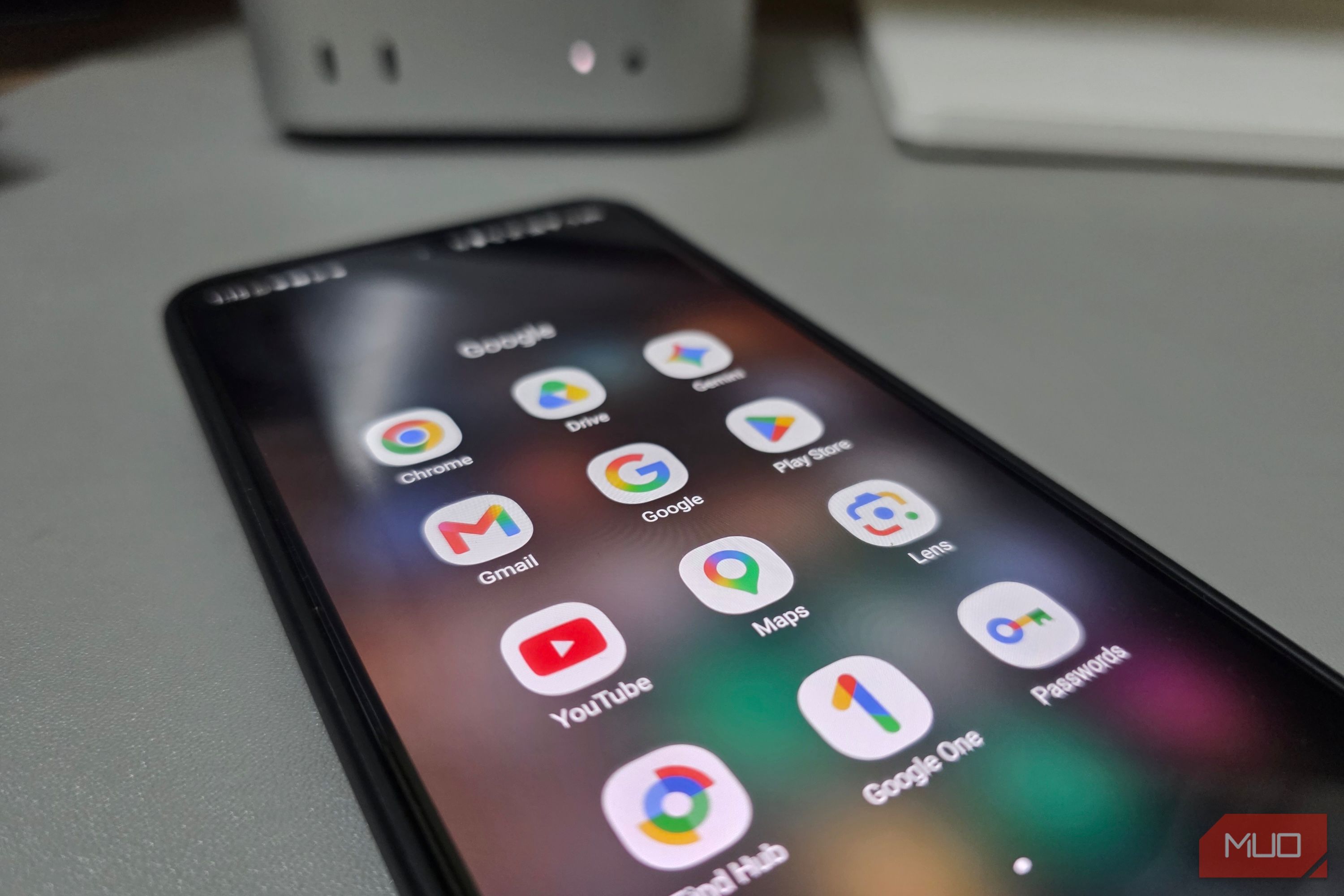
Google’s default Android apps haven’t changed much in years. The same basic task lists, flat dialer, and sticky-note editor from years ago are still what you get out of the box. Samsung has quietly been replacing them with its own versions, and the results aren’t even close.
Samsung Reminders outgrows Google Tasks
Alerts that actually wake up
Google Tasks lets you create a task, set a due date, and that’s about it. There is no smart text recognition and no direct image support. If you want an image on a task, you first upload it to Drive and then link it back. Samsung Reminders attaches photos straight from your gallery, so you can snap a paint swatch at the store and pin it to your reminder for later. Type grab groceries at 5 PM every Friday and the app picks up the time and recurrence automatically. Unlike Google Tasks, you never have to tap through separate date, time, and repeat fields.
Samsung Reminders also triggers alerts based on where you are, not just when. It builds geofencing around any location and fires when you arrive or leave. Google once had location reminders inside Keep, but that feature disappeared entirely after the migration to Tasks. Samsung even lets you set early alerts that notify you hours or a full day before a task is due, something Tasks still fails to provide.
Google’s dialer has nothing on Samsung Phone
Identify strangers before picking up
That same lazy design carries over to the dialer. Every time someone calls on Google’s Phone app, you get a blank screen with a name and nothing else. Samsung, on the other hand, shows you when you last talked to that person and reminds you of upcoming birthdays or anniversaries. You can even set a photo, video, or GIF as a custom call background for each contact, so you already know who’s calling before you glance at the name. And if you ever delete a contact by accident, Samsung keeps it in a recycle bin for 30 days. On Google, once it’s gone, it’s gone.
What’s more practical, though, is how Samsung handles numbers you don’t bother saving. Delivery drivers, plumbers, and marketplace sellers show up in your call history once and then blend into a wall of unknown numbers. Samsung lets you attach a label like electrician or Amazon seller, and it pops up on screen the next time that person calls or texts. Google’s dialer just leaves those numbers sitting in your recent calls with no way to tell them apart.
Google Keep next to Samsung Notes is embarrassing
Real documents instead of stickies
Unlike Google Keep, which still treats every entry like a disposable sticky, Samsung Notes is a full document editor built into your phone. It reads and marks up PDFs, organizes files into folders and subfolders, and locks sensitive ones behind a fingerprint. You can even record voice memos that sync directly to your handwriting, so tapping anywhere in your notes plays back what was being said at that exact moment.
Samsung’s One UI 9 update introduced a Tape Tool that places decorative strips over sections of a note or PDF, useful for hiding answers while studying or masking sensitive lines on a shared file. When a page is finished, you can export it straight to PDF, Word, or PowerPoint without needing a separate app. Galaxy AI’s Note Assist can then summarize, reformat, or translate an entire note with a single tap.
Samsung My Files does what a file manager should
Proper directory access over SMB
Android built its reputation on treating phones like real computers, yet Files by Google behaves more like an automated storage cleaner. It pushes junk-clearing cards and sorts downloads into generic buckets, but that’s about where the usefulness ends. Try opening a downloaded RAR archive and Google forces you to look for a third-party extractor. Connecting to a network drive at home is simply not an option.
Samsung My Files treats your phone like an actual desktop file manager. It opens ZIP, RAR, and 7Z archives natively without needing separate apps. I rely on its network storage tab to pull documents straight from my home server without a separate app. Before sharing photos, it strips out GPS coordinates, so your exact location doesn’t travel with the image. Google Drive and OneDrive are both on the same screen, so you’re not switching between apps to find where you saved something.
Samsung is doing Google’s job better
Google still builds Android, but Samsung is the one pushing the default apps forward. These aren’t third-party replacements or niche power-user tools; they come installed on every Galaxy phone. The company that builds Android should probably outperform the one that licenses it. Right now, it doesn’t.
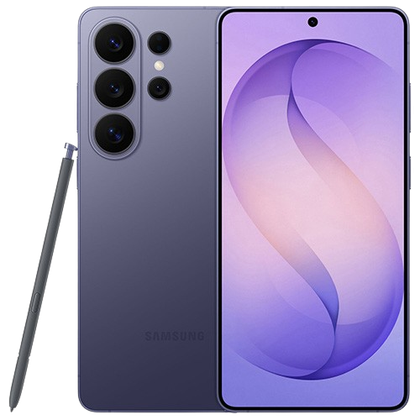 Samsung Galaxy S26 Ultra
- SoC
- Snapdragon 8 Elite Gen 5
- Display
- 6.9-inch Dynamic Super AMOLED 2X
- RAM
- 12 or 16 GB
- Storage
- 256GB, 512GB, or 1TB The Samsung Galaxy S26 Ultra isn’t a massive leap in specs compared to the previous generation Samsung Galaxy S25 Ultra, but it boasts improvements in every aspect. The major differentiators are two features that will appeal to power users and content creators, called Privacy Display and Horizon Lock.