Summary
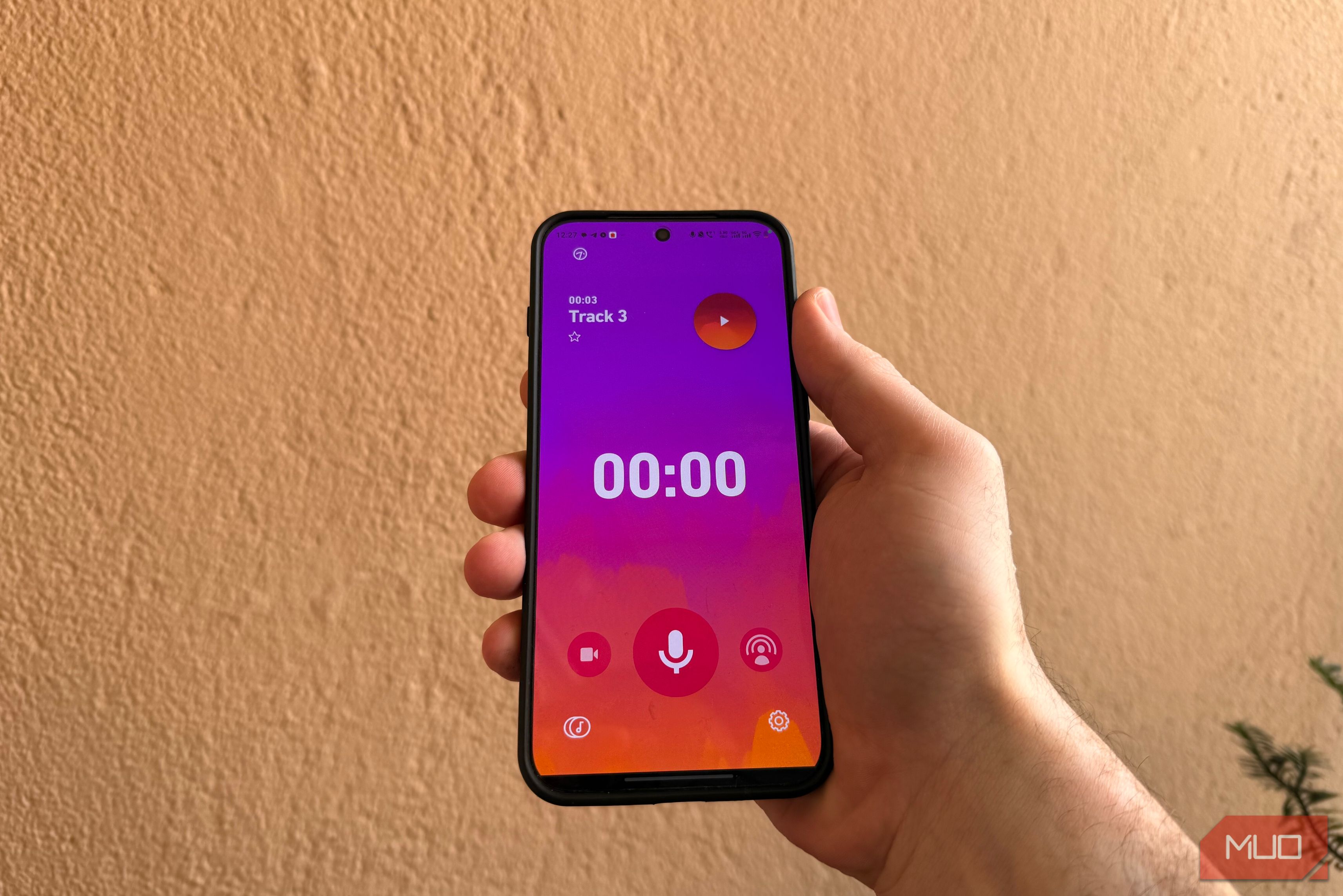
The native phone recording app is usually nothing to write home about. One option is to purchase an external microphone. But not all of us want to purchase and carry an additional accessory. Even if you’re a professional, it may not be feasible for you to always carry your entire set of equipment when traveling. This led me on a journey to Dolby On. The app’s free to use, extremely user-friendly, and doesn’t require any additional accessories. So whether you’re interested in podcasting, recording cover songs, or just want a better audio recording solution, the Dolby On app could be a game changer. I’ve been using the app for my audio recording needs, and the results have been phenomenal. Dolby On is a powerful audio recording tool The app enhances the audio Dolby On is a free audio recording app available for both Android devices and iPhones. The software makes use of noise reduction to enhance the sound quality. The app supports an advanced audio algorithm comprising various features to preserve the sonic mix and dynamics, creating a stereo mix. While recording audio, it tracks background noise and gets rid of unwanted sounds. Custom styles are also available, allowing you to choose from six presets: Standard, Natural, Thump, Amped, Lyric, and Deep. You can also fine-tune the noise and tone via a slider. The app also allows you to boost the bass and trim your audio recordings. Once you’re happy with the recording, the audio can be shared to Facebook, SoundCloud, Instagram and more from within the app. Dolby On is simple to set up and start recording The app can be set up in a few simple steps You can also kick off a livestream on Twitch from within the app. After recording, the app takes a few seconds to process the recording. It uses tools such as Noise Reduction, Dynamic EQ, Stereo Widening, Compression, De-Essing, Volume Maximization, Normalization, and Easy Fades to improve quality. My experience with the app has been out of this world. Normally, if you record on any smartphone, you would need to edit it using software, as vocals don’t sound like anything to write home about. Dolby On processes your vocals automatically and provides you with an output that is more than usable for a lot of use cases. As a rap artist, there have been a lot of instances when I didn’t have my microphone with me, and I wanted to create drafts when an idea hit me. The app worked like a journal for my vocals. I was able to jot them down before the vision faded, compared to earlier when I used to wait to solidify my ideas into proof. I used the app to record demo verses and compose melodies on the go while eliminating the need to access my equipment and spend additional time at the editing table. This gave me more flexibility and time to prepare before I actually had the entire composition set and ready to hit the studio and then mix and master. While the app can’t be used as an alternative to a studio setup, it’s a great tool to record demo music, beginner-level podcasts, or just jot down your thoughts via a voice memo. You also get the option to record in 48kHZ, 16-bit lossless WAV format. If you use it for a livestream session, you can use the countdown feature to settle in properly before the livestream starts. Be mindful when recording Record in a quiet room While the app can enhance the quality, don’t expect magic if your recorded audio is below par. By following a few guidelines, you can actually take your smartphone audio to the next level. Firstly, it’s essential that the room where you start recording is relatively noise-free. So steer clear of using any noisy equipment close to the spot where you’re recording. Pick a quiet corner, switch off the fan, and if you must use air conditioning, use the lowest fan speed. When you record, try to keep the distance between your face and the smartphone the same throughout the session. Also make sure you don’t unknowingly change your accent or tone midway unless creatively required, as it may make the recording sound unprofessional. Most smartphones have small microphones, so it’s easy to accidentally cover one with your hand or a case. Before you start recording, check that your phone’s microphones aren’t accidentally covered. Finally, do a test run before you start recording your final take. Keep your expectations realistic While Dolby On isn’t going to replace a professional studio setup, a dedicated quality microphone, or a properly treated recording room, it has a lot going for it. Users who wish to get serious about their audio recordings can considerably step up their game with better-sounding recordings without immediately needing to purchase and carry additional equipment. If you’re a professional musician, a podcaster, or a content creator, there may be times when you don’t have the capacity to carry your studio equipment. You can use the app to create demos, post cover songs, draft ideas, and record audio for Instagram Reels. Remember, the best piece of equipment is the one you have with you when you need it. If you give this app a try with a realistic mindset, Dolby On can turn a smartphone into a surprisingly capable mobile recording setup.