Summary
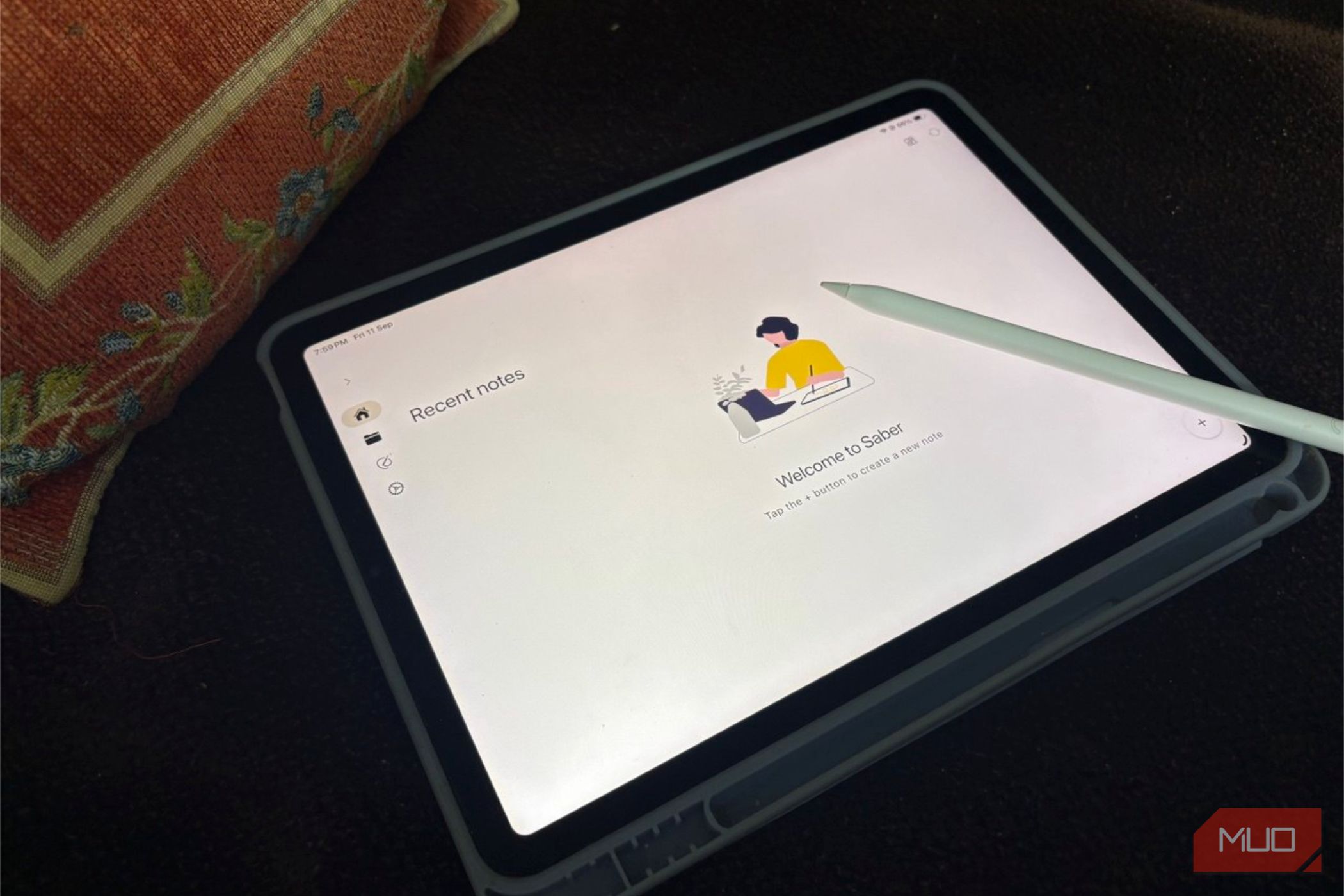
Goodnotes is the gold standard for handwritten notes on a tablet, but it isn’t free, and it isn’t open. I tried it for a while and then decided not to put another subscription on my tab. I thought with its popularity, there has to be an open source alternative somewhere. It’s called Saber, and it’s completely free and open-source.
I have dug into what it does differently, and it solves a few issues Goodnotes has. Goodnotes is still great. But Saber deserves a few lines of your stylus if you aren’t willing to pony up for the subscription.
Saber keeps the interface simple
Goodnotes looks better, but Saber gets out of the way
Goodnotes has the more polished interface. Not surprising as it’s a commercial app (and an Apple Store top-ranker) that has refined its design through multiple versions. Its toolbars, icons, menus, and animations feel cohesive, while its extensive feature set is well-organized. It offers an extra Brush Pen to go with the Fountain and Ball Pen. Saber offers the latter two.
Saber is just a faster start when you want to open a notebook and start writing without navigating a feature-heavy interface. It can’t compare to the visual refinement of Goodnotes, but its handwriting-first design keeps the important tools in a straight toolbar at the bottom without cluttering the notebook with too many menus and sub-menus.
This simplicity for its price is worth considering before you dismiss Saber for looking less sophisticated. I have tried both apps side by side. Goodnotes wins on polish, but Saber is good enough when I’m not paying anything.
Your notes stay encrypted, even from the server
Not even the host can read your notes
Saber has encryption support with a dual-password system, so your notes stay secure in and out of your device while syncing. Even if someone controls the sync server, they can’t read what you wrote. Use Saber’s official server (pricing plans are available), self-host, or save them in your own Nextcloud.
I prefer either local notes or encrypted ones on the cloud. I don’t need this for my to-do lists, but it’s critical if I want to pen down something personal. Goodnotes syncs through iCloud or Google Drive, and that’s safe enough. Goodnotes is closed-source, so you’re trusting it just like any corporation. Saber’s code is public, which you can check yourself or the GitHub community.
A randomly generated encrypted key is sent to the cloud when syncing across multiple devices. This is matched to a local password which you have to save securely. Forget your own encryption password and you can lose access to your encrypted data.
Folder nesting has no depth limit at all
Organize as deep as you actually think
Saber lets you nest folders endlessly, so you can organize by subject, semester, or project without hitting a wall. Recent notes stay on the home screen, so deep nesting never means digging. I couldn’t find any documentation on the limits for nesting folders. I rarely nest more than two levels deep myself.
Goodnotes offers a similar folder-and-subfolder system. Enhanced folder organization is one of the perks you pay for with a premium app. Think of organizing your folders by colors and icons. I like that you can export an entire folder instead of single notes. Saber lacks this ability.
So I wouldn’t choose Saber specifically for its folder system. Instead, think of it as another example of how Saber gives you the organizational basics without charging you. If you already have a huge Goodnotes library, its more mature organization tools may still be preferable.
Saber’s dark mode inverts the whole page
Your ink goes white, not just the menus
Flip Saber into dark mode and it inverts your handwriting to white ink on black, plus any PDFs or images you’ve imported. It’s helpful to write in a dark room without the glare of a bright page.
Goodnotes’ dark mode only recolors the interface. Your page stays white, so you’re still straining at a bright rectangle at night. Goodnotes keeps pages white on purpose, to preserve your ink colors. You can manually pick a dark paper template. If you use a dark paper template to study at night, exporting or printing that note results in a solid black block of digital ink.
Saber proves you can keep color by day and shift to comfort just for the night. For my money, this is one feature Saber does well for now compared to Goodnotes. It’s a boost for eye comfort while writing in the dark. And when you export or print, it goes out as a crisp black-ink-on-white-paper PDF.
Saber gives you more freedom for free
Open source changes the equation
Saber is free with no notebook limit, ever. Goodnotes’ free tier reportedly caps notebooks before nudging you toward a paid plan.
Three notebooks on Goodnotes felt generous when I only used Goodnotes for meeting notes. Casual users can genuinely get by within a small limit. But that ceiling vanishes once you split notes by class, project, or year.
Saber removes it entirely, so you’re never locked out of your own notes. Saber is a neat privacy-first, distraction-free option for core handwritten note-taking, night reading, and cross-platform syncing. However, if I get into heavy PDF annotations, AI tools, or decorative digital journaling, I might plonk down the cash for Goodnotes.
 Saber
Saber is a free, open-source notes app built for handwriting, with end-to-end encrypted sync across all your devices.
Start with one notebook on Saber
Of course, Goodnotes offers features Saber doesn’t try to replicate, including collaboration, audio recording, AI tools, and math conversion. Goodnotes always wins on polish, handwriting-to-text conversion, and its template library. If you don’t need those extras, though, install Saber and use it for a week alongside your current notes app. Don’t switch everything at once. Export one active notebook from Goodnotes, import it into Saber, and see if the trade-offs work for you.
Saber
Saber is a free, open-source notes app built for handwriting, with end-to-end encrypted sync across all your devices.
Start with one notebook on Saber
Of course, Goodnotes offers features Saber doesn’t try to replicate, including collaboration, audio recording, AI tools, and math conversion. Goodnotes always wins on polish, handwriting-to-text conversion, and its template library. If you don’t need those extras, though, install Saber and use it for a week alongside your current notes app. Don’t switch everything at once. Export one active notebook from Goodnotes, import it into Saber, and see if the trade-offs work for you.