Summary
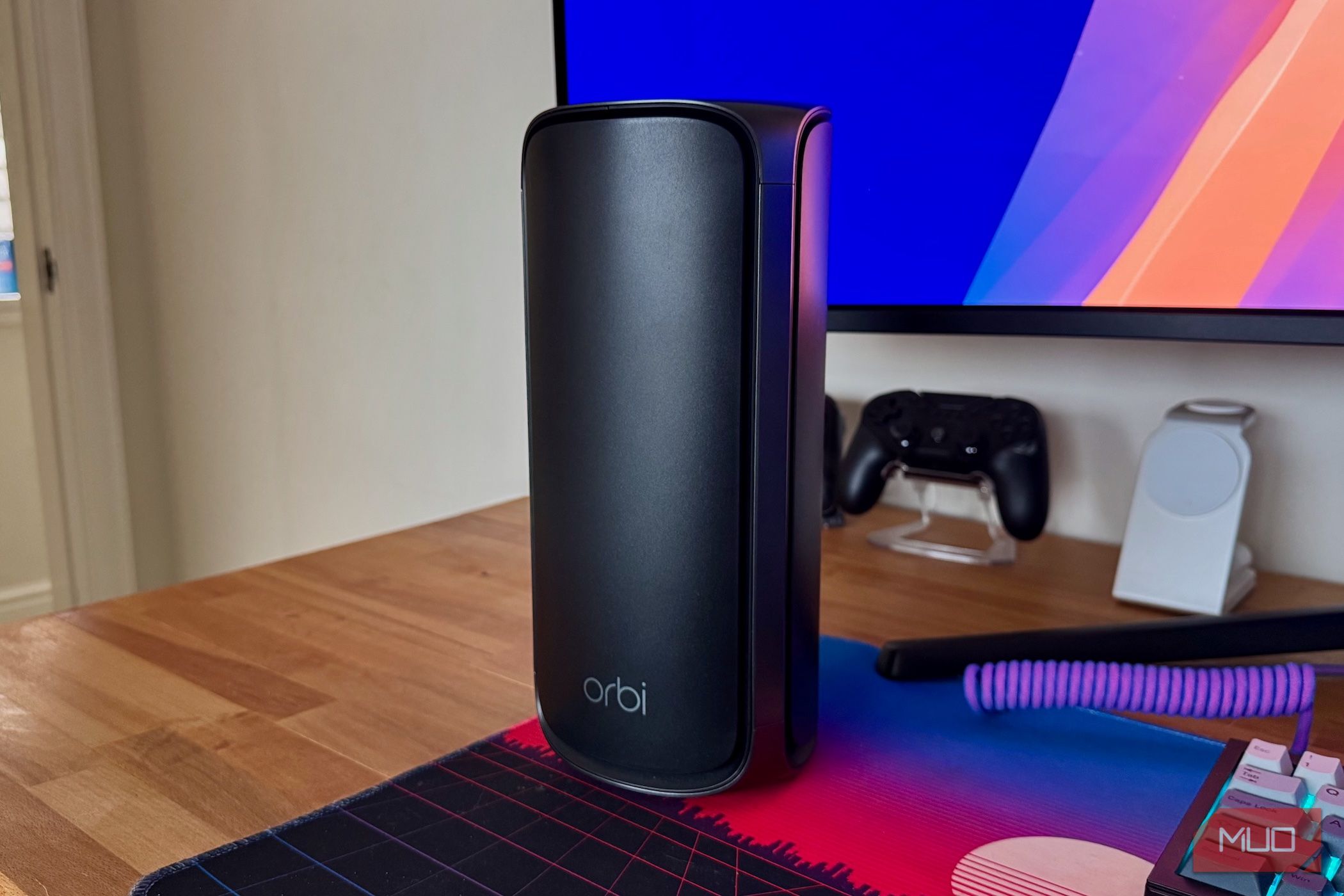
When you sign up for home internet, your Internet Service Provider (ISP) usually sends you a brand-new router to plug in. It handles everything, doing double duty as the modem that connects to your internet and the device that provides Wi-Fi and a routing firewall. It’s a one-stop-shop solution, designed to make it quick and easy for novices to get up and running. But ISP-provided routers generally suck, and that’s why I prefer to buy my own router instead. Adding your own router can really upgrade your home network, and it doesn’t always mean ditching your ISP’s router. It still has a job to do. One that it’s pretty good at, even. But it’s time to get it some more capable help. Simplicity isn’t always best Cheap components, poor quality Using the router that came with your internet package might seem like the easiest option, and it probably is. But that doesn’t mean that it’s the best one. These routers are rarely built to provide the best possible performance, and they even more rarely offer the latest features. Instead, they’re designed to be cheap to build and easy to use. That means they usually have fewer, sub-standard ports. Slower, more restricted Wi-Fi antennas. Even the components that are there are likely to be lower quality and cheaper to produce. And you can bet that the list of configuration options is considerably smaller than you’d like. Worst of all, some ISPs still include a hidden fee for your router. It might seem free, but you may be paying for its rental as part of your plan. You sacrifice performance and control Key features are missing or locked away I already touched on it, but it bears repeating — the router your ISP provides is designed to just work, not offer customization options. That means you’re unlikely to be able to tweak too many settings. And that’s if the settings are even there in the first place. The option to open firewall ports may be missing, or your ISP’s router might not allow you to connect to your home network via a VPN when you’re on the road. Custom DNS options are usually locked away, as are any kind of Quality of Service (QoS) features. And that’s before we get into the hardware features that are likely missing, too. If you’re looking for the fastest of the fast, you’ll want cutting-edge technology like Wi-Fi 6E or Wi-Fi 7. Multi-gigabit LAN ports are a must for some people, too. Homes with a lot of users or high-bandwidth devices demand these things, and few ISP routers offer them. Thankfully, a lot of these features are table stakes for the bigger, better routers on the market. They need to compete with each other, so they’re incentivized to make better routers than their competition. And there’s usually very little stopping you from buying one. Bridge mode is the way Let your ISP do what it does best Many ISPs don’t advertise it, but their routers usually include the option to enable “bridged mode.” This feature disables all of the router functionality, leaving only the modem running. That’s the part that connects to the outside world via your ISP, but all the fun stuff happens inside your house. Your ISP’s router is much better at being a modem than a router. Leave it to do just that. Banishing your ISP’s router is incredibly easy. Enable its bridged (or modem) mode in its settings, then connect your new router via an Ethernet cable. Your new router will take over Wi-Fi and routing duties, handing internet connectivity requirements to your ISP’s router/modem. The benefits of this approach should be clear. You get all the advanced configuration and performance of a better router while still using your old one in modem mode. All that’s left to do is start playing with the new checkboxes and switches your new router offers. Take back your home network Investing in a better router makes a huge difference Relying on your ISP-provided router means leaving speed, control, and even privacy on the table. By switching it into modem mode and adding your own store-bought alternative, you open the door to a world of new configuration possibilities. And it’ll usually be more performant, too. Your home network is yours, and yours alone. Taking back control is as easy as changing one setting on your ISP’s router and plugging in your own. You might be surprised how easy, and how much of an upgrade, it is. It’s time to wave goodbye to stuttering streaming video and unreliable pings when gaming.