Summary
Summary
- Amazon says a Fire TV Settings bug hid “Install unknown apps”; a component fix is rolling out automatically.
- Fix only restores sideloading on Fire OS devices; Vega OS hardware still lacks APK support.
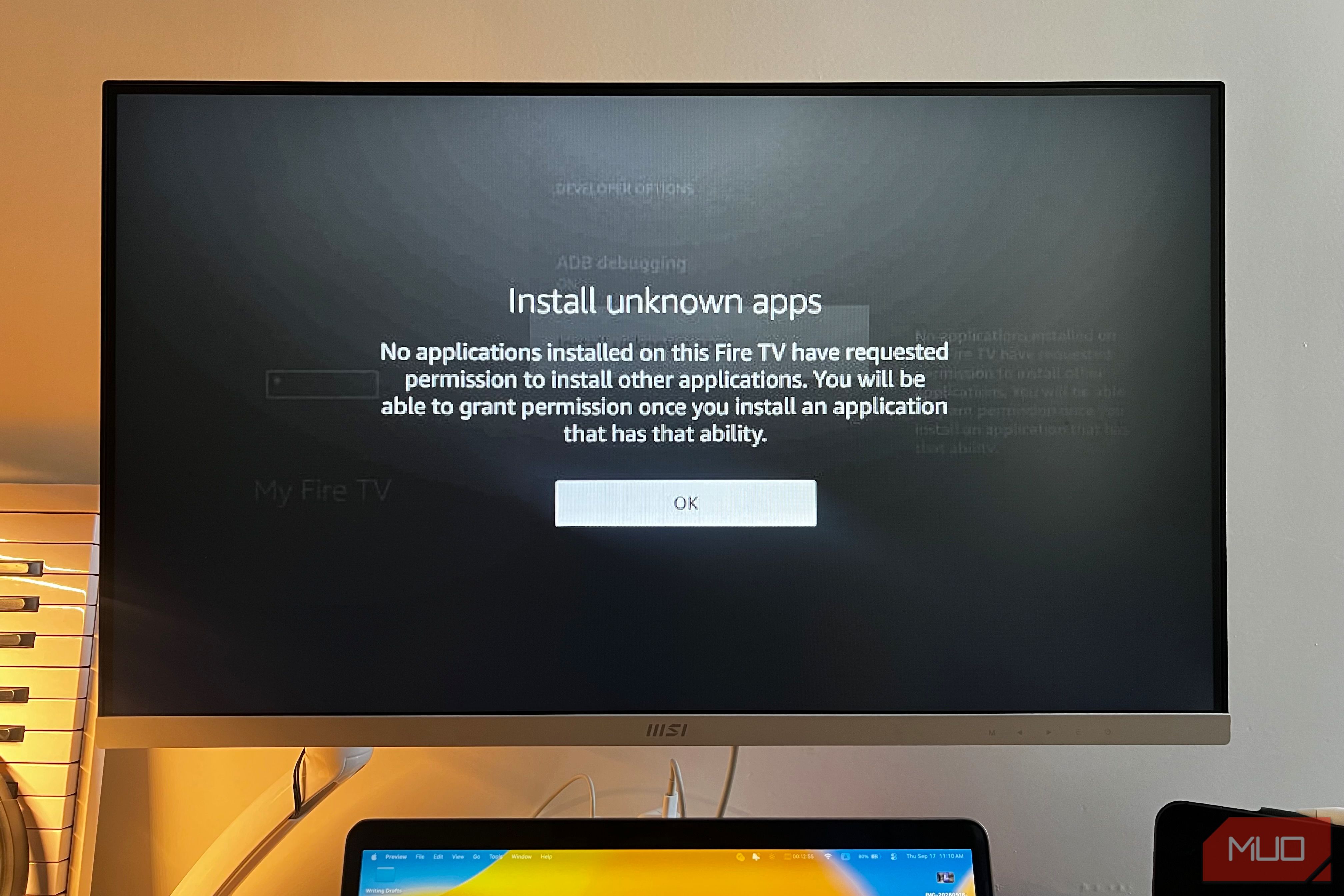
- Users can check Settings > My Fire TV > About > Check for Updates to get the component update. In a recent correspondence with AFTV News, Amazon addressed an issue preventing users from sideloading apps on Fire TV devices and said a fix would arrive in an upcoming software update. The fix began rolling out yesterday, and affected users can expect it to install automatically as a system component update over the next few days. Sideloading allows you to install third-party APKs that aren’t available through Amazon’s Appstore. The problem began with last month’s Fire TV Settings update, leading many users to suspect that Amazon was deliberately restricting the installation of apps it did not approve. However, the company says the restriction was accidental and caused by a software bug. Amazon is really restricting sideloading, just not through this update So users had good reason to be suspicious For years, Amazon shipped Fire TV devices with Fire OS, which is based on Android. This allowed owners to enable Developer Options and install regular Android apps on their devices, including media players, browsers, and custom launchers. The company has already been tightening control over its streaming platform. Its newer operating system, Vega OS, removes many of the customization options that attracted Fire TV power users in the first place. So when that capability suddenly stopped working, many understandably assumed Amazon had closed another loophole. Amazon told AFTV News: There was a bug in a recent Fire TV Settings update that caused the “Install unknown apps” list to appear incomplete or empty… The company also mentioned that it had identified the cause and would install the fix automatically on affected devices. Unfortunately, the fix only applies to devices shipped with Fire OS from the start. It doesn’t add Android APK support to newer hardware running Vega OS. Those devices still cannot use traditional sideloading or many popular Fire TV tricks. To check manually, open Settings > My Fire TV > About > Check for Updates. Since this is a component update rather than a full Fire OS release, the operating system version displayed on your device will remain unchanged after you receive it.