Summary
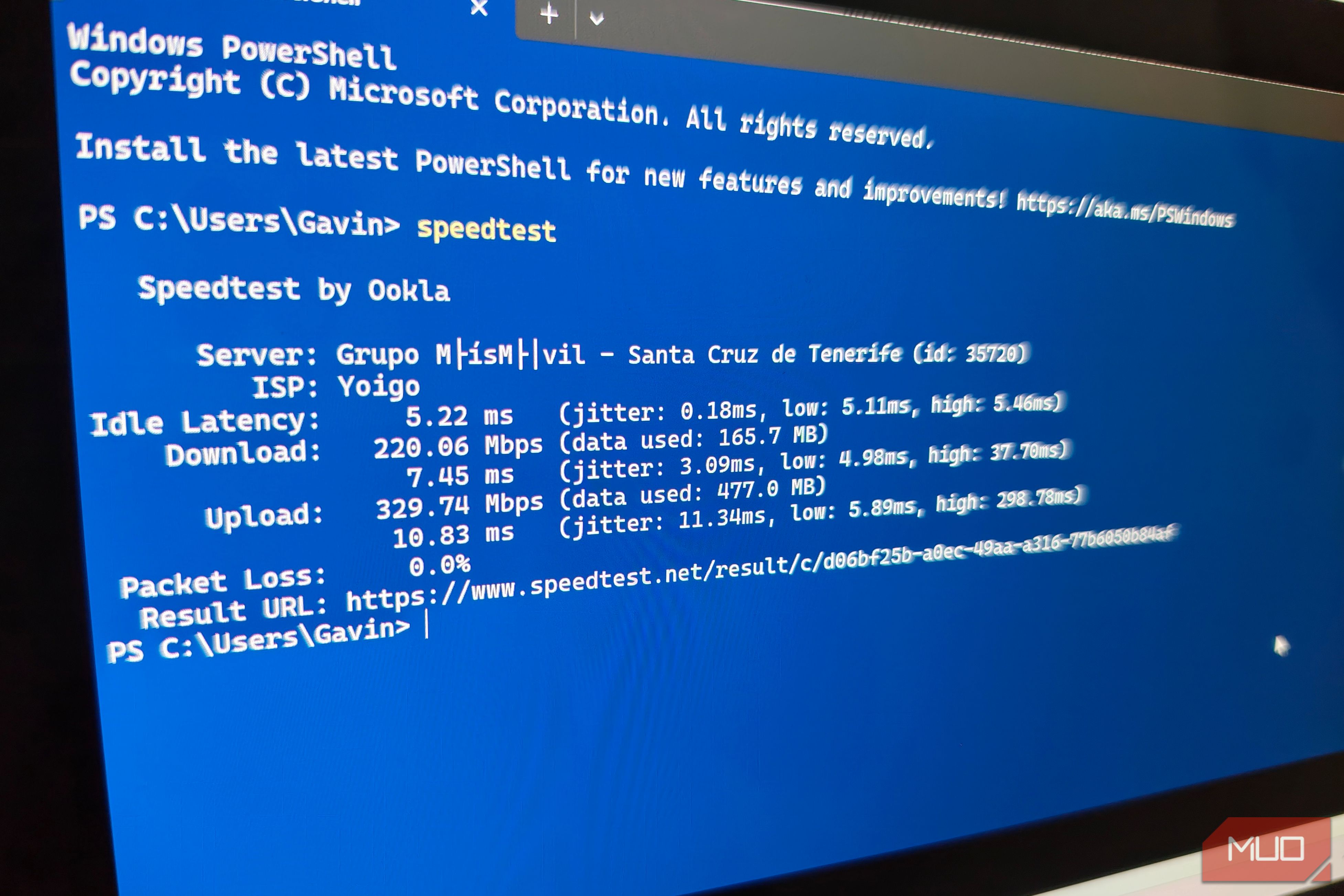
When you run an internet speed test, you’re probably doing it because something isn’t working properly. But while you’ll usually look for slow download speeds and high pings, they aren’t always to blame. You might still have those gigabit broadband speeds you enjoy so much, coupled with the kind of single-digit ping that was unheard of not too long ago. Yet, despite that, video calls keep dropping, online gaming feels sluggish, and there’s a hiccup before web pages load. It’s easy to fall into the trap of assuming these issues must be caused by slow download speeds or high pings. But there’s another possible culprit, and it’s one that you’ve likely never paid any real attention to. Jitter can be a network killer. Ignore it at your peril. Ping tells half a story The myth of the average ping Most people run a speed test and look at the ping figure as an indication of how responsive a network connection should feel. A standard ping test sends a series of Internet Control Message Protocol (ICMP) packets to a server and then measures how long it takes them to be returned. A ping figure is the average time across a number of test packets. And with that in mind, it’s easy to see where the reliance on ping figures came from. But there’s a problem: good, low ping figures can hide an underlying instability that can cause issues for a wide range of internet use cases. A connection that reliably returns packets at a low and consistent rate will feel snappy. But things change when the ping fluctuates wildly. A connection that delivers packets at 10ms, then 150ms, then 12ms, then 90ms might still average around 40ms, which is fine. But in practice, the swing from 10ms to 150ms and back to 12ms can cause issues. And that’s jitter. Those issues can show up in many ways, but network instability is at the core of it all. Gaming servers can’t reliably predict how your connection will perform, so they invariably struggle. Video calls in particular can suffer from jitter-related issues, like dropped calls and freezing feeds. Jitter explained And how it ruins your network Jitter measures . Essentially, it’s how stable your ping figure remains during an active data session, whether that’s gaming or anything else online. While latency measures how long it takes for data to travel to a remote server and back to your device, jitter measures the consistency of that measurement. In ideal conditions, on a reliable connection, network packets are sent and received at a steady, predictable rate. Jitter makes that predictable rate unpredictable. Some arrive instantly, while others take a little longer. Some take even longer, causing packets to arrive out of order. How jitter manifests will depend on what you use your connection for. Applications and services that send and receive a constant, uninterrupted stream of data are particularly affected. We’ve already mentioned gamers, whose high jitter values can result in the familiar rubber-banding and unregistered inputs that have plagued online gaming since the dawn of the internet. Fans of streaming video services and, as previously mentioned, those making video calls can find that video becomes choppy, with unbalanced audio. The issues behind jitter Time to unplug the microwave Now that we know what jitter is, and how it can impact your connection and the apps that use it, it’s important to understand what causes it. All network connections can suffer from some jitter, but it only becomes an issue when the jitter figure starts to creep skyward. Wireless networks are particularly prone to high jitter. Wi-Fi routers have to deal with a wide variety of radio frequency interference from devices of all shapes and sizes — not least your neighbors’ routers. But they can also be adversely affected by the most mundane of things, like Bluetooth accessories and even the humble microwave. Homes with thick walls can also play a role. As a Wi-Fi router fails to deliver data to devices properly, it causes them to retransmit the same data. That, in turn, can cause intermittent latency spikes, which then turn into a jitter problem. Bufferbloat is another potential cause of jitter. When multiple devices on a single network try to send or receive too much data at the same time, a router tries to prevent any packets from being lost by queuing them up. This approach prevents dropped connections for connected devices, but the queues can become unwieldy surprisingly quickly. With packets waiting their turn in the queue, latency soon increases. When the queue clears, latency returns to normal, only for the whole process to start again. All of this is to say that high jitter can be every bit as big of an issue as a high ping, and it’s a metric that doesn’t get the attention it deserves. Testing your connection’s jitter is easy, though. Open a Command Prompt (Windows) or a Terminal window (macOS) and type []ping google.com -n 50 (on Windows) or ping -c 50 google.com (on a Mac) to get started. Then, pay attention to the difference between the shortest and longest times. A big gap indicates you have some jitter to deal with. Stop chasing the wrong numbers Time to focus on stability The most obvious way to address jitter is to use Ethernet cables instead of Wi-Fi wherever possible. Look for Smart Queue Management (SQM) in your router’s settings and turn it on if it’s available. It can help prevent bufferbloat by prioritizing latency-sensitive traffic. Finally, upgrading to a new router could help, especially if you’re still using your ISP’s router. But the most important thing is to remember that pings and data transfer speeds aren’t the be-all and end-all of a good, reliable connection. Jitter isn’t only a thing you should pay attention to; it’s one of the most important.