Summary
I started hosting Immich last year on my home server. I wrote about it at the time, and I was almost instantly sure that I wouldn’t regret this decision. For me, there were some obvious immediate gains: I stopped paying a subscription just to store and access my memories, and it was also an inexpensive undertaking, since an old computer that I had abandoned served as my server.
They say time has a way of making you rethink your choices. So I wasn’t expecting that after more than a year of self-hosting Immich, I’d look back and be glad I had ditched using Google Photos, iCloud Photos, or Dropbox as the place where I stored my photo library.
This has become a decision I’d double down on, and one you should consider making at some point.
My photo library isn’t tied to one company
I don’t have to think about where today’s photos are going
When I chose to leave cloud photo storage, it was never a question of whether I could find a good self-hosted replacement. Any hesitation I felt was about whether the replacement would turn picture-taking and management into an annoying task.
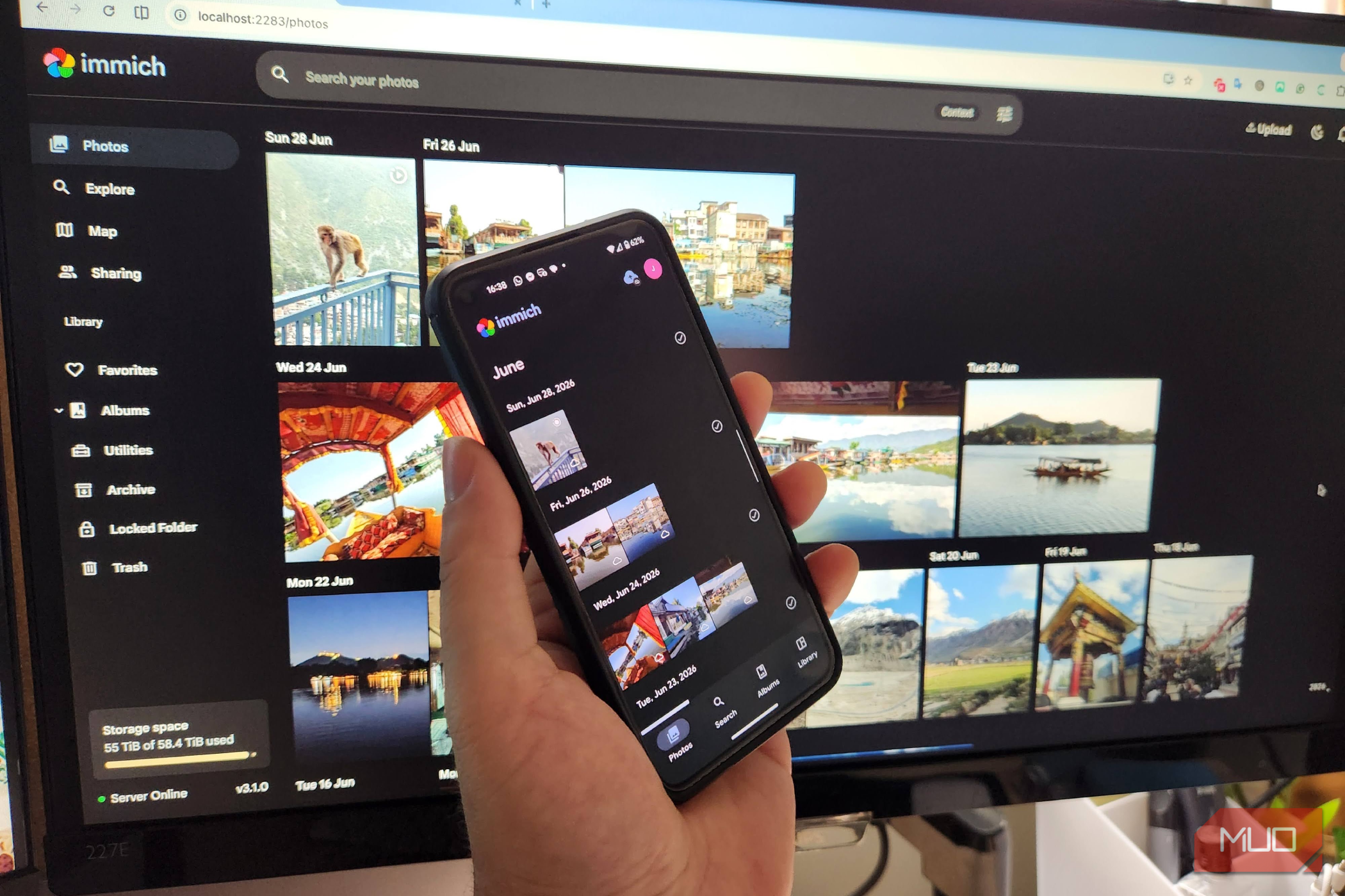
Immich has largely kept the convenience I had using my cloud storage. After I take a photo on my phone, the Immich mobile app backs it up to my server. There are no extra steps I need to take. I’m not connecting my phone to a computer or dragging and dropping files. It just works as fluidly as it did before I switched to Immich. When the app is open, Immich automatically uploads my photos and videos, and I also configured it to run in the background. It also checks against my existing uploads so it doesn’t normally send the same file again.
It’s not exactly the same as using services like Google Photos. For instance, the OS may restrict background activity (particularly on iOS and some Android devices). But it still hasn’t changed the way I relate to my photo library, and what’s most important is that taking photos still feels the same as before.
The economics favored me because I already had a spare computer to use as a server. I was simply putting hardware that I already owned to work rather than adding a new subscription. If you account for storage, electricity, and maintenance, this isn’t exactly free, but it felt free because I wasn’t starting from scratch.
My photo library isn’t tied to one company
Immich is the layer I use to make sense of files I control
The way I think about photos now compared to before has totally changed, especially when I consider ownership.
My current photo library isn’t really tied to Immich. The original photos and videos ultimately live on storage that I control. I use Immich as the software that lets me browse, organize, and search through them.
Immich also supports external libraries, so photos and videos stored outside its normal upload locations can be indexed and presented alongside the rest of the library. I like that because the files remain in storage I control rather than becoming dependent on the application’s own storage layout. Even though Immich organizes the files, I still control where those files live.
This also means Immich isn’t a backup, so I employ a separate backup system. Immich’s database backups preserve the metadata and application information needed to restore the Immich instance. They aren’t a replacement for backing up the actual photos and videos, which are my responsibility. Hence, BorgBackup has become an important part of my setup.
This is also why Immich on its own isn’t a one-for-one Dropbox replacement. It manages my photos and videos, but it isn’t a general-purpose file-sync and storage service.
I expected to miss Google Photos
Finding something in a huge library turned out not to be the problem
Google Photos’ storage features never really impressed me. What I really liked about it was being able to find a photo I’d long forgotten about from a library with thousands of images. I thought that would be the thing I miss the most.
I have a library that’s so huge that it’s simply unrealistic to open folders and believe I’d know exactly where I put specific images. It’s more practical to search than to rely on remembering the exact date.
Here, Immich did more than I expected when I made the switch. In my library, I can search by people, locations, dates, and image content. This makes the collection stop feeling like a pile of files. If you need a photo, there is an easy way to find it. Immich’s search combines image-content search with more traditional filters.
This isn’t to say that Immich has recreated every part of Google’s photo infrastructure. Over several years, Google has been able to build extremely polished cloud-based systems, and different people will notice different gaps. But it’s been over a year, and not once have I wished I’d kept my Google Photos subscription because I couldn’t find a particular image.
I stopped paying someone else to store my memories
Self-hosting is great, but when you get rid of cloud subscriptions, the entire underlying responsibilities doesn’t simply disappear. Storage isn’t free, drives can fail, and the burden of maintenance falls on you. However, these are all elements that I’m comfortable with.
I no longer need Google Photos to be the place where my memories live. I don’t need iCloud Photos to be the storage layer for this library, and I don’t need Dropbox to hold my growing collection of photos and videos.
In reality, what surprises me today isn’t that Immich works, but that it works well enough that I don’t miss what I left behind.
 Immich
- OS
- Linux, Windows, macOS, Android, iOS
- Price model
- Free Immich is a self-hosted solution that allows you back up, organize, and manage your photos on your own server. It allows you to browse your photos and videos with ease and does not sacrifice privacy.