Summary
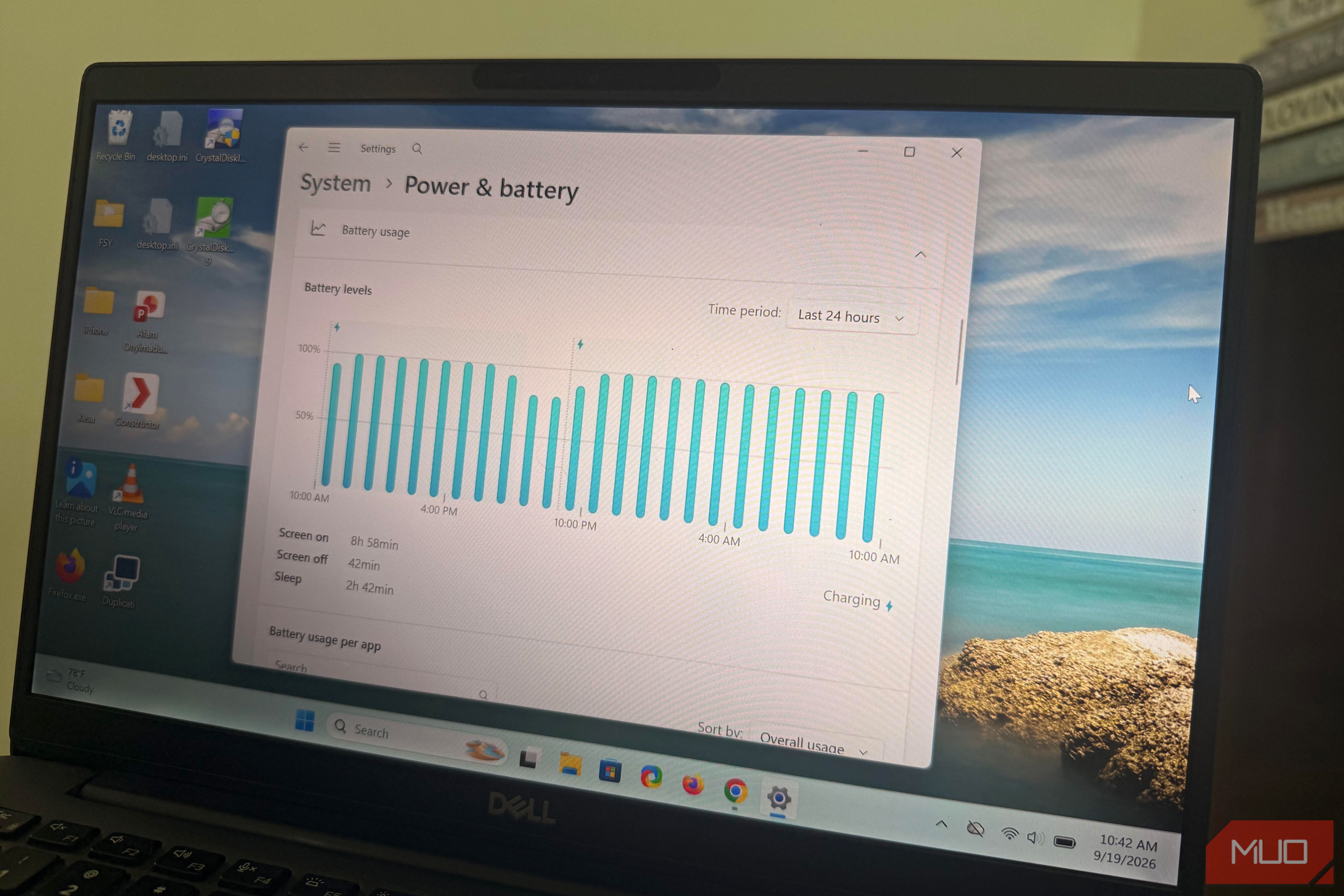
I went looking for explanations for an increasingly strange overnight laptop behavior. It made me realize that my laptop had been keeping tabs on how much battery it was willing to spend while it slept. Sometimes it remains ready and wakes instantly; other times, it hibernates before I touch it. Since I couldn’t find the responsible settings in the usual Windows interface, I dug through the power options. One setting clarified the behavior. Windows draws a line your laptop isn’t allowed to cross Adaptive Hibernate watches consumption, not the clock On Modern Standby laptops running on battery, Windows doesn’t simply count down a fixed hibernation timer. Instead, Adaptive Hibernate can use standby battery drain as one of the conditions for moving the system into hibernation. The standby-budget part of Microsoft’s Adaptive Hibernate mechanism has three hidden options that determine how much battery drain is tolerated. That’s why a laptop that has sat in your bag overnight may still wake up almost instantly the next morning, but on another day, leaving it in the bag may cause it to hibernate. The amount of time the lid stays closed isn’t the only thing determining the outcome. What matters is whether the machine crosses its allowed battery-drain budget. By default, Windows allows up to 5% battery drain during each 12-hour budget interval. If the system reaches that 5% threshold before the interval ends, it can enter hibernation. If it stays below the threshold, the budget refreshes, up to the configured refresh count. The default refresh count is four, so the budget can cover the original interval plus four additional refreshes if the threshold isn’t reached. This makes the 12-hour figure a window for the OS to judge whether the drain it permits is exceeded. This entire system is Windows’ way of judging the amount of charge it’s willing to spend keeping your computer in a quick-resume state before it makes the device save its state to disk and hibernate. The numbers are hidden Powercfg shows what Settings never will You don’t find these settings on any single settings page. They’re hidden power settings rather than options exposed in the normal Windows Settings interface. Microsoft has documented all three of these settings as hidden settings. I opened the Command Prompt and ran the command: powercfg /qh . The output was a dump of the hidden power settings. I found three important values: | Setting | Default | What it controls | |---|---|---| | StandbyBudgetPercent | 5% | Battery drain allowed in one budget period | | StandbyBudgetRefreshInterval | 12 hours | Time before the budget refreshes if the threshold isn’t reached | | StandbyBudgetRefreshCount | 4 | How many times the budget can refresh | This StandbyBudgetRefreshInterval value doesn’t mean the computer hibernates after 12 hours. Windows can refresh the budget if the laptop hasn’t consumed its 5% allowance by the end of the interval. These battery-budget settings apply to DC power, so they don’t govern the same behavior while the laptop is on AC power. I dropped the budget from 5% to 1% and broke it on purpose Same laptop, same night, one number changed What the values say should match the outcome I got, but I needed to test it. I changed StandbyBudgetPercent from the default 5% to 1%, leaving the refresh interval and refresh count alone. On both runs, I started at 100% battery and left the laptop in Modern Standby for roughly 12 hours. This produced a very clean comparison: | Stock baseline | Modified run | | |---|---|---| | Standby budget | 5% | 1% | | Refresh interval | 12 hours | 12 hours | | Refresh count | 4 | 4 | | Starting charge | 100% | 100% | | Standby duration | ~12 hours | ~12 hours | | Battery consumed | 3% | 3% | | Result | Stayed in Standby | Hibernated | What I found interesting was that the second run didn’t suddenly consume more power. The difference was that the same kind of overnight drain was now sufficient to cross the line. On the default settings, that amount of overnight drain stayed below the 5% threshold. At 1%, the same general level of drain was enough to cross the configured budget. I wouldn’t have noticed this if I had treated the 12-hour mark as a timer, because Windows was comparing battery drain against a budget rather than simply counting down to hibernation. I wouldn’t use my exact results to predict how other Modern Standby laptops will behave. However, it shows that changing only the permitted drain value can change when my laptop crosses the hibernation threshold. More importantly, it explains what may seem like random hibernation. The point at which a system crosses its budget may change if its Standby power draw changes between sessions. Battery level is about to matter as much as the budget Microsoft is experimenting with an updated Adaptive Hibernate policy released for Windows 11 Insider build 28120.2630. It’s aimed at doing two things: increasing instant-on resumes from Modern Standby and preserving more battery at the low end. This brings a practical change that makes Windows hibernate less frequently as long as there is at least 80% battery, but when the battery drops below 10% it hibernates sooner. This adds battery level to the decision that determines hibernation. The underlying idea remains the same: Windows can decide that keeping the system in a quick-resume state is no longer worth the battery cost, based partly on how much power it consumes in Standby.