Summary
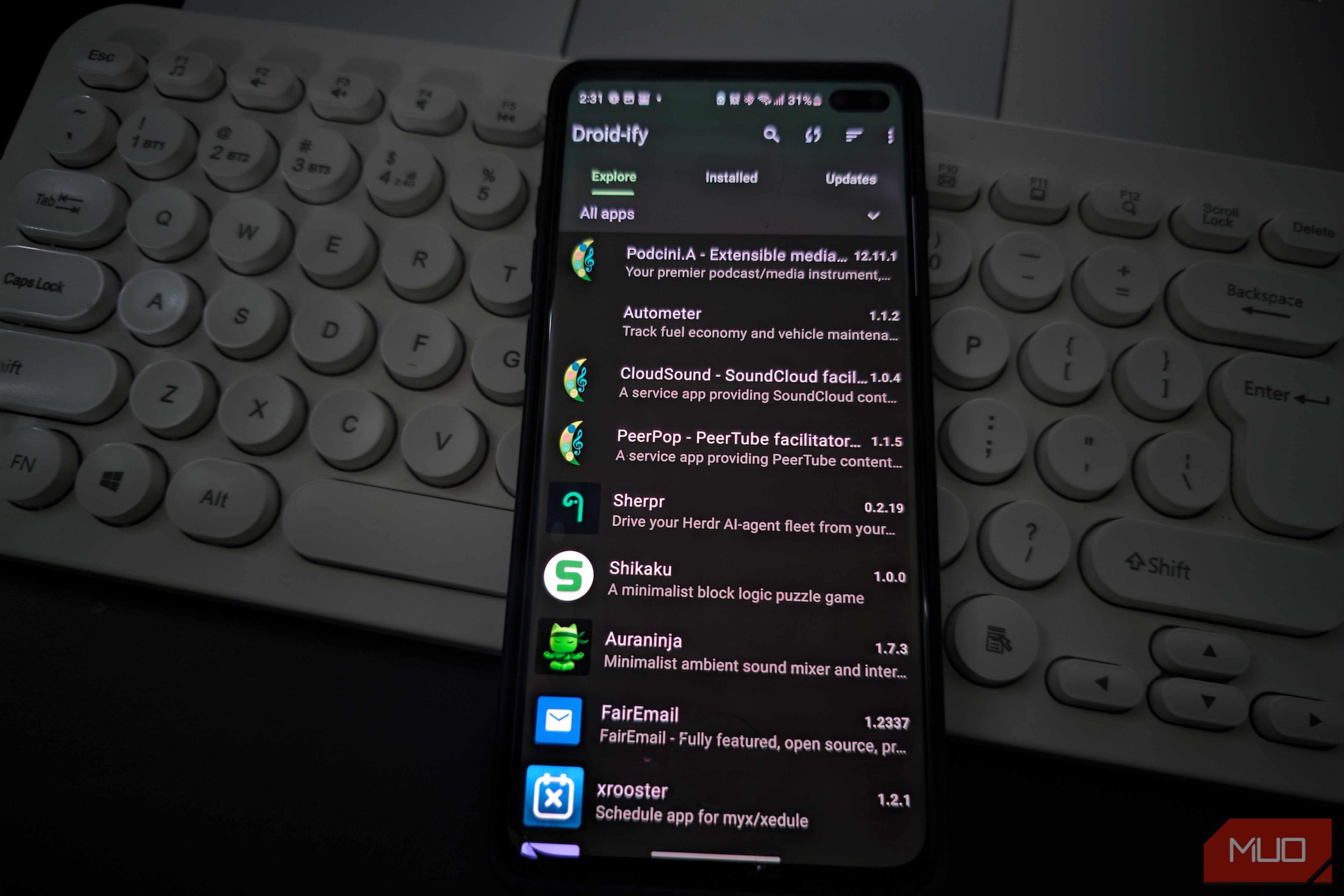
I like F-Droid a lot more than I like its official app. The repository has introduced me to some of my favorite open-source Android apps, but I’ve never particularly enjoyed using the regular client. Droid-ify gives me a better way to use the same ecosystem without leaving F-Droid behind. I can browse compatible repositories, install apps, and manage updates through an interface that fits modern Android much better. After switching, I mostly wondered why I’d spent so long assuming the official client was the only sensible option. Droid-ify made F-Droid much nicer to browse This is how F-Droid should feel Getting started is simple if you already use F-Droid. Search for Droid-ify, install it, open the app, and let the first repository sync finish. It supports Android 6.0 and newer, and once that initial sync is done, Droid-ify can still browse the repository data it has already downloaded even when you’re offline. The first thing I noticed was how little stands between opening the app and finding what you want. Browsing, search, installed apps, and updates are all easy to reach, so I didn’t have to spend time figuring out how the client was organized before I could use it. App listings are easy to scan, while individual pages still show the descriptions, available versions, source information, and other details I’d expect from F-Droid. Material You support also helps Droid-ify fit naturally into Android. It can follow your system colors, which makes the interface feel much more in line with the rest of the phone. That polish affects how I use the app because browsing is a big part of F-Droid for me. Droid-ify lets you wander through categories when you’re looking for ideas, while search stays fast and unobtrusive when you already know what you want. I’ve ended up browsing more often simply because poking around feels closer to exploring a proper app store than combing through a software catalog. That works especially well when I want to replace an Android app with an open-source alternative. I can move through a few categories, open anything that looks promising, skim the important details, and keep going without fighting the interface along the way. The official F-Droid client is getting a substantial overhaul, to be fair. Its 2.0 release candidate brings a rebuilt Kotlin Compose interface, Material You colors, better search, stronger discovery, and improved list filtering. The stable version most people use today still predates that redesign, which gives Droid-ify plenty of room to feel like the more polished client right now. You can manage extra repositories Adding another source takes seconds Android has plenty of Google Play Store alternatives, but F-Droid works a little differently from a conventional centralized storefront. Its clients can connect to compatible repositories maintained by other developers and projects, opening the door to software that never appears in the main F-Droid repo. Droid-ify makes that setup easy to manage. Your repositories appear in one list where you can enable or disable sources and add new ones without leaving the app. You can add repositories by URL, and recent versions also let you scan repository links from QR codes. That becomes especially useful when you rely on apps that maintain their own repositories. Instead of remembering which website hosts which APK or manually keeping apps from outside the Play Store updated, you can add the source once and let Droid-ify fold it into the same catalog. Droid-ify then checks installed apps against the repositories you’ve enabled, so updates from those sources show up alongside everything else. The downloaded repository data also comes in handy when you’re traveling or stuck with an unreliable connection. After Droid-ify synchronizes the metadata, you can keep browsing the catalog offline. You’ll still need an internet connection to download an APK you don’t already have, but losing connectivity doesn’t leave the rest of the app stranded. I also appreciate that repository management isn’t buried so deeply that you forget what you’re doing. Adding another source changes where your software comes from, and I treat that the same way I would adding another package repository on Linux. Droid-ify makes additional repositories easy to manage while still leaving you to decide which ones you trust. Power users get much more control over installs You can keep it simple or get nerdy Droid-ify also gives you more control over how you install and update apps. The standard Session installer is fine for normal use, while Root and Shizuku are there if you want a more automated setup. Those options live directly in Droid-ify’s settings, so you don’t have to dig through a separate advanced mode to find them. Most people can leave the standard installer alone and never think about it. If you already use Shizuku or have a rooted phone, Droid-ify can use those privileges to cut down on some of Android’s usual installation prompts. Shizuku is handy because it gives supported apps access to elevated ADB-style privileges without requiring full root. If you’ve used ADB commands on Android, you’ll recognize the extra control it opens up. Once you authorize Droid-ify through Shizuku, app installs can involve fewer interruptions from Android’s usual package installer prompts. I wouldn’t set up Shizuku purely for Droid-ify if you’ve never needed it before. The regular Session installer is much simpler, and Android’s sideloading restrictions still apply. Automatic updates can also behave differently depending on your phone, Android version, and installer setup, so I wouldn’t expect every device to update every app silently in the background. You don’t need any of those advanced options to get much out of Droid-ify. It works perfectly well as a straightforward F-Droid client, and you can leave custom repositories, Shizuku, and root installation alone until your setup actually calls for them. I should’ve made this switch much earlier Droid-ify hasn’t changed the reason I use F-Droid. I’m still there for open-source apps from F-Droid-compatible repositories, and that ecosystem is still the main reason to install a client in the first place. Droid-ify has made me far more willing to browse around. I used to open F-Droid when I already knew which app I wanted, while Droid-ify feels like an app manager I’m happy to explore without a specific target in mind. The official client’s upcoming redesign may narrow that gap considerably, and I hope it does. Until then, Droid-ify is the client I’m keeping on my phone.