Summary
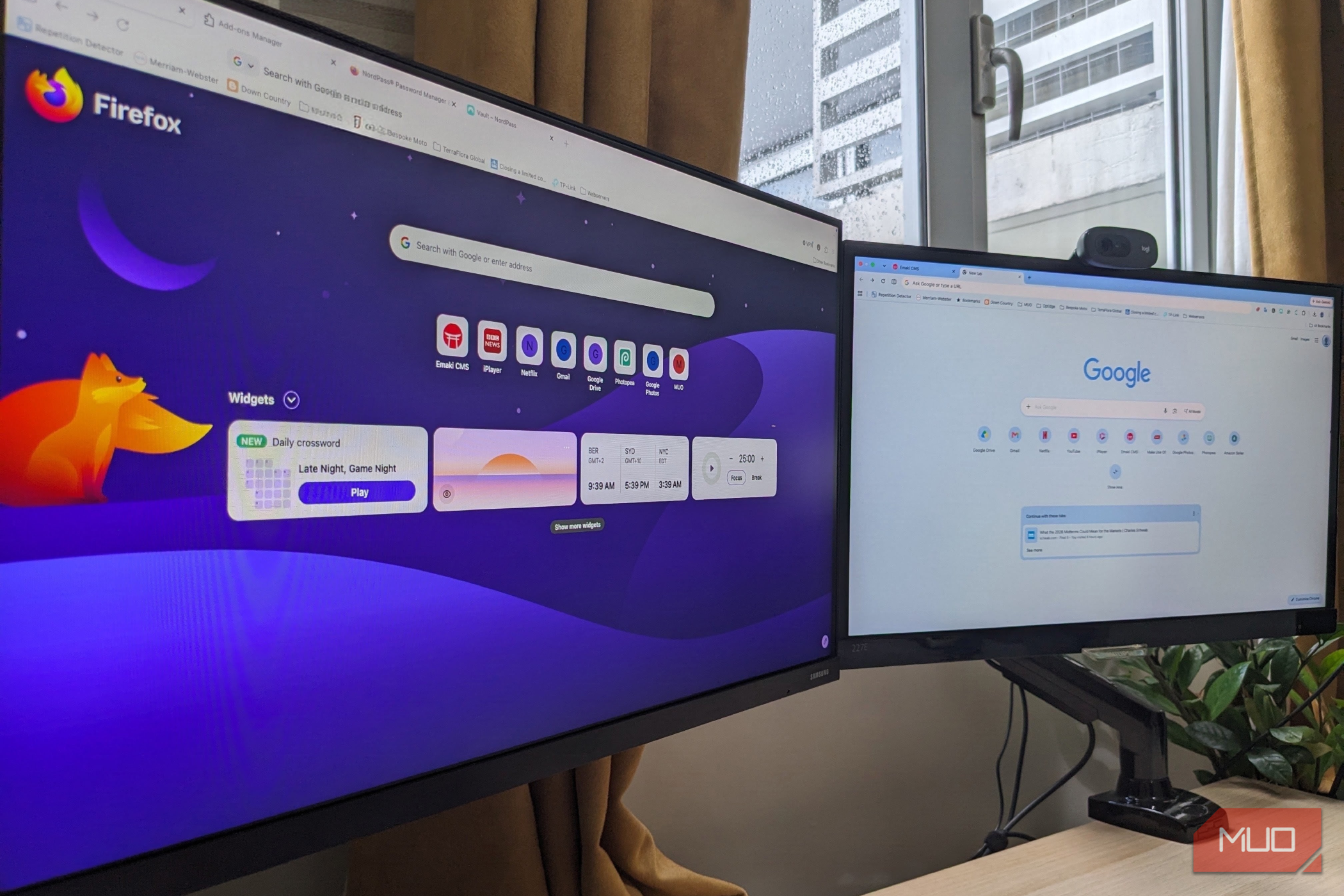
I recently realized I’d been using Google Chrome because I had to. 15 years, to the point that I was so deeply invested in the ecosystem that I thought there was no escape. And yet, issues like RAM consumption, battery drain, and overheating made it feel like the browser was sapping my productivity. The problem, as always, is the challenge of starting over. The solution was a lot more straightforward than I thought. Moving from Chrome to Firefox took less than 15 minutes; everything was imported automatically, and reinstalling my favorite extensions was surprisingly painless. Switching browsers sounded like a nightmare Chrome’s significant benefits are what kept me sticking around Leaving Chrome itself wasn’t an issue. I’ve used other browsers in the past, and they are fundamentally very similar to each other. The ecosystem is the issue here. Like a lot of people, I have years of saved passwords (a bad habit, I know), hundreds of bookmarks, autofill data, browsing history, and a carefully curated collection of extensions. To switch felt like I’d have to recreate my digital life from scratch. Having recently used Firefox extensively to handle demanding tasks, such as image editing in Photopea and CPU-intensive creative portals like Figma and Penpot, the benefits of switching to a lightweight browser were obvious, yet little did I know that it also features powerful migration tools that are designed to remove any friction while importing your data. I didn’t need to export files manually or sign into multiple services; Firefox detected Chrome and copied everything over in a few clicks. Firefox copied nearly everything automatically Bookmarks, passwords, history, and even open tabs transferred over The most impressive part of switching to Firefox was how easy the import process was. What made it especially clean was that I could choose exactly what to bring with me, including bookmarks, saved passwords, autofill information, and open tabs. I could even have imported my cookies and browsing history, but I chose not to bother with these. After committing to the import, I was a little concerned it would leave things disorganized or mess up my bookmarks bar, but everything arrived neatly as I left it, saved logins worked right off the bat, and in a short time I’d almost forgotten I had changed browsers. Whatever psychological barrier I had before switching proved completely unfounded. I was simply efficiently moving data from one program to another. Reinstalling my extensions took no time Most of the Chrome tools I use are also there in Firefox Before switching, my biggest concern was that the extensions I used wouldn’t exist in Firefox. After being reassured that this was unlikely, I was much happier to proceed, and things turned out to be easier than expected. During Firefox’s welcome process, it recommends popular extensions and makes installing them as simple as clicking a button. Since many developers maintain versions for both Chrome and Firefox, most of the tools I rely on were already available, including Grammarly, NordPass, ExpressVPN, TubeArchivist, and many others. The experience was just like setting up Chrome on a new computer, with a few sign-ins required, before all my settings were restored. If an extension is missing, there’s often an alternative in Firefox’s Add-ons store; however, I didn’t encounter that issue, and I was able to rebuild my browser much faster than I expected. Chrome still has better compatibility Some websites are obviously built with Chrome in mind Provided you have plenty of RAM and processing power, there’s a perfectly reasonable argument for staying with Chrome. It’s the world’s most widely used browser for a reason, and some websites are tested primarily against Chromium-based browsers first. Also, many niche apps and tools are designed around Google’s ecosystem and are said to perform much better in Chrome. In many cases, speed, ecosystem integration, and cross-device syncing outweigh any minor issues. However, in my daily Firefox use, I haven’t noticed any significant compatibility gap. Gmail, Google Docs, YouTube, Slack, Notion, Canva, banking websites, and streaming services all worked exactly as they had before. I still use Google’s services every day, including Workspace tools and Google Meet to keep in touch with family and friends. The only difference is my browser’s parent company. For me, switching browsers feels like an upgrade I already knew that Firefox is better than Chrome in several ways. It is lightweight; it’s more privacy-focused; it runs on a non-Chromium, independent engine; it has excellent protection against site-tracking cookies and social media trackers; It has excellent built-in developer tools; and it has some neat features like separate accounts for various activities and a built-in PDF reader. What surprised me was how little effort the migration from Chrome required. My bookmarks, passwords, history, and autofill data came across almost instantly, while extensions were back in just a few clicks. Gone are the days when switching browsers was a long, drawn-out affair, and rebuilding your browser from scratch is no longer an issue.