Summary
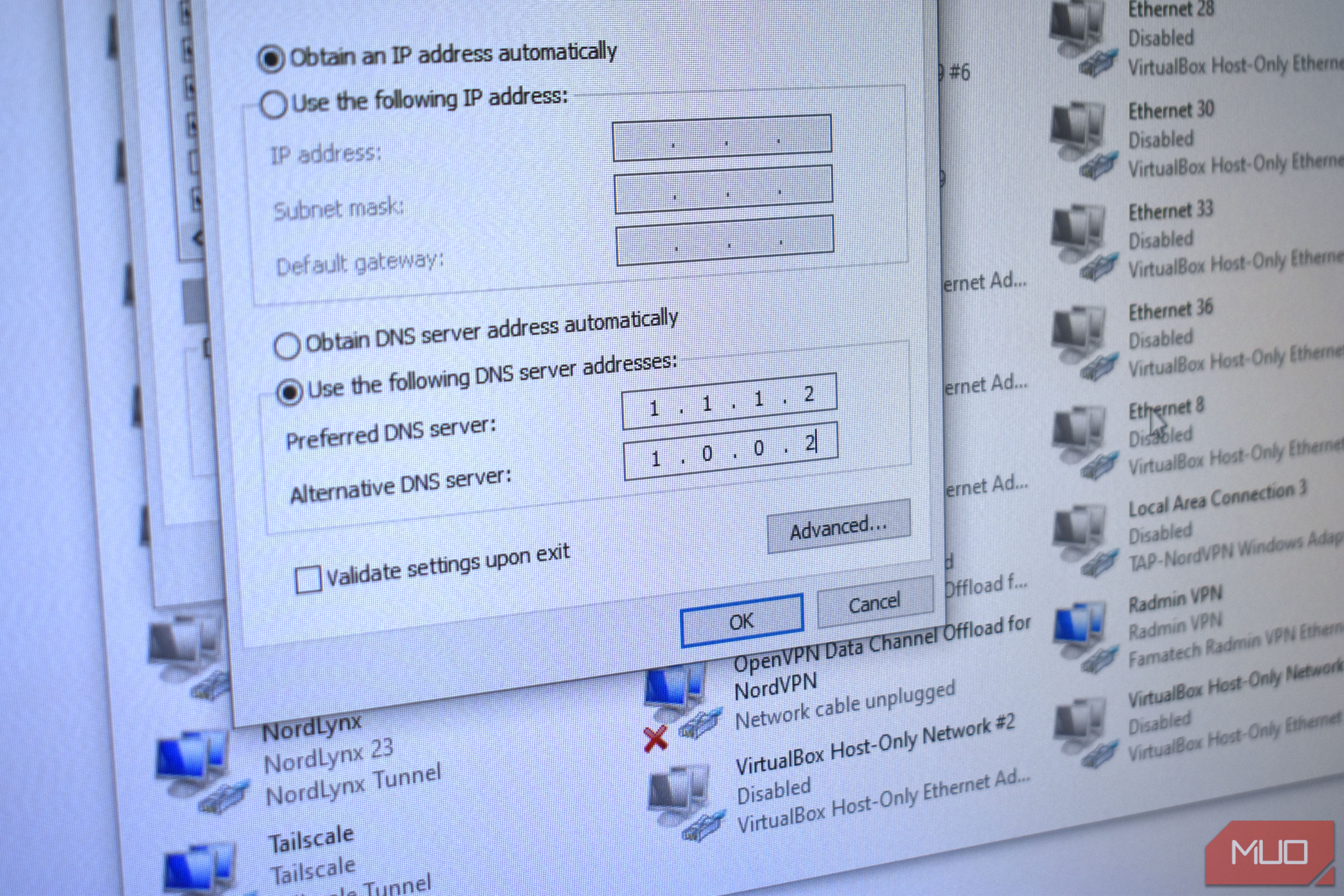
Your ISP’s DNS probably works absolutely fine. Your internet works at roughly the advertised speed, you don’t encounter many content blocks, and it turns domain names into IP addresses just as it should. But that’s also the problem. It works, but it could be better: faster, encrypted, more private, and able to block malware and phishing before it takes hold. That’s why even if your default DNS is doing the job, you should consider swapping to one of these three alternative DNS providers. Cloudflare It’s fast, private, and dependable Cloudflare is one of the world’s biggest DNS providers, which means it comes with some significant perks, the biggest of which is speed. I’ve previously tested Cloudflare and found it to be the fastest DNS provider, and it typically performs faster than Quad9, Google, and other DNS providers. If faster resolution is what you want, Cloudflare is what you’re looking for. Its 1.1.1.1 resolver consistently tops charts worldwide, though it’s always worth running your own tests to figure out what’s best locally. Cloudflare isn’t just about speed, mind. The company has passed multiple third-party privacy audits, making it one of the most secure DNS providers, too. Then, if you want to use Cloudflare’s fast DNS and some extra protection from malware, all you have to do is swap one digit in the DNS address, and you’re protected. Cloudflare’s malware and phishing filtering is highly rated and doesn’t affect its overall speed, so why not take advantage of both? | Cloudflare DNS Addresses | | |---|---| | Standard IPv4 | 1.1.1.1 and 1.0.0.1 | | Standard IPv6 | 2606:4700:4700::1111 and 2606:4700:4700::1001 | | Malware Blocking IPv4 | 1.1.1.2 and 1.0.0.2 | | Malware Blocking IPv6 | 2606:4700:4700::1112 and 2606:4700:4700::1002 | | Malware + Adult Content Blocking IPv4 | 1.1.1.3 and 1.0.0.3 | | Malware + Adult Content Blocking IPv6 | 2606:4700:4700::1113 and 2606:4700:4700::1003 | Quad9 Swiss-based DNS will protect your data If Cloudflare is all about the speed (and everything else), Quad9 is the go-to pick if you’re all about privacy and protection. Quad9 is based in Zurich, Switzerland, which means its DNS service comes with all the outstanding privacy protections baked into Swiss law. It’s also one of the best DNS providers if you really value privacy and security, because its default 9.9.9.9 resolver checks every domain and address you attempt to access against its comprehensive set of threat intelligence providers. If it’s on the list, you won’t connect, saving you from potential malware, phishing, or worse. I’ve long used Quad9 across my devices because it combines all of these security features into its default resolver, plus it’s really never that far off Cloudflare’s ultra-fast DNS resolution. The difference between 8ms and 16ms is effectively imperceptible, which means the reason to switch your DNS isn’t always about speed. | Quad9 DNS Addresses | | |---|---| | Standard IPv4 | 9.9.9.9 and 149.112.112.112 | | Standard IPv6 | 2620:fe::fe and 2620:fe::9 | | Unfiltered IPv4 | 9.9.9.10 and 149.112.112.10 | | Unfiltered IPv6 | 2620:fe::10 and 2620:fe::9 | AdGuard DNS Ad blocking on every device, custom DNS servers, and more AdGuard DNS is another DNS provider I’ve used across my network, entrusting it to provide DNS resolution for every device in my home at times. What makes AdGuard great is that you can push it into those more advanced setups like a full home DNS stack to cover all of your devices, but you can just as easily add its resolver address to your Windows laptop and receive the same protection. AdGuard DNS is particularly adept at blocking adverts. It won’t cut the entire spectrum, it has to be said, but you’ll absolutely notice a huge chunk of background advertising is removed from your existence, and with that, probably free up some processing power on both your device and your brain. AdGuard is also a great choice for smartphones for the same reason. If your device is spending less time processing data for adverts, you’ll claw back some precious battery time. Like Cloudflare and Quad9, AdGuard DNS also comes with additional family-protection servers that block additional advertising, trackers, adult content, and so on, which are very much worth installing if you want some extra protection. | AdGuardDNS Addresses | | |---|---| | Standard IPv4 | 94.140.14.14 and 94.140.15.15 | | Standard IPv6 | 2a10:50c0::ad1:ff and 2a10:50c0::ad2:ff | | Family Protection IPv4 | 94.140.14.15 and 94.140.15.16 | | Family Protection IPv6 | 2a10:50c0::bad1:ff and 2a10:50c0::bad2:ff | There is no single “best” DNS provider When it comes to DNS, the reality is that there is no single absolute best choice for you or your network. The DNS provider that works best for one person’s setup might not be the best for yours, which is why it’s best to run a few different DNS tests before committing long-term. That said, switching your DNS is incredibly simple; it’s not like signing up for a car finance deal that locks you into a single contract for years to come. If you like the look of a different DNS service, track down its DNS resolver addresses, and add them to your device. It’s as simple as that!