Summary
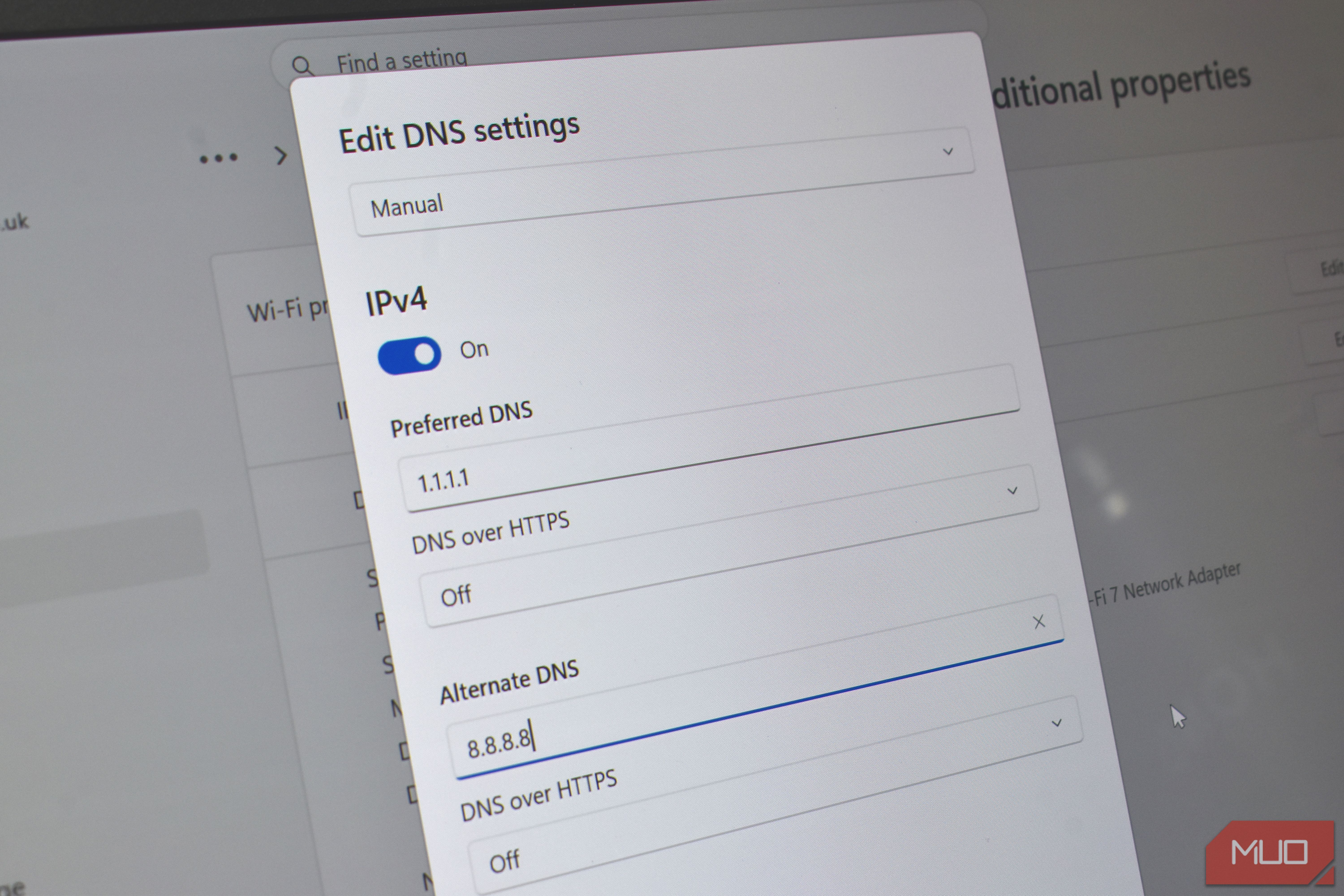
Google’s 8.8.8.8 and Cloudflare’s 1.1.1.1 are two of the most popular DNS servers out there, but you can only run one as your primary resolver at a time, right? When I decided to switch away from my ISP’s default DNS, I had to actually pick a side. So, I did the obvious and compared the two in terms of speed, privacy, and features. Google won the speed test, but once I factored everything else, it wasn’t really much of a contest at all. Google DNS had the edge over Cloudflare in my speed tests But the difference wasn’t huge DNS is a small part of your overall internet experience, but it’s still important. It’s a one-time setup and offers great benefits, so there’s no good reason not to switch. Google’s 8.8.8.8 and Cloudflare’s 1.1.1.1 are popular in this category because they’re free and promise faster, more private browsing than whatever your ISP hands you by default. They also match each other when it comes to core features. Both run massive global networks, both support DNS over HTTPS and DNS over TLS, and both have built decent reputations over the years. All of this makes it difficult to pick between the two, but the differences are there. Let’s start with speed, because it’s the only thing where Google DNS wins over Cloudflare. I ran both DNS servers through DNS Speed Test and a bunch of manual scripts at different times of day. Google’s 8.8.8.8 came out faster more often than not. So it gets the credit there. I don’t want to oversell it, though. Google DNS technically won, but the difference was barely 0.3ms on average. That’s something you’ll never actually notice while browsing, which means the speed advantage isn’t as a big deal as it sounds. More importantly, these DNS speed tests depend on several things like your location, ISP, device, and when you actually run the test. So Google DNS was faster for me, but that doesn’t mean it’ll be faster for you too. Privacy is where Cloudflare wins Google keeps a little more data DNS speed isn’t all about speed. Faster is great, sure, but the overall experience is just as important. Privacy is arguably the next biggest factor, especially since the entire reason to ditch the ISP’s DNS is to have more control over your browsing activities. Cloudflare deletes most DNS query data within 24 hours, and any data used for debugging is wiped within 25 hours. Most importantly, it explicitly says it doesn’t use your browsing data for advertising. Compared to this, Google holds onto some data for up to 48 hours. While it also says it doesn’t use DNS queries for ads, it does keep domain name, request type, response codes, and some of the other information. For privacy, it replaces your IP address with a city or region-level location, and nothing is tied to your Google account. Mind you, this doesn’t mean Google is doing anything shady with your data, but when you compare the two, Cloudflare simply gives you more reasons to trust it. Cloudflare also gives you more control Alternate resolvers for specific jobs Where Cloudflare really pulls ahead of Google DNS is flexibility. Its biggest strength is the alternate resolvers. The standard 1.1.1.1 doesn’t block anything, much like Google DNS. But Cloudflare also offers alternate servers. Its 1.1.1.2 server automatically blocks known malware domains by default. So if you accidentally type a malicious domain or try to visit a link that leads to one, it’s blocked at the DNS level. There’s also the 1.1.1.3 server, which blocks adult content on top of malware. For families, this level of protection and control is a big deal, since you don’t have to install any third-party filtering service or even pay anything. Google’s DNS doesn’t offer anything similar. You get the standard 8.8.8.8 resolver, and that’s it. Cloudflare also has a dedicated app for most platforms. You can install it on your device and use the toggle to turn Cloudflare DNS on or off. This saves you from the hassle of diving into your network settings each time you want to enable or disable the Cloudflare DNS. Choosing between them isn’t difficult Google’s 8.8.8.8 and Cloudflare’s 1.1.1.1 share a lot of similarities, but the differences are pretty obvious. Google’s DNS won in my speed tests, but that hardly matters since the difference wasn’t huge. Cloudflare, on the other hand, clearly wins with privacy and flexibility. Since both are highly reliable, for me, Cloudflare is the more appealing of the two. But of course, your experience can vary, especially with speed, so it’s best to actually test both.