Summary
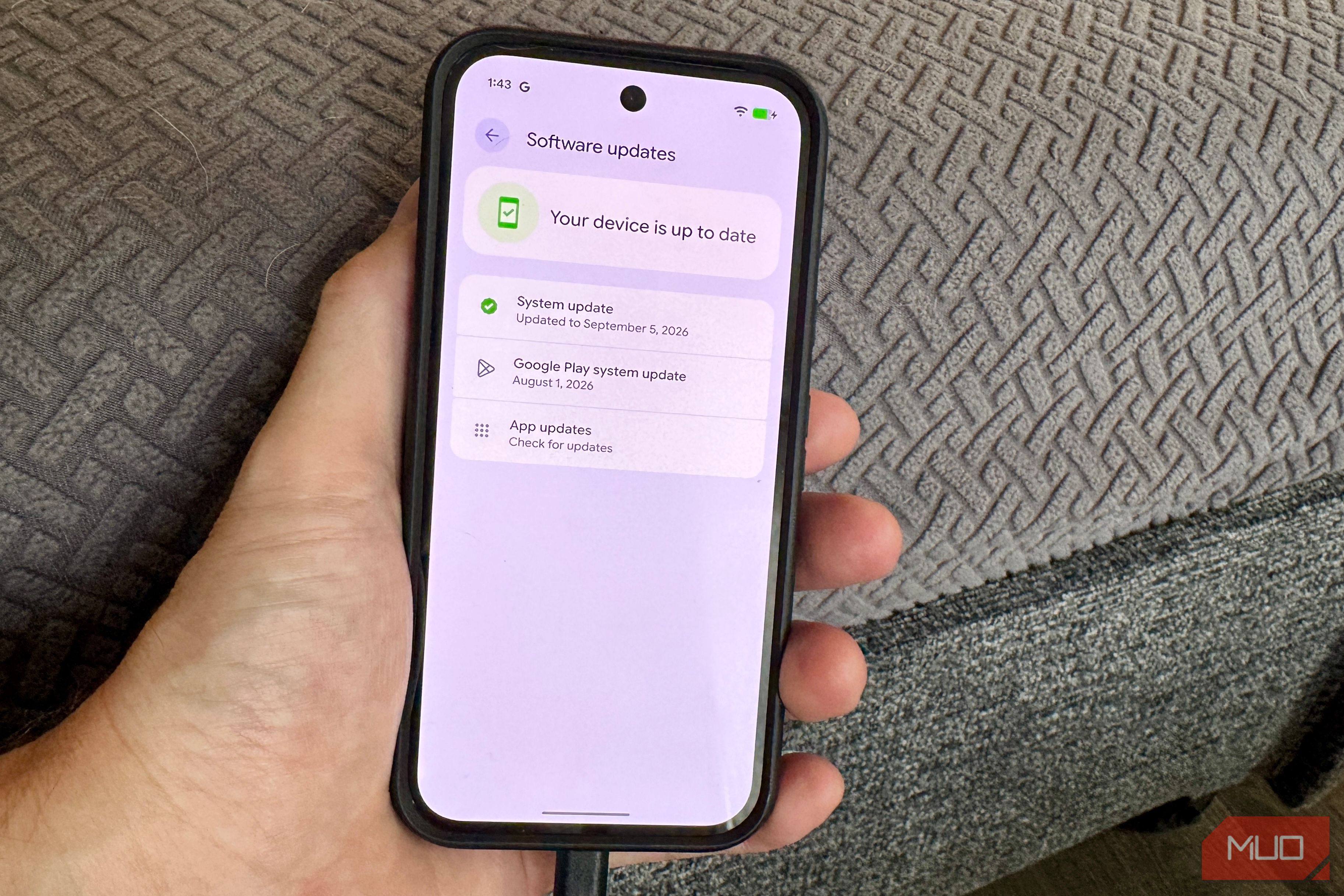
I install every Pixel update as soon as I can, and most months I have to go hunting for what changed. September was different: three of the four changes showed up in places I use daily. Google’s September update started rolling out on September 15 to every Pixel from the Pixel 6 to the Pixel 10 series, along with the Fold and Tablet. Alongside 20 bug fixes, the September Pixel Drop adds a keyboard that flags scams while you reply, a short delay for apps you often open, a more useful contacts widget, and a themed makeover pack. Here’s what each one does and where to find it. Your keyboard now warns you about scams while you’re typing a reply The warning shows up before you hit send The most noticeable addition to this drop detects suspicious activity in real time and provides a final warning before you hit send. When you start typing a reply to a sketchy message, a small “Likely scam” warning notice pops up directly above your keys, and Google says it works across your favorite messaging platforms. If you’re worried about privacy, the main question is whether your keyboard is reading your private messages. The short answer is no. Google processes all the underlying message analysis completely on-device and in real time, making it one of several Pixel AI features that run completely on your phone. Your conversation data is never sent off to remote servers or cloud AI models, keeping your texts private. This feature is currently limited to the US on the Pixel 6 and newer devices, running in select languages. While tailored for Gboard, Google’s footnotes confirm it also works on other third-party keyboards that support Keyboard Suggestions. Google’s Scam Detection already covers incoming phone calls, Google Messages, and incoming chat notifications. Moving the detection layer down onto the keyboard creates a last-second safety net right before you send personal information, wire money, or tap a dangerous link. The Gboard scam detection warning won’t trigger for you in WhatsApp if WhatsApp message notifications are disabled or hidden, because the on-device AI relies directly on reading the text of the incoming drop-down notification to flag suspicious context before you type. Pause Point puts a speed bump in front of your doomscrolling A beat to decide if you really want to open it Pause Point adds a pause before you open a distracting app of your choice, giving you a moment to decide whether you really want to continue. The feature originally debuted on the Pixel 11, but it’s now rolling out to every device down to the Pixel 6. Google describes the tool as adding mindfulness prompts to limit screen time, offering a softer alternative to rigid App Timers that completely lock you out once you hit a daily limit. Instead of forcing a hard shutdown, it acts more like a gentle check-in. To set it up, head to Settings > Digital Wellbeing > Ways to disconnect > Pause Point, where you can select specific apps and choose your preferred prompt styles. If you’re checking Google’s official documentation, keep in mind that the Pixel Help pages haven’t fully caught up with this update yet and may still list the feature as a Pixel 11 exclusive. It’s fair to assume you’ll just end up tapping right past the prompt out of habit. That’s a valid critique, but the intentional friction is the whole point. Because it’s far less aggressive than a hard app lock, you’re much less likely to get frustrated and turn the setting off entirely. If Pause Point doesn’t appear under Settings > Digital Wellbeing yet (like mine), don’t worry—Google rolls out feature drops in server-side batches, so it may take a few extra days to activate on your device even with the latest updates installed. The Pixel VIPs widget finally lets you call or text in one tap Fewer taps to reach the people you talk to most With the updated widget designs, you can send a call or text to your top contacts with a single tap straight from your home screen. The refresh also adds notification badges for unread messages directly on contact icons, alongside a new floating menu at the bottom that makes switching between your favorite contacts quick and seamless. It’s an easy addition to a minimalist Android home screen setup that reduces extra steps to make a call or text. Setting it up takes just a few steps. Head to Contacts > Organize > Pixel VIPs to select up to 16 people. Once your list is set, long-press your home screen, navigate to Widgets > Contacts, and select the VIP layout. The widget is available across all supported devices, from the Pixel 6 up through the latest models, including the Pixel Fold. Harry Potter packs can re-theme your Pixel in one tap A time-limited makeover The Harry Potter Audiobook Packs mark the release of Harry Potter: The Full-Cast Audio Editions on Audible. A single tap swaps out your wallpaper, custom system icons, and audio notifications to match the theme. The packs are available until December 31, 2026, on Pixel 6 and newer devices. Eligible users can also grab a free two-month Audible trial in the US, Canada, UK, France, Germany, Italy, Spain, India, Japan, and Australia. To browse similar customization options, check out our favorite ways to personalize your Android phone. Sure, this is essentially an in-system ad for an Audible release. Still, it functions as a completely free, temporary one-tap theming feature, so if you want to try it out, make sure you grab it before the end-of-year deadline.