Summary
Google is launching a new early experiment with Gemini Intelligence that aims to revolutionize how users manage routine phone calls on the Pixel 11. Building on the success of features such as Hold for Me and Direct My Call, which have already helped users avoid having to wait on hold or work through complicated automated menus, the most recent update allows Gemini to take on even more of the phone-calling burden.
Let Gemini handle routine business calls on Pixel
This is way more complicated and error-prone than just picking up the phone
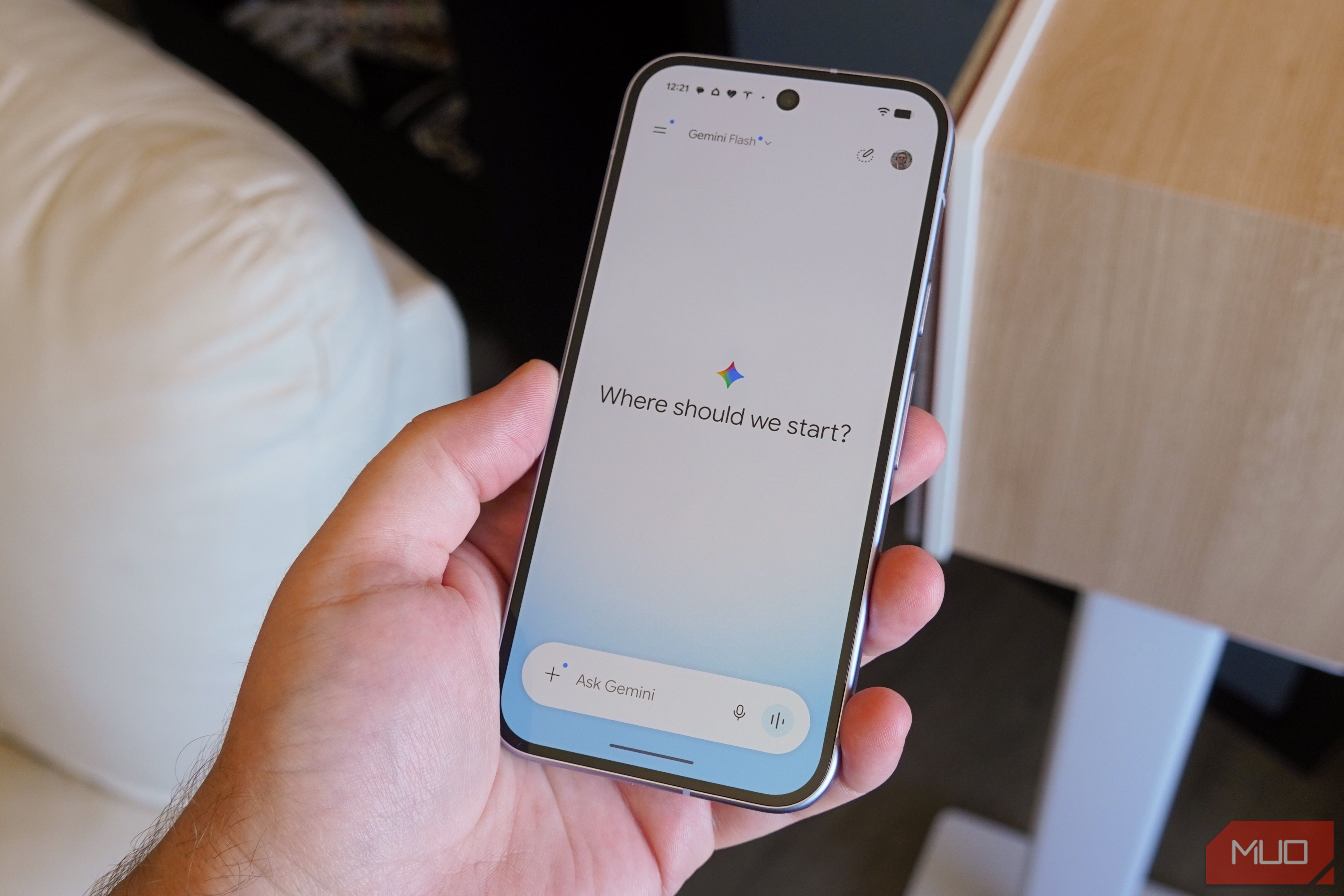
Using the new feature, Pixel users are able to tell Gemini to call businesses on their behalf via the Gemini app on their Pixel 11 device. Gemini will first introduce itself, then proceed through the automated phone menus, wait while on hold, and even carry out the conversation with the business staff. The users stay in full control of the process, having access to a live transcript and the possibility of taking over the call at any time.
For instance, when a user opens the Gemini app, picks the business they want to contact, and selects the reason for the call, Gemini will make the call, tell the business that it is acting on the user’s behalf, and interact with the business’s automated system or staff as required. During the call, the user can track a real-time transcript, get status messages such as “waiting on hold” or “speaking to a representative,” and take over the conversation at any time by tapping. This step-by-step process keeps users informed and in control right from the beginning to the end.
If this sounds like it’s just making more work for a simple phone call, you wouldn’t be the only one to think that. It seems, to me, like monitoring the call and having the mental load of worrying about whether your request has worked is a lot more anxiety-inducing than picking up the phone, as someone who is also afraid of phone calls.
Google states that the system is intended to respect both customers’ and businesses’ time. It remains to be seen whether that will work in the real world with extended tests.
 Google Pixel 11
- Brand
- SoC
- Google Tensor G6
- Display
- 6.3-inch Actua display
- RAM
- 12GB The early preview is now accessible to Gemini paid subscribers who have signed up for the Phone by Google Public Beta on Pixel 11 devices in the United States. To take part in the beta and use the new Gemini phone call feature, users should go to the Phone by Google app page in the Google Play Store and choose to join the Public Beta program. When you’ve enrolled, make sure that you have an active Gemini Advanced subscription and that the most recent version of the Gemini app is installed on your Pixel 11. After the setup is complete, open the Gemini app to start using the feature. For more details regarding use cases, privacy, and enrollment, please see the Google Help Center.