Summary
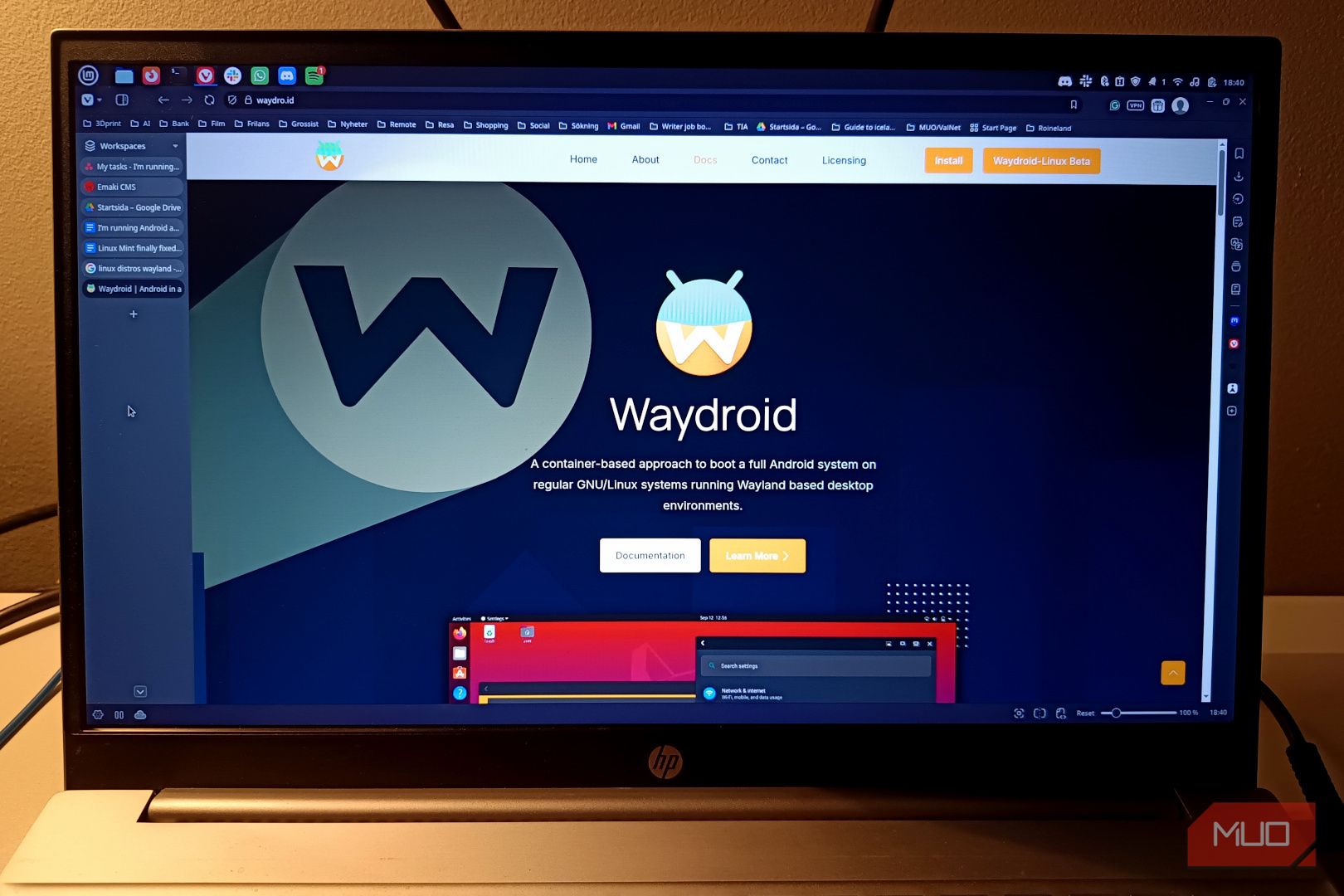
If, for some reason, you need to use Android apps on Linux (in the case of certain Android-exclusive apps or games), you’ll quickly find out that it’s not an easy process. Simply put, there is no specific Android “emulator” that works in the same vein as something like Bluestacks. That being said, there is a workaround, created thanks to the awesome folks at the Waydroid project (or if you want to get a bit more creative, host Linux on an Android device). Now, Waydroid isn’t a particularly new program, but it has made some tremendous progress in the past few months alone, and is still your only realistic option. Here’s how I got it up and running. Installing Waydroid Nvidia GPUs remain a hassle If you’re on Arch Linux, installing Waydroid is pretty straightforward. All you need to do is install the corresponding package from the AUR (yay or paru -S waydroid), and some minor configuration later, you should be good to go. This only applies if you have an Intel or AMD GPU though (also applicable for integrated graphics). Intel graphics seem to have the best support for Waydroid at present and “just works”. AMD works mostly fine, although you might need to build a custom image that supports some of the newer GPUs. As for Nvidia, it’s a mixed bag. Historically, Nvidia GPUs have never exactly worked under Waydroid or Linux that well, but things have changed now. There’s an experimental Nvidia-specific version of Waydroid that promises full hardware support, even if it is still very much a work in progress. It’s either that or software emulation, which isn’t recommended given how slow it can be. Another hard requirement for Waydroid is a Wayland session — it will not work in Xorg. You’ll also want a Linux kernel with binder support. I’d recommend picking the Zen kernel, since it’s part of the Arch repositories already and doesn’t need to be compiled. You can still run Waydroid in Xorg using a nested Wayland session like Cage or Weston. Once installed, Waydroid can be brought up using your application launcher, which then boots into a custom LineageOS (based on Android 13) image. So what exactly is Waydroid? It’s not emulation Waydroid uses the Linux namespaces (also known as LXC) containers to run a full Android system alongside your current Linux installation. This is not emulation, and Waydroid’s approach is interesting, to say the least. Android uses the Linux kernel, and this is what makes it possible. As a direct consequence of containerization, the Waydroid install shares the same kernel as the Linux host, as well as its memory and GPU(s). As you can imagine, this practically removes all overhead (which you’d otherwise see in emulation), and the end result is a very performant Android container. And Waydroid is very performant. It runs on practically any Intel or AMD GPU, and isn’t demanding in the slightest. Running a very demanding 3D game is not an issue either, for moderately powerful integrated graphics. Still, there’s some work involved, and the end result has a few drawbacks. For starters, this is a container, and has access to (parts) of your system. It is in no way isolated, which might be a concern for some. The other major issue with this approach is the fact that some things like Google Play Services and various safety attestation protocols just don’t work out of the box since the Android install expects a standard Play Store license and other phone components (like an ARM system). There are community-driven scripts, but it’s just another additional step in the whole process. Not to mention the fact that there is no way to “spoof” that this is a real phone, which is something an emulator might be able to do better. The end result is a very performant, near-native LineageOS Android subsystem that still has its uses. Community scripts take things to a whole new level The stock Waydroid image by itself is very barebones. It just includes a few stock apps, and the Google Play Store — assuming you chose the GAPPS image during the initialization. All you need to do now is log into the Play Store and start downloading games. And here is where you’ll hit your very first wall: trying to run ARM-based apps on an x86 device. Most games will outright refuse to work, crashing on launch. Thankfully, there is a very useful helper script (waydroid-script-git from the AUR) that fixes this, and does even a bit more. Running the script installs either libndk (AMD) or libhoudini (Intel) as the ARM to x86 translation layer, letting you play your games. The script can also be used to root your Waydroid install, by adding in Magisk. And there’s also a Widevine enabler with MicroG as a Gapps alternative, which is much appreciated. It’s quite the opposite of Valve’s own fork, Lepton. While Lepton also runs Android in a container, it is a specialized layer that works for a specific device — the Steam Frame. It’s essentially used to run x86 games on ARM devices, using a combination of Lepton + FEX + Proton. As it stands, Waydroid is still a fantastic way to get Android apps running “natively” on Linux.