Summary
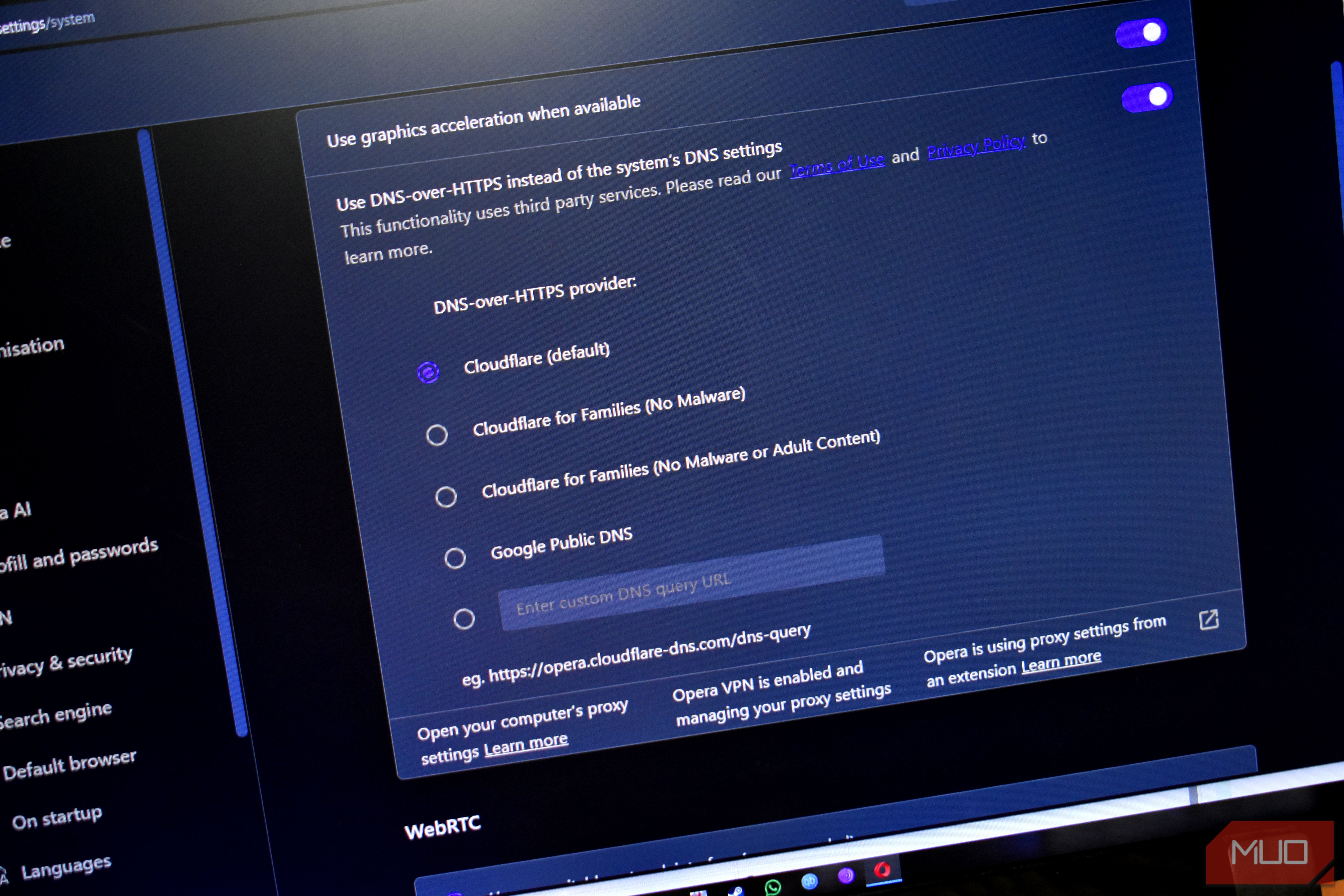
The big issue with online privacy is that it’s constantly evolving, and the big tech companies will always find new ways to get into your data. You can fix — or at least, try to fix — many of the problems from home: toggling encrypted DNS for your whole home, forcing HTTPS everywhere, locking down your browser configuration or using a privacy-focused browser, and so on, to boost your privacy above and beyond most folks. But even with all those toggles, switches, and privacy apps, one gap can still undermine it all: your ISP. What your ISP actually sees It’s difficult to escape its gaze Every connection you make online is routed through your ISP at some point. It’s what keeps you connected to the internet, and yes, your carrier technically counts as an ISP, so they’re included here, too. For all of the privacy toggles and apps, there are still several bits of data your ISP will still see. For example, you may use an encrypted DNS provider like Quad9 or Cloudflare, but the connection process can still expose the Server Name Indication (SNI), and your IP address and the target address can still be exposed in the raw communication between your device and the website, app, or service. If you’re using unencrypted DNS, the whole lookup is sent in plaintext, which means your ISP can see everything you search for and connect to. Similarly, the TLS handshake can also reveal information about you to your ISP. Even on a fully encrypted connection, the first message your device sends names the site you’re after (the SNI again), and it typically travels in plaintext so the server knows the correct security certificate to apply. The solution to this, Encrypted Client Hello, is already in your browser, but I’ll talk about this in more detail in a moment. Finally, the destination IP. When you use the internet in almost any form, you’re connecting to remote servers to access the information held on them, and that means you’re constantly asking to connect to a specific destination IP. Unfortunately, even with encrypted DNS, website fingerprinting is still possible, especially within the ISP’s own IP block. As found in the 2023 paper Lightweight and Effective Website Fingerprinting over Encrypted DNS, “encrypted DoH [DNS over HTTPS] traffic could be exploited to identify websites that a user has visited … Our model and algorithm can accurately predict one out of 10,000 websites with a 95% accuracy using the first 50 DoH packets. In the open-world environment with 100,000 websites, our model achieves an F1-score of 93%.” That said, shared IP addresses mean the site or service is sometimes hidden behind a single IP address pool, but your ISP can still determine your destination IP most of the time. The privacy and security settings you need to keep toggled It’s not that it’s not worth doing You should still keep all of your privacy toggles and settings switched on, mind. Just because they’re not perfect doesn’t mean they’re not worth using. If we constantly strived for perfection, nothing would ever get done. Encrypted DNS That means switching on encrypted DNS system-wide is well worth doing, because it removes at least some of the data revealed to your ISP during the lookup and resolution process. You can change your DNS settings and toggle encrypted DNS on all major operating systems, and it only takes a minute or two. You could also consider installing a custom DNS server to protect your entire network, or consider switching your ISP’s DNS settings directly on your router. Encrypted Client Hello Encrypted Client Hello also helps to close some of that gap, too. While HTTPS is often pointed to as a privacy feature, and it undoubtedly has improved online privacy and security, it’s not without issues. One of the core parts of internet communication is the TLS handshake, which establishes the encrypted link between your device and the server. But as part of that process, the Client Hello message includes the site’s hostname in a part of the process called the Server Name Indication (SNI) field. That field has always traveled as plaintext, meaning that even in the era of HTTPS, it’s data that your ISP can see. Now, it’s useful data for the website server, as it’s how it identifies the certificate to return to your device before encryption starts. It’s precisely this little gap in protection that Encrypted Client Hello protects, starting with the publication of RFC 9849 in March 2026. Basically, ECH builds a second version of the handshake message and almost uses it like a decoy. One encrypted message holds the real information, such as the hostname, while the other is sent in the clear with a generic placeholder name instead. The server unlocks the real version once it arrives and carries on as normal, but your ISP only ever sees the decoy. ECH is now implemented in most browsers, and there isn’t a toggle you can flip to turn it on, but it’s useful knowing that it’s now being rolled out almost everywhere to boost your privacy. HTTPS-Only modes Despite the gap just illustrated in HTTPS, it’s absolutely worth keeping switched on, and even to go as far as to force every site to use it. The feature has different names, depending on your browser, but the general idea is the same: every connection will use HTTPS where possible, and risky sites and connections will be blocked and rejected. Enabling your browser’s HTTPS-only mode is one of the fastest ways to boost your privacy. The real solution is to use a VPN for everything There is always going to be some data leakage to your ISP, almost no matter what you do. That’s why, if you really want to stop your ISP and other third parties from viewing what you’re up to online, a VPN is a core part of the process. When you use a VPN, your DNS, SNI, destination IP, and pretty much everything else is scooped up and routed through the VPN’s encrypted tunnel, giving you a massive privacy boost and obscuring your online activities from your ISP. Now, your ISP can still see some information. It knows that you’re using a VPN, the amount of data you’re sending and receiving, and your real IP address.