Summary
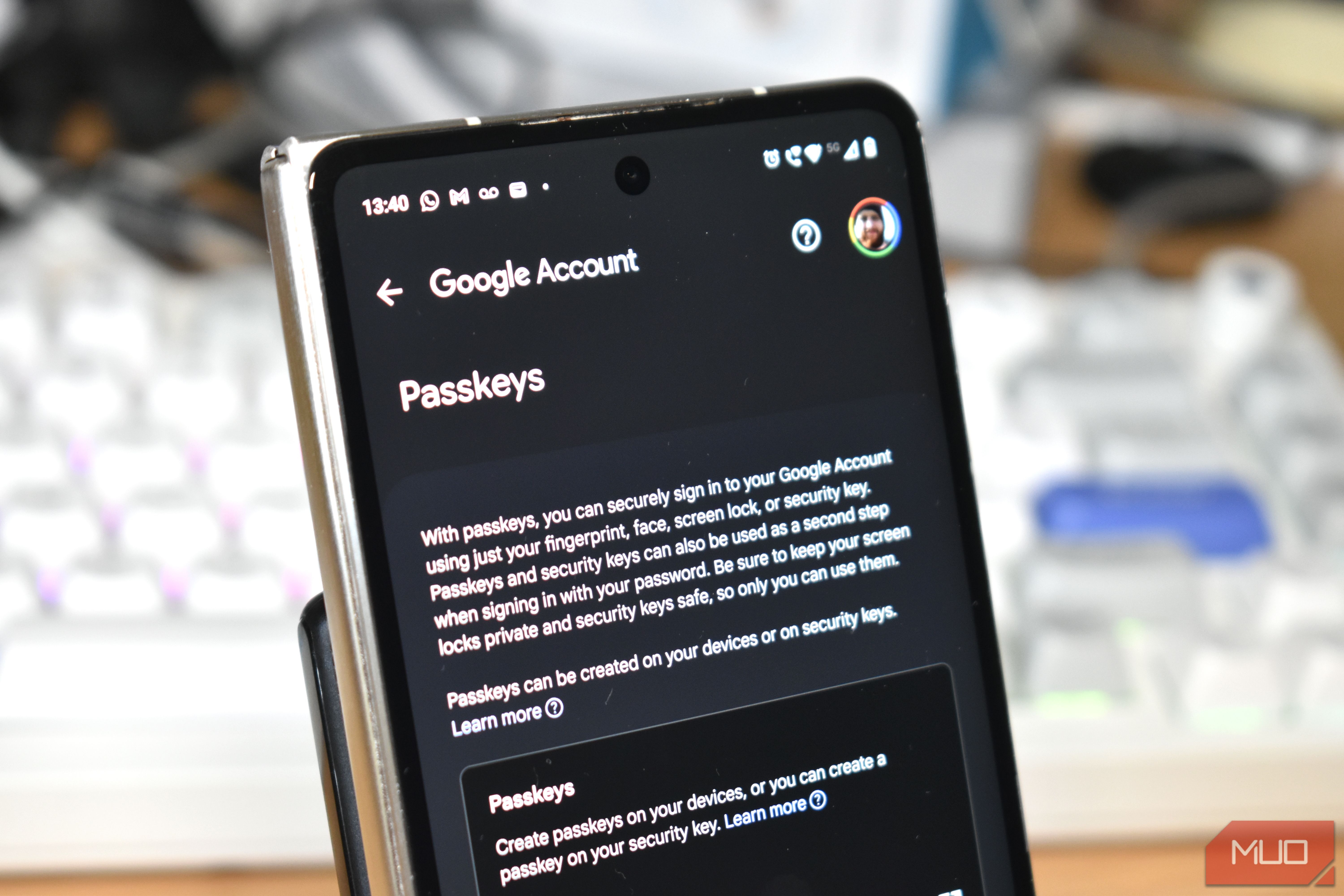
The tech industry would very much like passwords to disappear. Google, Apple, Microsoft, and a growing number of websites now steer people toward passkeys as the cleaner, safer way to sign in, and the security case is strong. Passkeys resist phishing, don’t leave attackers with a reusable secret if a site’s credential database is breached, and spare you from inventing yet another remix of the same password you’ve carried around since college. I’m happy to use them, but adding a passkey and getting rid of your password are two different decisions. One gives you a stronger way into the account, while the other removes a fallback you may still need when your usual devices aren’t around. Before I make that second move, I want to know exactly what’s waiting on the other side if I ever get locked out. Passkeys fix most of what makes passwords terrible The password had a good run, sort of A password is a shared secret. You know it, the website stores enough information to verify it, and every login asks you to prove you know it again. That setup has given phishing kits, credential stuffing, password reuse, and database leaks plenty of opportunities to cause trouble. Passkeys work differently by using public-key cryptography. The website stores a public key, while the matching private key stays under your device’s or credential manager’s control. When you sign in, your device signs a cryptographic challenge and proves it has the right credential without ever handing the private key to the website. That also shuts down one of phishing’s favorite tricks. A fake login page can’t simply convince you to type your passkey into the wrong site because the credential is tied to the legitimate domain. Synced passkeys can also travel with you across devices through services such as iCloud Keychain, Google Password Manager, and third-party password managers. The credential provider protects the underlying key material, so it isn’t sitting around as a readable secret in some cloud folder waiting to be copied. That’s why losing a phone by itself usually isn’t the disaster people picture. If my passkeys are syncing properly, I can replace the phone, regain access to the service managing those credentials, and restore them. The uglier scenario begins when you lose access to both the device and the service you’d normally rely on to recover those credentials. Recovery gets complicated when everything depends on the same account Your backup plan needs a backup plan Going passwordless puts more responsibility on whatever system holds your passkeys. For many people, that means their Apple Account, Google Account, Microsoft account, or password manager becomes one of the most important parts of their entire authentication setup. If a password manager is going to carry that much responsibility, its security settings deserve a closer look too. Apple, for example, can sync passkeys through iCloud Keychain and offers several account recovery options. Google supports recovery information, backup codes, other signed-in devices, security keys, and additional passkeys. Microsoft’s passwordless accounts can rely on Windows Hello, Authenticator, security keys, email codes, and other verification methods. That gives you plenty of fallback options if you’ve set them up in advance. The trouble starts when several of those supposedly separate recovery paths depend on the same device. Imagine your passkeys are stored on your phone, verification texts go to the SIM inside that phone, and your recovery email is easiest to reach from the same device. Technically, you may have several recovery methods configured, yet one stolen device can wipe out most of your access in a single shot. Two recovery methods don’t give you much redundancy if losing one device takes both with it. Device-bound passkeys make that especially easy to see. A passkey stored only on a particular laptop or hardware security key won’t reappear elsewhere after that hardware is lost or wiped. Account recovery can still work if you registered another credential beforehand or the service offers another way to prove who you are. The service itself also decides how account recovery works. Passkey standards handle authentication, while Amazon, PayPal, your bank, your email provider, and every other service can set their own rules for what happens after you’ve lost every usable credential. That’s the recovery page I want to read before clicking remove password, not after I’m already locked out. I won’t delete a password until I’ve replaced what it was doing Before you burn the bridge, you should check the lifeboats The easiest way to plan for a passwordless account is to assume that one of your devices will eventually fail at the worst possible moment. Phones get stolen, laptops get wiped, and hardware security keys have an uncanny ability to vanish into whichever drawer you were absolutely sure you’d remember later. For any account you really care about, you want at least one recovery path that survives that kind of failure. That might mean registering passkeys on multiple devices you control, keeping a spare hardware security key somewhere safe, storing recovery codes offline, or maintaining a recovery email account you can still reach independently. The exact mix will vary by service, but you want those options spread out enough that one lost device doesn’t take the whole recovery chain with it. You should also check how portable your passkeys are before committing too heavily to one credential manager. Portability has improved a lot, and you can now move passkeys between password managers as Apple, Google, password-manager developers, and FIDO’s credential-exchange work start breaking down some of the old ecosystem barriers. Support still varies between platforms and password managers, so verify what your setup can actually export and import instead of assuming migration will be painless later. Keeping the password around for a while can also make sense during the transition. A long, unique password stored in a password manager gives you another way back into the account while you set up and test the alternatives. You shouldn’t keep it forever as a pure emergency fallback, though. An active password is still a credential an attacker can phish, steal, or use to get into the account. Once you have several independent passkeys and recovery methods you trust, removing the password can close off that weaker login route without leaving you dependent on a single device. Passwordless shouldn’t mean recovery-less Going fully passwordless comes down to what you’ll rely on when your usual login setup isn’t available. If you already know how you’d recover the account without that password, removing it makes sense. If you don’t, there’s nothing wrong with leaving a long, unique password in your vault until the rest of your recovery setup is ready.