Summary
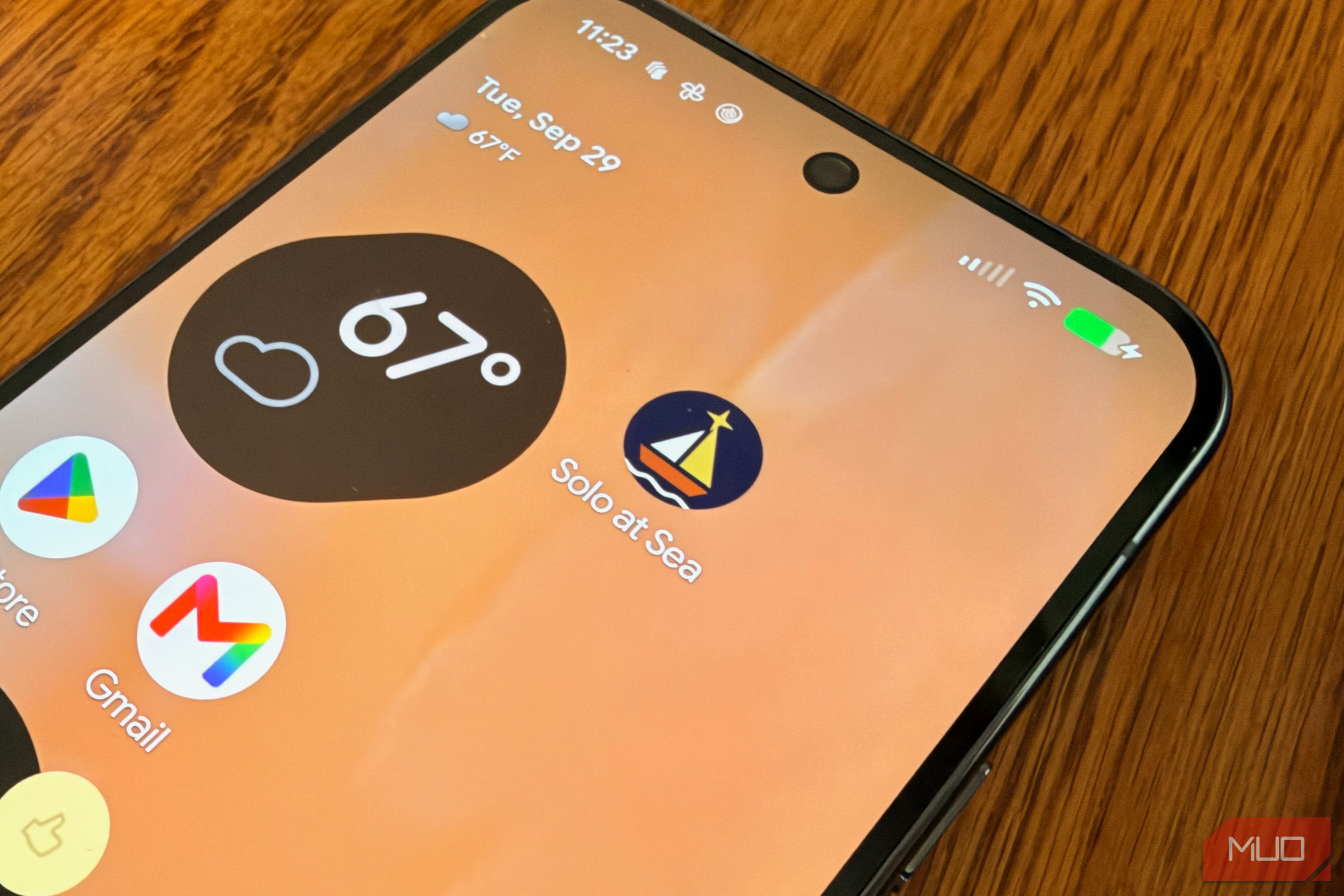
For several months, I’ve run a travel blogging site, GoingSolo.Life. The site matches solo travelers with city itineraries. I recently started working on an app for the site for both Android and iOS. For the former, I decided to use AI to get the job done since I wasn’t interested in learning Kotlin. So I set up a test. I wrote one prompt describing the Android app I envisioned, pasted it into Claude Code, OpenAI’s mostly good Codex, and Google’s Antigravity, and told each one to build the app and install it on my Google Pixel with no help from me. My guess going in was that at least one would stall on a build error and need rescuing. All three finished the job. The apps they produced are close to interchangeable, and what separated the tools was how long each took and how often it stopped to ask me something. The app I asked them to build Travel the world, one tap at a time One big part of GoingSolo.Life is a cruise hub where you can locate sailing directories, cruise finders, and Facebook community listings for 11 cruise lines. I used that page as the blueprint. The app, which I called Solo at Sea, covers three of those lines: Royal Caribbean, Celebrity, and Viking. Each line gets a Sailings tab with filterable cards and a Communities tab listing Facebook groups. Tapping a card opens the cruise line’s website or a Facebook search in the browser. The prompt spelled out the rest. It asked for Kotlin with Jetpack Compose, bundled sample data instead of live scraping, and the site’s navy, gold, rust, and cream color scheme. It also set a clear finish line: build the app, install it over USB, and launch it on my Google Pixel 9 Pro XL and the latest version of Android 17. My rules were simple. Every tool got the same prompt, word for word. I could approve permission requests, but I couldn’t write code, paste in error messages, or send follow-up instructions. Claude Code I ran Claude Code on my Claude Pro subscription with Anthropic’s Opus 5.5 model. It finished in just under nine minutes, the fastest of the three. What surprised me was how rarely it needed me. Claude Code asked for permission about three times during the build, and each request was a simple yes-or-no about file and folder permissions. The rest of the time, I just watched it work. It was also the only one that left the last step to me. When Claude Code reported the app was installed, nothing had opened on my phone, so I found Solo at Sea in the app drawer myself. After that, everything checked out. All three cruise lines showed up on the home screen, both tabs loaded, the filters narrowed the list, and every card I tapped opened the browser. Codex For Codex, I used my ChatGPT Plus account with GPT-6 -Astgra. The build took just over 14 minutes. Codex asked for permission roughly 10 times. That’s part of how Codex works. It runs commands inside a sandbox and asks before stepping outside it, and building an Android app means stepping outside a lot, whether to download build tools or talk to a phone over USB. When it finished, Solo at Sea was already open on my phone. It passed every check the Claude Code version did. Antigravity Antigravity is a full code editor, not a terminal tool. I ran it on my Gemini Pro subscription with Gemini 3.8 Flash. It took just over 22 minutes, more than twice as long as Claude Code. It also asked for permission about 30 times, and some of that is on me. To keep things even with the other two, I set Antigravity to Request Review, a mode that asks before every terminal command. By default, many of those commands would have run in a sandbox without asking. I also used Gemini’s Flash model, a lighter and faster tier than Claude’s Opus 5.5. Even so, the app opened on my phone automatically and worked just like the other two. So which one should you use? Put the three apps side by side, and you’d have a hard time telling who built which. Though the card layouts differed slightly, they all used the same fonts, and the tabs were strikingly similar. Looking back at the prompt, that makes sense. It named the screens, the fields on every card, the colors, and the framework, so the agents had very few decisions left to make on their own. A looser prompt might have produced three very different apps. Judged only by the finished app, none of them wins. Pay for any of the three, and you can describe an Android app in plain English, then watch it open on your phone in less than half an hour. The difference is in getting there. Claude Code finished first and barely needed me, and it’s what I’ll open next time I want to paste a prompt and refill my coffee. Codex took about five minutes longer and asked a handful more questions. Antigravity was slowest by a wide margin and asked for approval the most, though part of that comes from the setting I chose. I’ve written plenty about apps over the years, but I have never built one. This week I built three, each on a lunch break, without writing a single line of Kotlin. Whatever tool you already pay for can do the same for you. In some cases, you can even create the app using a free AI account. Here’s another take on creating an app with AI, this time only with a screenshot.